
Table of contents
sql server hub / ssms alternatives
Best SSMS alternatives in 2026
Choose the SSMS alternative around the work you actually need to do. For supported Microsoft cross-platform SQL development, start with Visual Studio Code and the MSSQL extension. For a free all-round database client, use DBeaver. For a paid SQL IDE, check DataGrip. For full SQL Server administration, SQL Server Management Studio (SSMS) on Windows is still the best option.
Shortlist
Best SSMS alternatives by price and platform
SSMS is still the strongest SQL Server administration tool on Windows. The alternatives below are better when you need macOS or Linux support, a lighter query client, a stronger SQL editor, or one tool for several database engines.
Current SSMS 22 requirements are Windows-based, while Microsoft says Azure Data Studio retired on February 28, 2026. For a Microsoft-supported cross-platform path, start with VS Code and the MSSQL extension.
Technical check last updated on July 5, 2026 against Microsoft Learn and current vendor pages. Treat prices and edition limits as planning notes because vendors change packaging more often than SQL Server changes its admin habits.
| Tool | Free / paid | Windows | macOS | Linux | Best use |
|---|---|---|---|---|---|
| VS Code + MSSQL | Free | Yes | Yes | Yes | Supported Microsoft SQL development path |
| DBeaver | Free + paid | Yes | Yes | Yes | Best free all-rounder |
| DataGrip | Free non-commercial + paid | Yes | Yes | Yes | Best SQL IDE feel |
| DbVisualizer | Free + paid | Yes | Yes | Yes | Mature multi-database client |
| Beekeeper Studio | Free + paid | Yes | Yes | Yes | Clean developer client |
| TablePlus | Free limited + paid | Yes | Yes | Yes | Fast native-feeling client |
| Navicat | Trial + paid | Yes | Yes | Yes | Commercial visual tooling |
| SQLPro Studio | Trial + paid | Yes | Yes | No | Native Mac and iOS workflow |
| dbForge Studio | Free Express + paid | Yes | Compatibility layer | Compatibility layer | SQL Server development tooling |
| HeidiSQL | Free | Yes | Yes | Yes | Lightweight utility client |
Best free SSMS alternatives
- DBeaver Community: Best free all-rounder for mixed database work.
- VS Code with MSSQL extension: Best free supported Microsoft path after Azure Data Studio retirement.
- HeidiSQL: Best lightweight free utility client across the major desktop platforms.
- DbVisualizer Free: Good basic free start if Pro features are not needed; Pro has a 21-day trial.
- Beekeeper Studio Community: Clean free option for simple developer query work in smaller-use cases.
- dbForge Studio Express: Free SQL Server-specific Windows option after the trial period.
Best paid SSMS alternatives
- DataGrip: Best paid SQL IDE for developers.
- dbForge Studio for SQL Server: Best paid Windows SQL Server development suite.
- Navicat: Best polished commercial GUI for visual SQL Server and multi-database work.
- TablePlus: Best paid native-feeling lightweight client.
- SQLPro Studio: Best paid Mac-first SQL Server client.
- DbVisualizer Pro: Best paid mature cross-platform client with support.
Best SSMS alternatives for Windows, macOS, and Linux
Windows
SSMS still belongs in the toolkit. For alternatives, start with VS Code + MSSQL, DBeaver, DataGrip, dbForge Studio, DbVisualizer, Navicat, Beekeeper, TablePlus, SQLPro, or HeidiSQL.
macOS
Start with VS Code + MSSQL, DBeaver, DataGrip, TablePlus, SQLPro Studio, DbVisualizer, Beekeeper Studio, or Navicat. Use SSMS only through a Windows VM when admin depth is required.
Linux
Start with VS Code + MSSQL, DBeaver, DataGrip, DbVisualizer, Beekeeper Studio, Navicat, TablePlus, or HeidiSQL. Treat dbForge as Windows-first unless compatibility tooling is already accepted.
Do not use Azure Data Studio as the 2026 replacement
Microsoft says Azure Data Studio retired on February 28, 2026 and no longer receives updates, security patches, or maintenance. That removes it from the active shortlist.
If you used Azure Data Studio for daily query work, move scripts, database projects, and connections toward Visual Studio Code with the MSSQL extension. If you need full SQL Server administration, keep a Windows machine or VM with SSMS available.
Visual Studio Code with Microsoft MSSQL extension
Visual Studio Code with the Microsoft MSSQL extension is the first alternative to check now that Azure Data Studio is retired. It is not a full SSMS replacement for deep administration, but it is the supported Microsoft path for cross-platform SQL development.
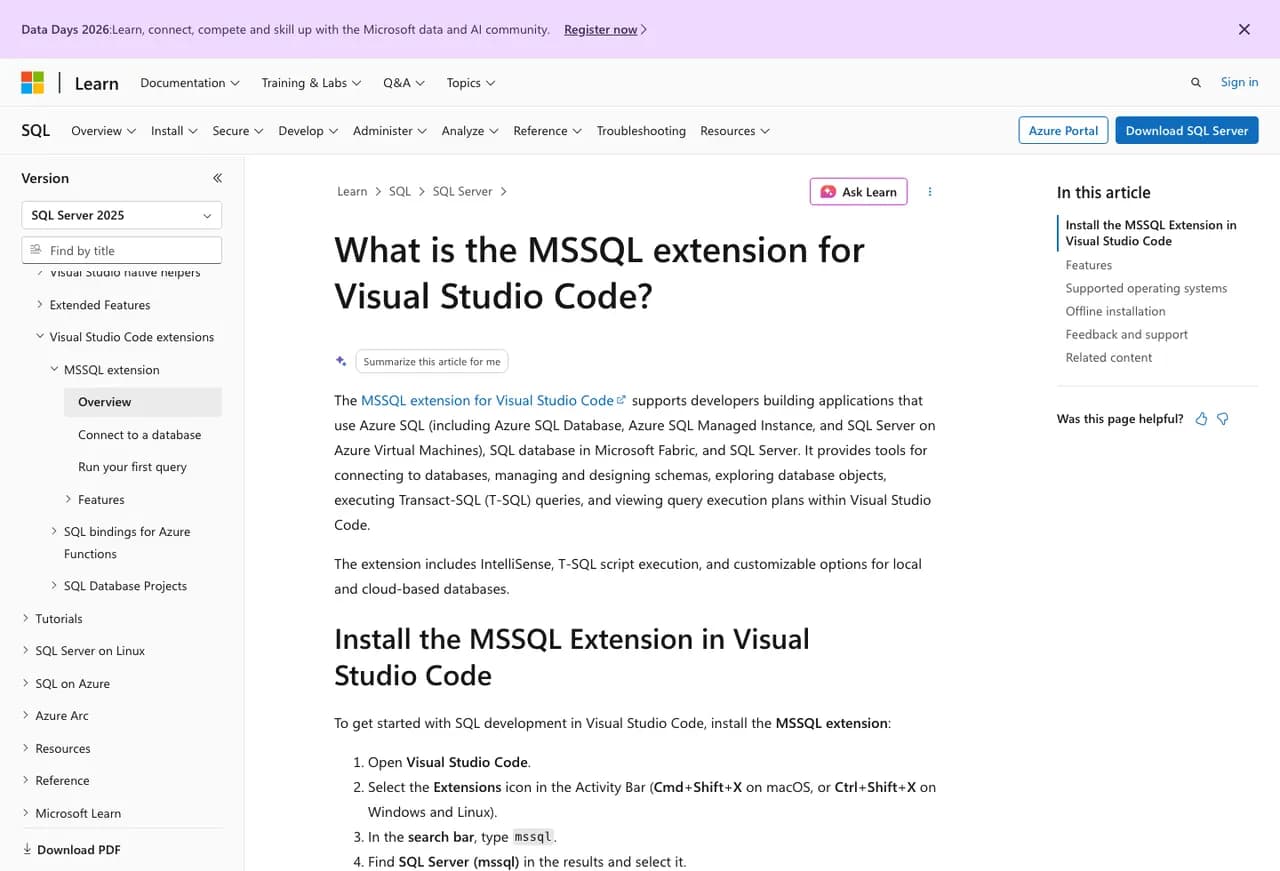
The extension supports SQL Server, Azure SQL, and SQL database in Microsoft Fabric. It gives developers connection management, Object Explorer, T-SQL query execution, result export, execution plans, table design, schema design, schema compare, local SQL Server containers, and inline data editing.
That makes it the cleanest option for developers who already live in VS Code. Source control, terminal work, app code, SQL scripts, and database projects can sit in the same editor. It is also the safest recommendation for former Azure Data Studio users because Microsoft points that migration path directly at VS Code.
The tradeoff is administration depth. SQL Agent, security review, server-level settings, maintenance work, and older DBA workflows still feel better in SSMS on Windows. Use VS Code for development and query work; keep SSMS available when the job is real SQL Server administration.
VS Code MSSQL fit
| Best for | Developers who want a supported Microsoft SQL workflow inside an editor they already use. |
|---|---|
| Free or paid | Free editor and free Microsoft extension. GitHub Copilot features require separate Copilot access. |
| Platforms | Windows, macOS, and Linux through Visual Studio Code. |
| Good fit | Queries, scripts, database projects, schema compare, execution plans, table design, and Azure SQL development. |
| Weak fit | Full DBA administration, SQL Agent-heavy work, broad server management, and people who need the SSMS object dialogs every day. |
| Check first | Authentication method, extension feature parity, database project workflow, execution-plan needs, and whether DBAs still need SSMS for admin work. |
DBeaver Community / DBeaver PRO
DBeaver is the practical all-rounder. It is cross-platform, has a free open-source Community edition, supports SQL Server, and works well when you manage more than one database engine.
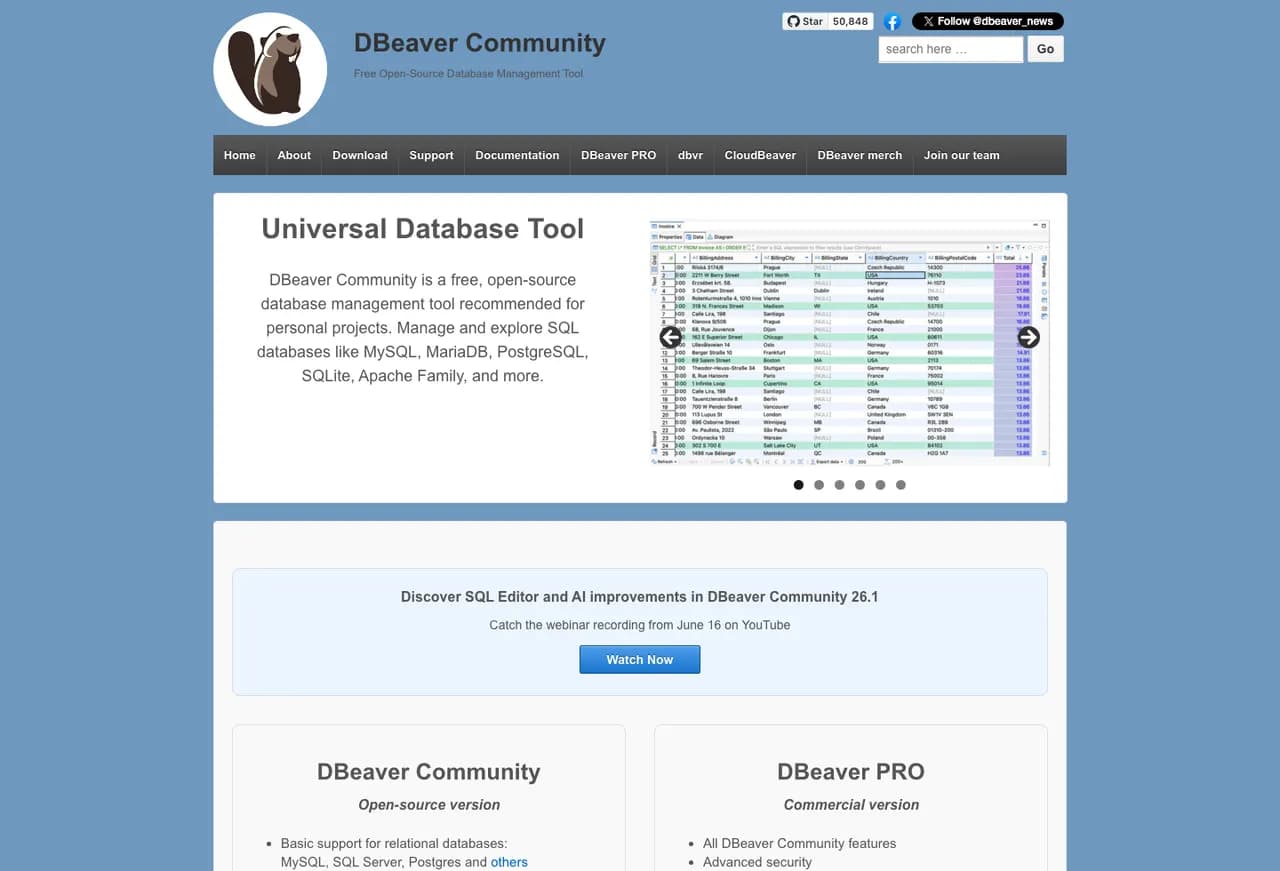
DBeaver Community covers the work most developers expect from a database GUI: connections, SQL editor, data editor, schema browsing, ER diagrams, export, import, and database object navigation. SQL Server support comes through the driver setup, so it works on Windows, macOS, and Linux.
It is strongest when SQL Server is one database among several. A developer who touches SQL Server, PostgreSQL, MySQL, SQLite, Oracle, and cloud databases will usually get more value from DBeaver than from a single-engine tool.
The interface is dense. That is not always bad; it just means a new user may need time to make it comfortable. For serious SQL Server administration, DBeaver still does not replace SSMS. For query work and multi-database development, it earns a high place on the shortlist.
DBeaver fit
| Best for | Cross-platform developers and analysts who need one database client for SQL Server and other engines. |
|---|---|
| Free or paid | Community edition is free and open source. DBeaver PRO editions add commercial features and support. |
| Platforms | Windows, macOS, and Linux. |
| Good fit | SQL editing, schema browsing, data editing, ER diagrams, exports, imports, and mixed database work. |
| Weak fit | Users who want a small native app or SSMS-style SQL Server administration dialogs. |
| Check first | Driver setup, Windows authentication from macOS or Linux, export/import requirements, and which features require a paid edition. |
JetBrains DataGrip
DataGrip is the strongest SQL IDE in this list for people who care about editor quality. It feels like a JetBrains development tool first and a database administration console second.
DataGrip is good at the work developers do all day: writing SQL, navigating objects, refactoring names, reading schemas, using version control, and staying inside a polished editor. It supports SQL Server alongside many other relational and NoSQL databases.
It is a good fit when database work is part of software development rather than server administration. If the same person uses IntelliJ IDEA, Rider, PyCharm, or WebStorm, DataGrip will feel familiar quickly.
The limitation is the same one that applies to most cross-platform SQL clients: it does not become SSMS just because it connects to SQL Server. DBAs still need to check Agent jobs, security, server properties, maintenance, and Microsoft-specific tooling separately.
DataGrip fit
| Best for | Developers who want a serious SQL IDE with strong completion, navigation, refactoring, and multi-database support. |
|---|---|
| Free or paid | Free for non-commercial use, with a 30-day trial and paid commercial licensing. |
| Platforms | Windows, macOS, and Linux. |
| Good fit | SQL development, schema navigation, code-aware editing, refactoring, and teams already using JetBrains tools. |
| Weak fit | SQL Server-only DBAs who need SSMS administration screens more than editor features. |
| Check first | Commercial license needs, Windows authentication, driver setup, and whether schema compare or deployment work needs another tool. |
DbVisualizer
DbVisualizer is a stable multi-database SQL client with a free edition and a paid Pro edition. It is less fashionable than some newer tools, but it has been around long enough to be boring in a useful way.
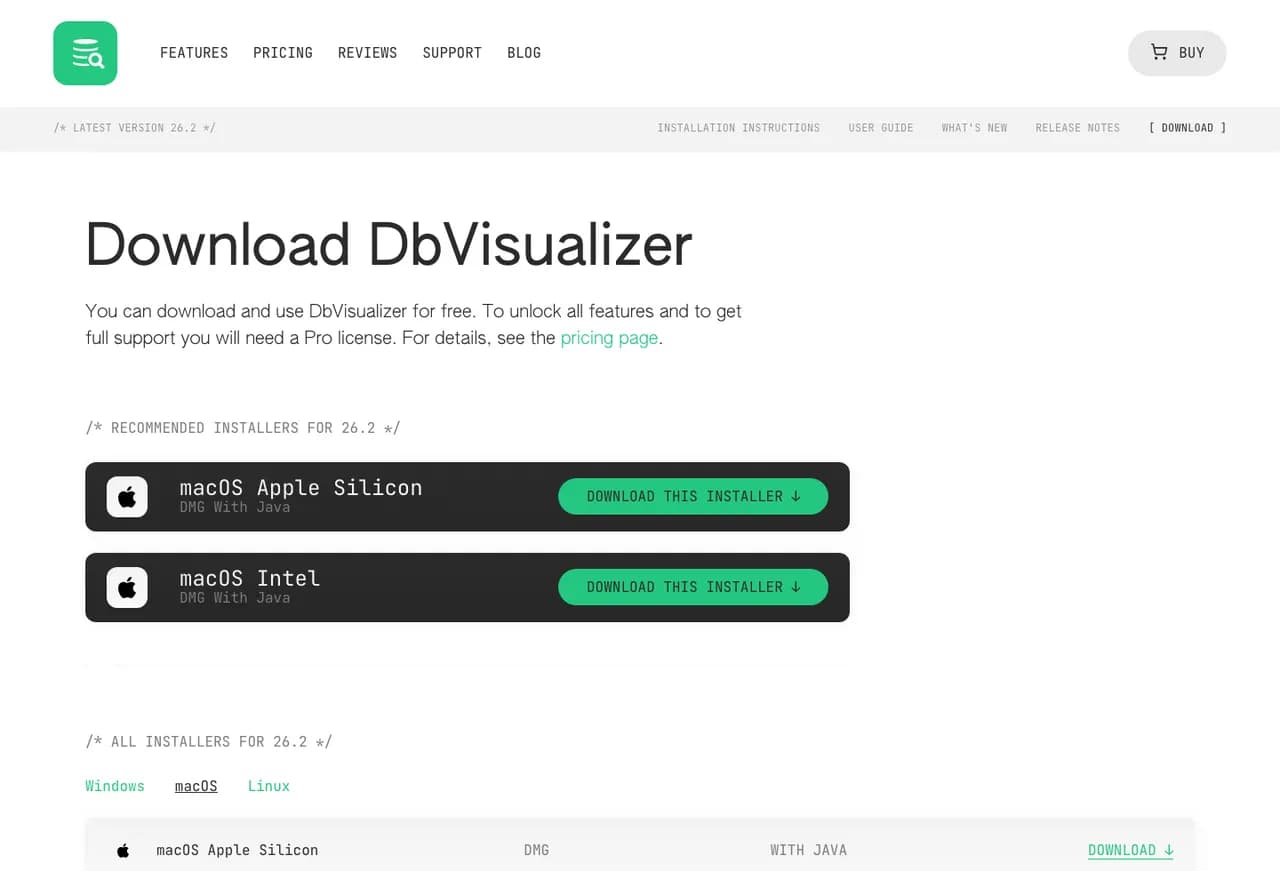
DbVisualizer runs on Windows, macOS, and Linux and connects to SQL Server along with many other databases. The free version can be enough for basic browsing and query work; Pro unlocks the full feature set and support.
It is a good fit for companies that want a mature database client with predictable installer options and a clear paid support path. The Java base is visible in the product shape, but it also helps explain why the same tool works across operating systems.
For SQL Server-only shops, DbVisualizer is usually a developer and analyst tool, not the center of DBA operations. Put it on the shortlist when you need cross-platform database access and a long-lived product more than a native UI.
DbVisualizer fit
| Best for | Developers and analysts who want a mature cross-platform SQL client with a free starting point. |
|---|---|
| Free or paid | Free edition with limited functionality; 21-day Pro trial; Pro license for the full feature set and support. |
| Platforms | Windows, macOS, and Linux. |
| Good fit | Query work, browsing, exports, mixed databases, and environments that prefer established tools. |
| Weak fit | Users who want a lightweight native app or rich SSMS-style administration. |
| Check first | Which required features are Pro-only, Java/runtime packaging, authentication, and SQL Server driver settings. |
Beekeeper Studio
Beekeeper Studio is a modern SQL client for developers who want a cleaner interface than SSMS. It supports SQL Server and other common databases, with a free Community plan and paid editions.
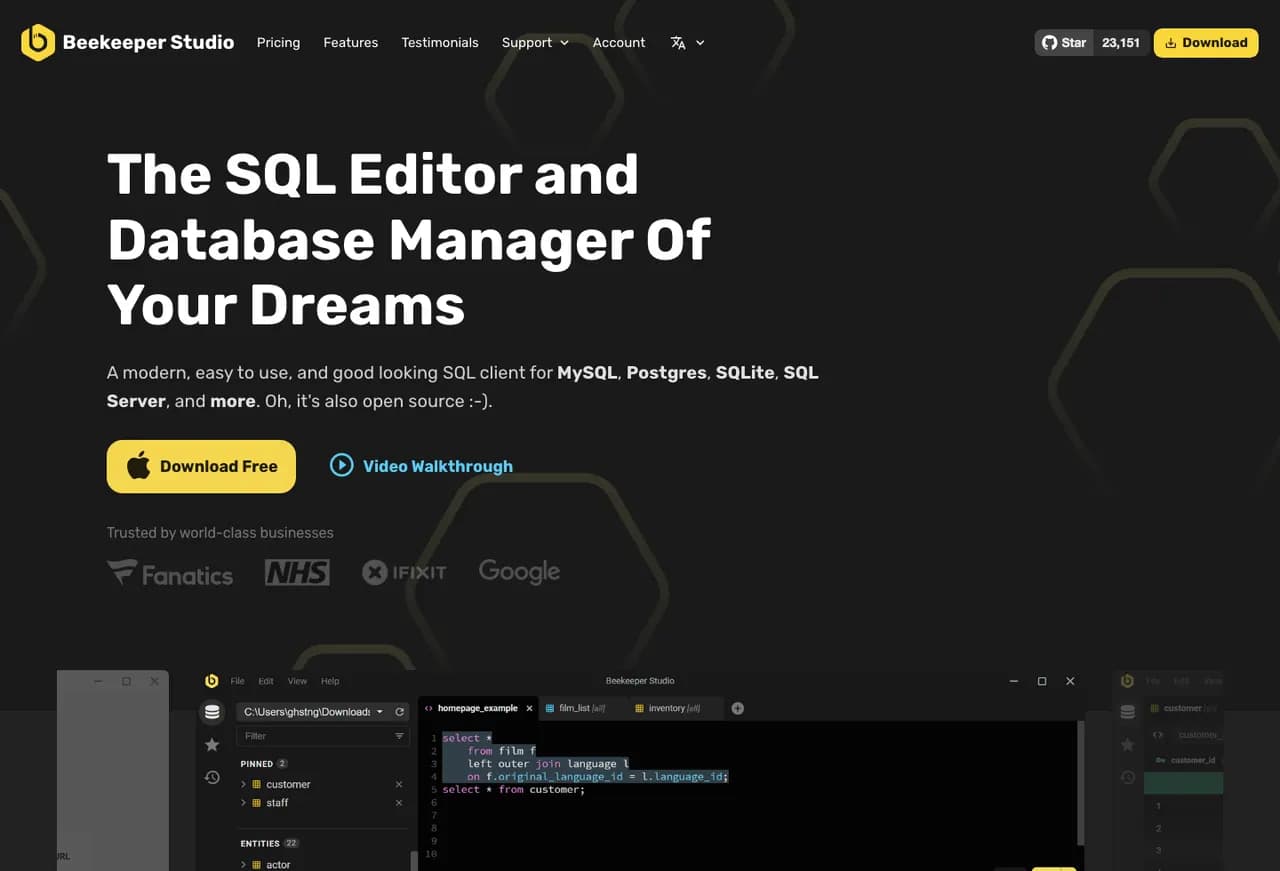
Beekeeper Studio is best understood as a query and data work tool. It is pleasant for writing SQL, browsing tables, editing data, saving queries, and working across common databases without the weight of a full administration console.
That makes it a reasonable SSMS alternative for application developers, especially on macOS or Linux. It is also useful for people who find DBeaver too busy and want something simpler.
The same simplicity is the limit. If the work involves SQL Agent, server configuration, deep performance diagnosis, or complex SQL Server administration, Beekeeper Studio should sit next to SSMS or another admin tool, not replace it.
Beekeeper Studio fit
| Best for | Developers who need a clean SQL Server client for daily query and table work. |
|---|---|
| Free or paid | Community is free but intended for smaller users; paid Indie, Professional, and Business plans add more features, support, devices, and business use. |
| Platforms | Windows, macOS, and Linux. |
| Good fit | SQL editing, table browsing, saved queries, data edits, and simple multi-database work. |
| Weak fit | Traditional SQL Server DBA administration and advanced Microsoft-specific workflows. |
| Check first | Plan limits, import/export needs, supported databases by plan, and whether your SQL Server authentication path works cleanly. |
TablePlus
TablePlus is a native-feeling database client that many Mac users like because it opens quickly and stays out of the way. Its docs list Microsoft SQL Server support, and the download page lists macOS, Windows, Linux, and iOS builds.
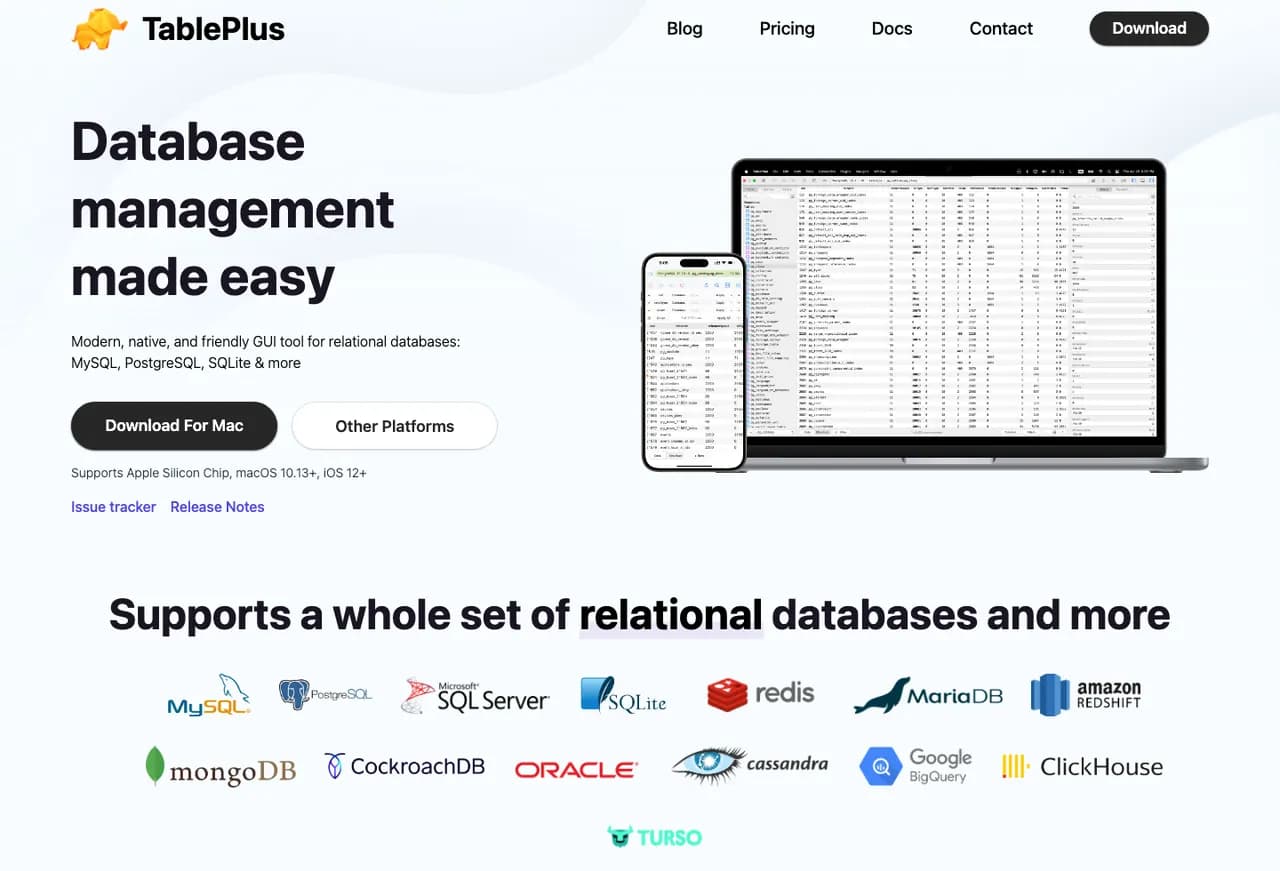
TablePlus is a good option when the main job is connecting, querying, browsing tables, editing rows, and moving between database connections. It supports SQL Server along with common relational databases.
Its biggest advantage is the feel of the app. It is lighter and more direct than tools built around a large IDE model. For Mac users who need SQL Server access without a Windows VM, that matters.
It is not the tool I would pick for a SQL Server DBA who needs the full SSMS surface. It is better for developers, support engineers, and analysts who want a fast client and only occasional SQL Server-specific administration.
TablePlus fit
| Best for | Mac-first developers and analysts who want a fast native client for common database work. |
|---|---|
| Free or paid | Free to use with limits; paid one-time licenses unlock premium features and include one year of updates. |
| Platforms | macOS, Windows, Linux, and iOS. |
| Good fit | Quick query work, table browsing, row editing, connection switching, and lightweight multi-database use. |
| Weak fit | Deep SQL Server administration, broad DBA work, and teams that need feature parity across every operating system. |
| Check first | Free limits, Linux maturity for your use case, SQL Server authentication, and whether paid licensing is per device or seat for your setup. |
Navicat for SQL Server / Navicat Premium
Navicat for SQL Server is a polished commercial option when you want a database GUI with visual tools, SQL Server support, and native builds for Windows, macOS, and Linux.
Navicat comes in single-database and Premium editions. For SQL Server-only use, Navicat for SQL Server is the tighter fit. For mixed estates, Navicat Premium can cover several database systems from one interface.
It belongs on the paid shortlist when the buyer wants a polished GUI, commercial licensing, visual object work, imports, exports, data movement, and enough cross-platform support to avoid tying every user to Windows.
The main caution is cost and role fit. Navicat is a serious paid tool. It makes more sense when people will use its visual features every week than when someone only needs an occasional query window.
Navicat fit
| Best for | Companies that want a commercial SQL Server GUI with visual tooling and cross-platform installers. |
|---|---|
| Free or paid | Paid product with a 14-day fully functional trial for Navicat for SQL Server. |
| Platforms | Windows, macOS, and Linux. |
| Good fit | Visual database work, query editing, imports, exports, and multi-database work through Navicat Premium. |
| Weak fit | Cost-sensitive users who only need a query editor or full SQL Server administration that still belongs in SSMS. |
| Check first | Single-database vs Premium edition, licensing model, Linux package format, and whether its SQL Server features cover your daily work. |
SQLPro Studio / SQLPro for MSSQL
SQLPro Studio is a native database client for macOS, iOS, iPadOS, and Windows. It is especially relevant for Mac users who want SQL Server access without Java, Electron, or a Windows VM.
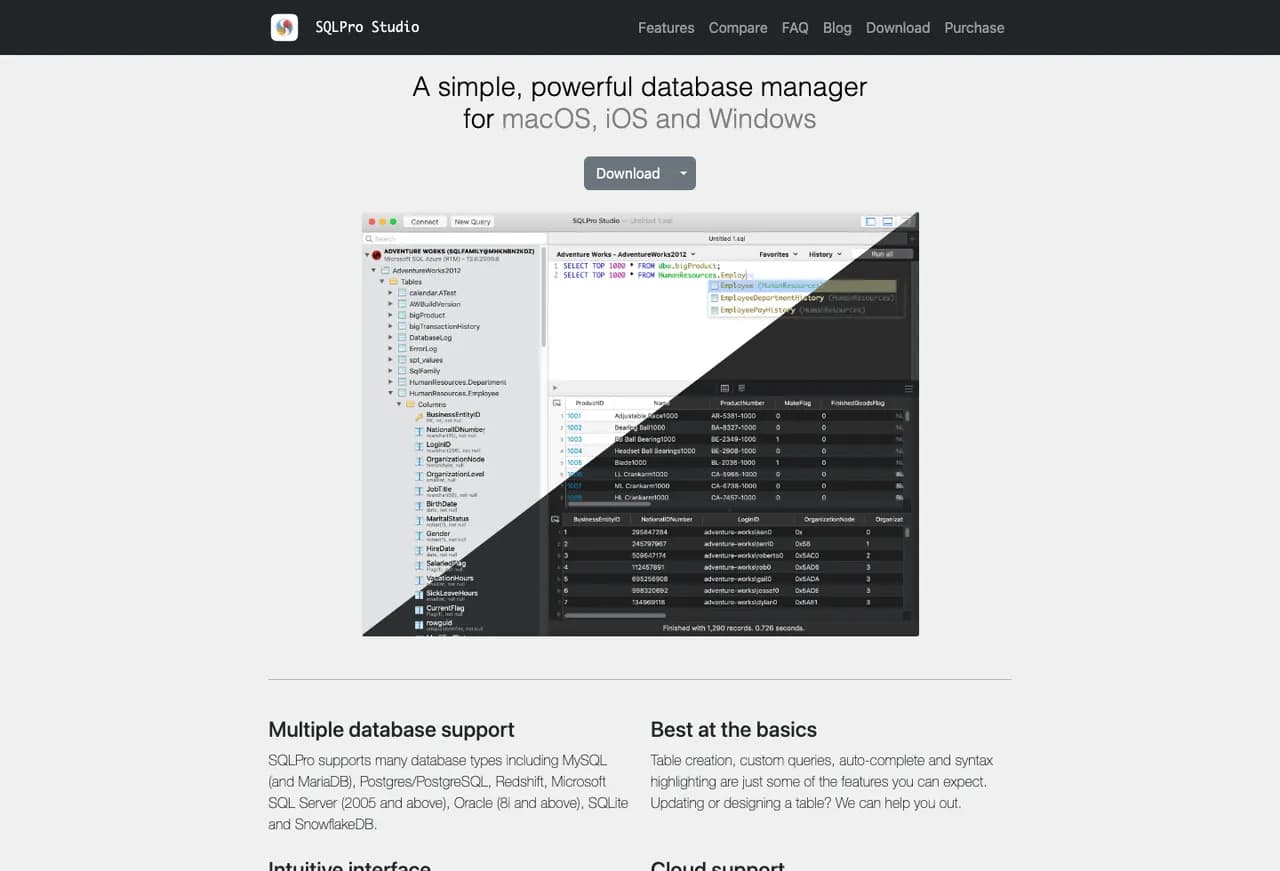
SQLPro Studio connects to SQL Server and several other database engines. SQLPro for MSSQL is the narrower SQL Server-focused app. Both are most interesting when the user wants a native-feeling Mac or iOS workflow.
The feature set is aimed at daily database work: connections, syntax highlighting, autocomplete, multiple result sets, import, export, SSH tunneling, and dark mode. It is a good personal tool for developers and analysts who work from Apple hardware.
The platform limitation is clear: there is no Linux version. If Linux desktop support matters, use DBeaver, VS Code, DataGrip, DbVisualizer, Beekeeper, Navicat, or HeidiSQL instead.
SQLPro fit
| Best for | Mac and iOS users who want a native SQL Server client for query and data work. |
|---|---|
| Free or paid | Paid subscription or lifetime license options, with a free trial and student option. |
| Platforms | macOS, iOS, iPadOS, and Windows. No Linux version. |
| Good fit | Native Mac workflow, SQL editing, result sets, imports, exports, and lightweight database management. |
| Weak fit | Linux users and SQL Server DBAs who need SSMS administration depth. |
| Check first | SQLPro Studio vs SQLPro for MSSQL, subscription terms, Windows version fit, and authentication support. |
dbForge Studio for SQL Server
dbForge Studio for SQL Server is the closest paid Windows alternative when the goal is to go deeper than SSMS for development, comparison, formatting, debugging, profiling, and deployment work.
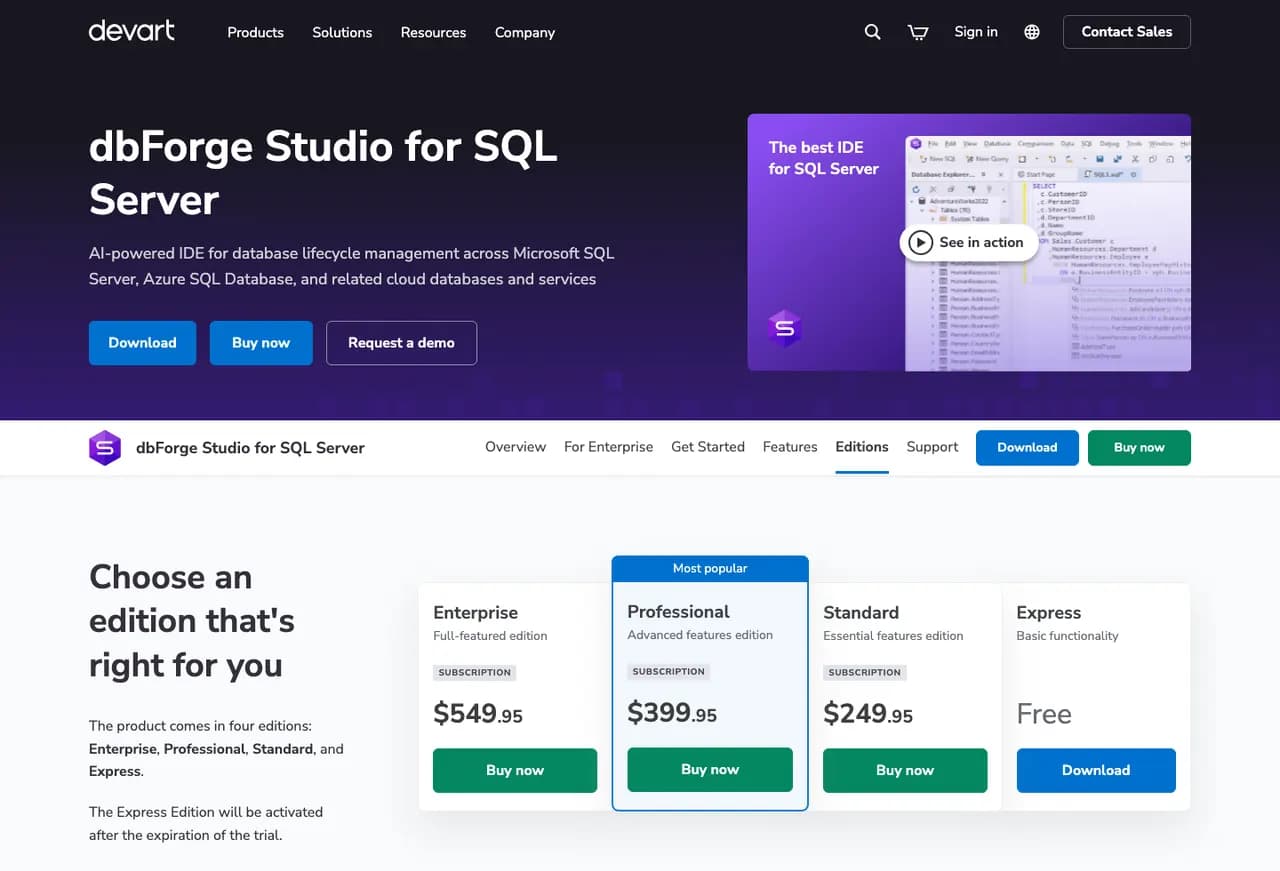
dbForge Studio is built specifically for SQL Server and Azure SQL. It is not a lightweight universal client. It is a dedicated SQL Server IDE with editions that range from free Express to paid Standard, Professional, and Enterprise.
It belongs on the shortlist when SSMS is not enough for database development work. Typical reasons include schema compare, data compare, formatting, code completion, visual query building, debugging, profiling, source control, and release work.
The main catch is platform reality. The product is Windows-native. Devart describes running it on macOS or Linux through compatibility layers, but for this page it should be treated as a Windows tool first.
dbForge Studio fit
| Best for | SQL Server developers who want richer development and comparison tooling than SSMS. |
|---|---|
| Free or paid | Express edition is free after the trial; paid editions add deeper features. |
| Platforms | Windows-native. macOS and Linux require compatibility tooling rather than a native app. |
| Good fit | Schema compare, data compare, SQL formatting, code completion, profiling, debugging, source control, and SQL Server-focused development. |
| Weak fit | Mac or Linux users who need a native client, and users who only need a simple query window. |
| Check first | Which edition includes the features you need, trial results on real databases, and whether compatibility-layer use is acceptable. |
HeidiSQL
HeidiSQL is the free lightweight option. It supports MS SQL along with MariaDB, MySQL, PostgreSQL, SQLite, Interbase, Firebird, ProxySQL, and Redshift.
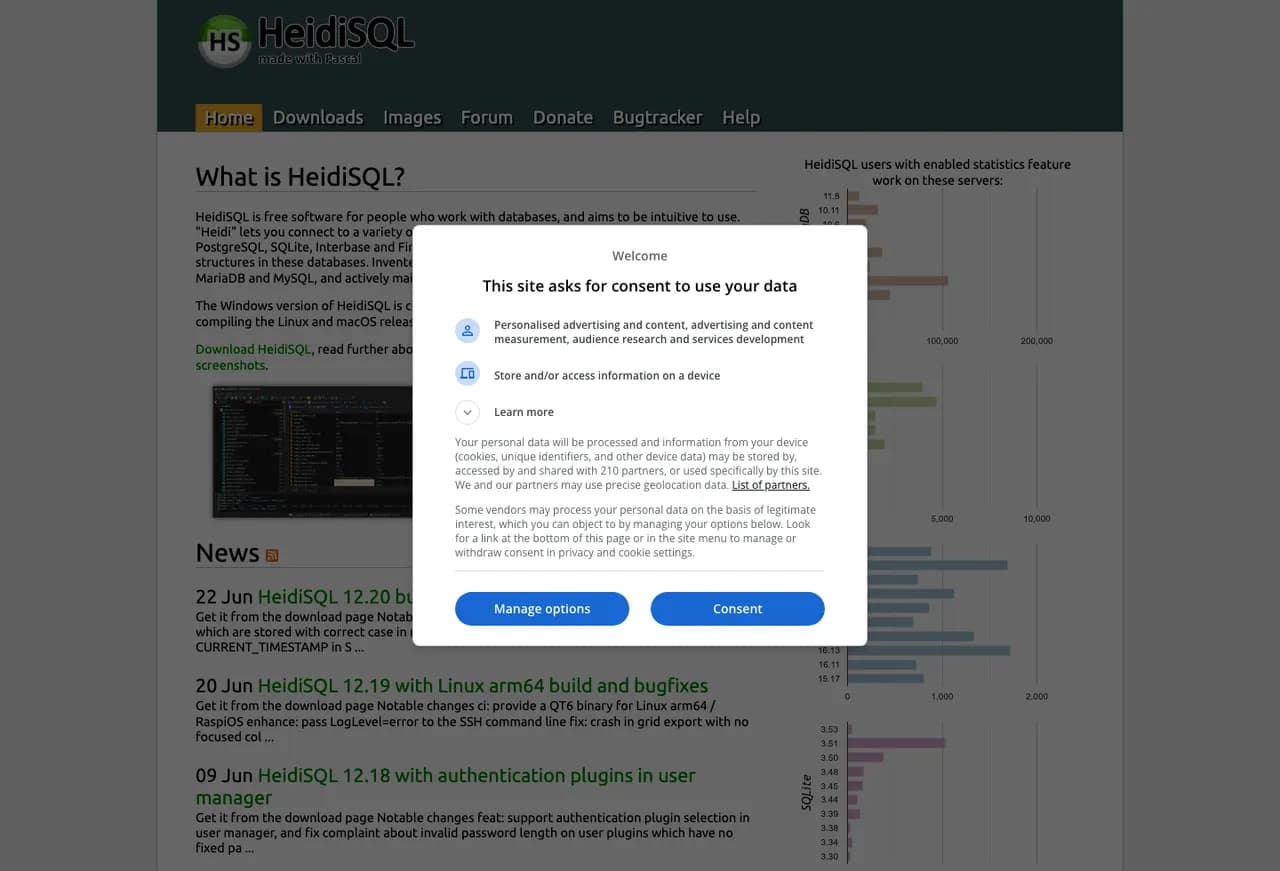
HeidiSQL is useful when you want something quick, free, and direct. It can connect to SQL Server, browse objects, edit data, run queries, and handle many common table and routine tasks.
It is especially attractive on Windows because it is small compared with SSMS and the larger cross-platform IDEs. The official homepage now describes it as free and open source for Windows, Linux, and macOS, but SQL Server support and packaging should be tested on the exact platform you plan to use.
This is not the choice for a full-time SQL Server DBA. It is a good utility client. Keep it in the toolkit for lightweight access, not as the only management surface for production SQL Server.
HeidiSQL fit
| Best for | Users who want a small free client for basic SQL Server query and data work. |
|---|---|
| Free or paid | Free and open source. |
| Platforms | Official homepage lists Windows, Linux, and macOS. Test SQL Server connectivity on the target platform. |
| Good fit | Lightweight querying, browsing, editing data, and quick access across supported database systems. |
| Weak fit | Advanced SQL Server administration, modern IDE workflows, and environments that need paid support. |
| Check first | SQL Server driver requirements, authentication method, Linux/macOS packaging, and whether the interface covers your daily tasks. |
Conclusion
Start with the job, then choose the tool. For cross-platform Microsoft-supported SQL development, use VS Code with the MSSQL extension. For the best free all-rounder, use DBeaver. For a paid SQL IDE, use DataGrip. For SQL Server-specific Windows development work, check dbForge Studio.
Mac users should shortlist VS Code, DBeaver, DataGrip, TablePlus, SQLPro Studio, DbVisualizer, Beekeeper Studio, and Navicat. Linux users should start with VS Code, DBeaver, DataGrip, DbVisualizer, Beekeeper Studio, Navicat, TablePlus, or HeidiSQL.
Keep SSMS in the picture when SQL Server administration matters. SQL Agent jobs, server properties, security work, maintenance, troubleshooting, and some Microsoft-specific workflows are still easier in SSMS on Windows. A good alternative can replace the query window. It may not replace the whole DBA workstation.
Test authentication, execution plans, export needs, schema tools, and the few admin tasks you actually use. The best SSMS alternative is the one that handles your daily work without hiding the SQL Server details you still need.
Next step
Use the SSMS downloads page when you still need the current Microsoft Management Studio installer or release history.
Use the SQL Server monitoring tools comparison when the problem is alerts, history, backups, jobs, and performance monitoring rather than query editing.
Use monthly SQL Server DBA support when tooling is only one part of keeping SQL Server patched, monitored, backed up, and reviewed.