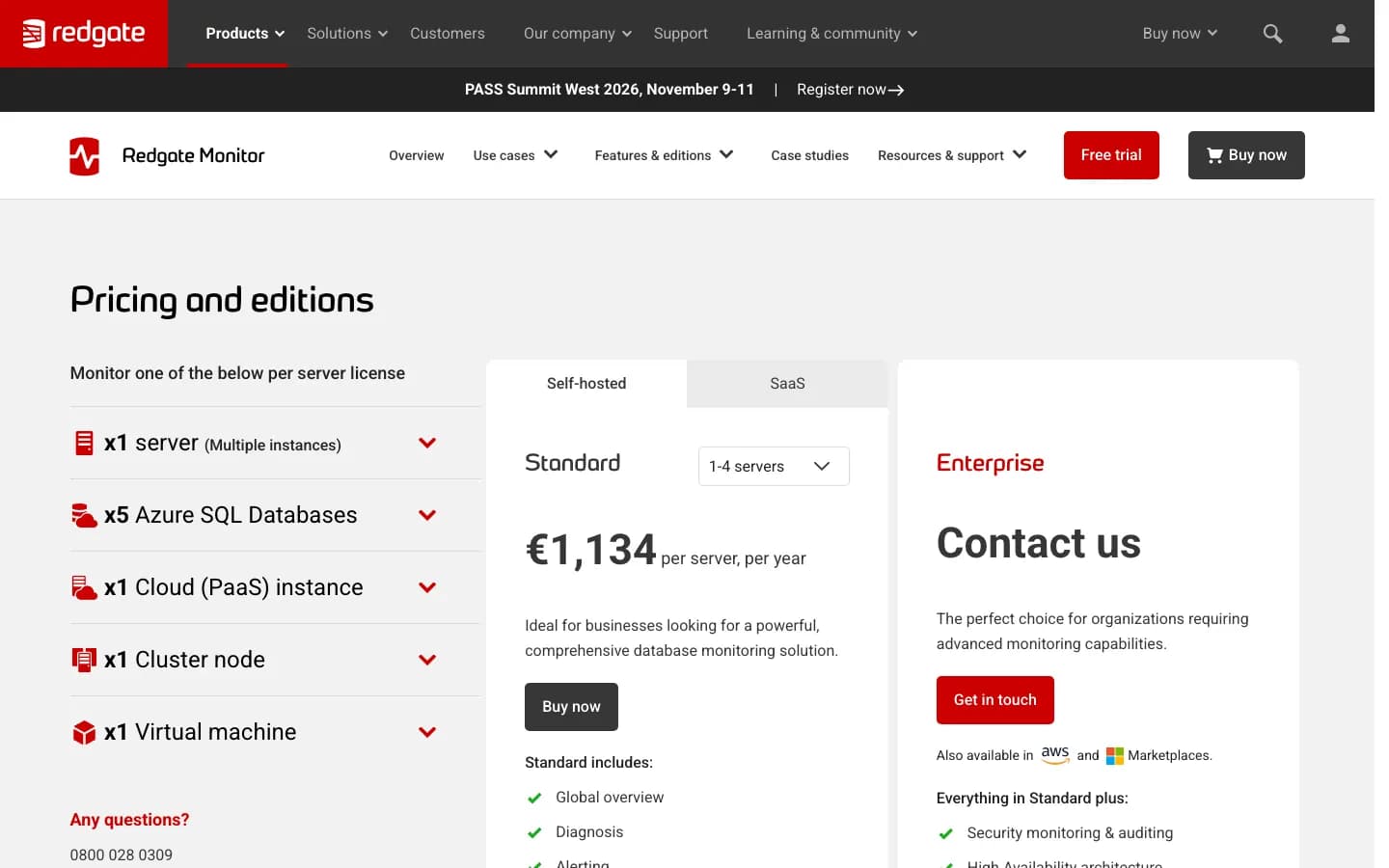
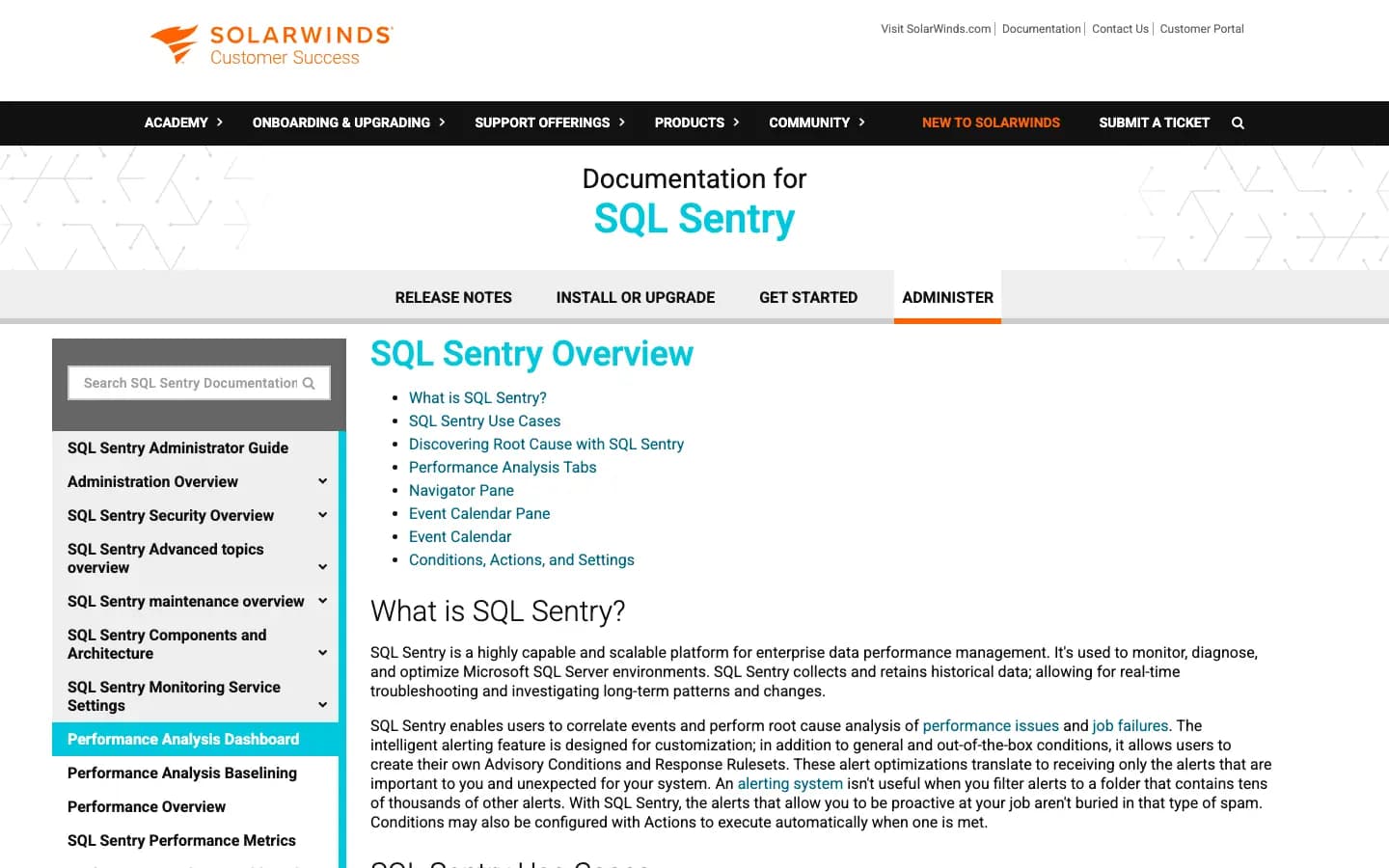
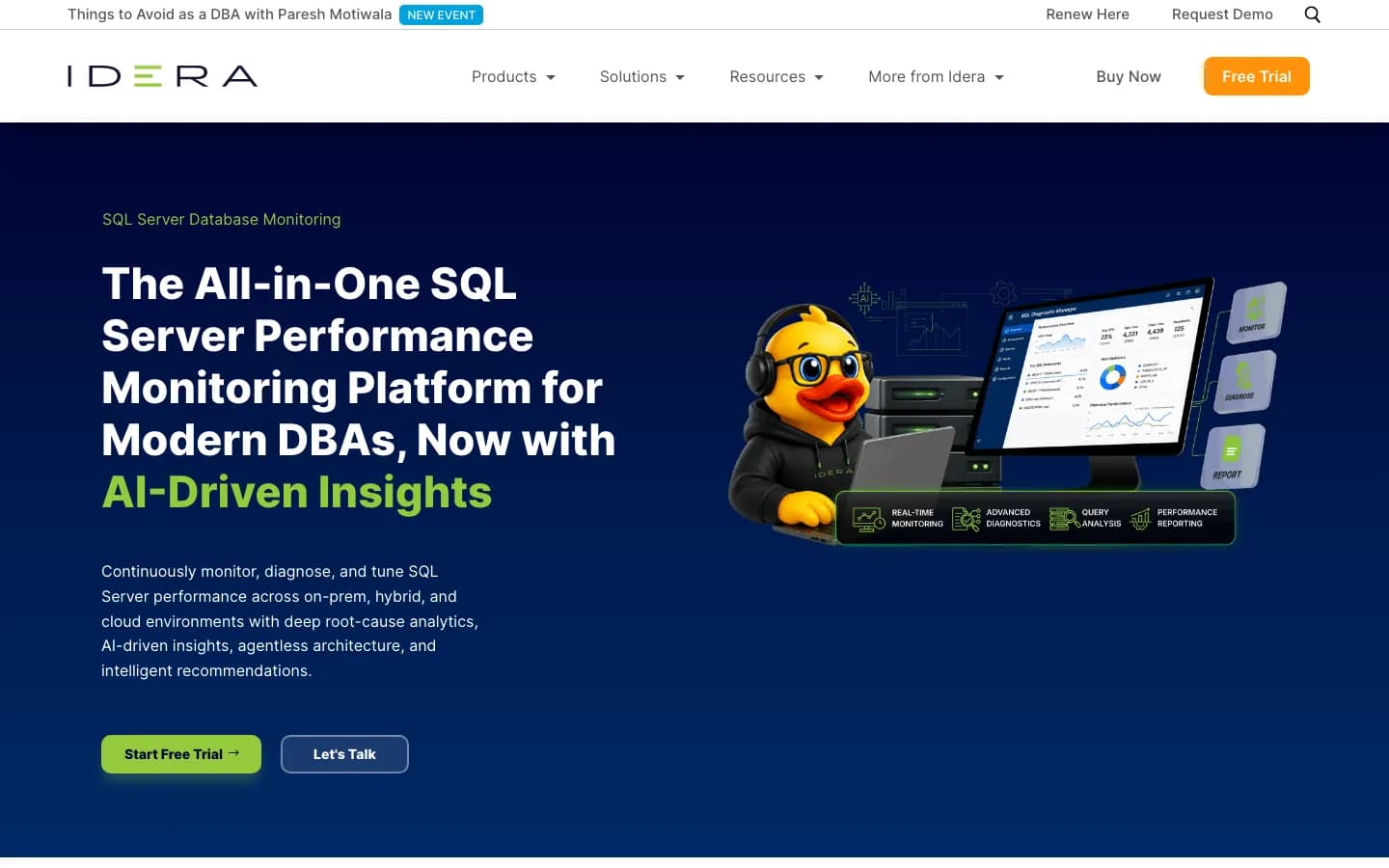
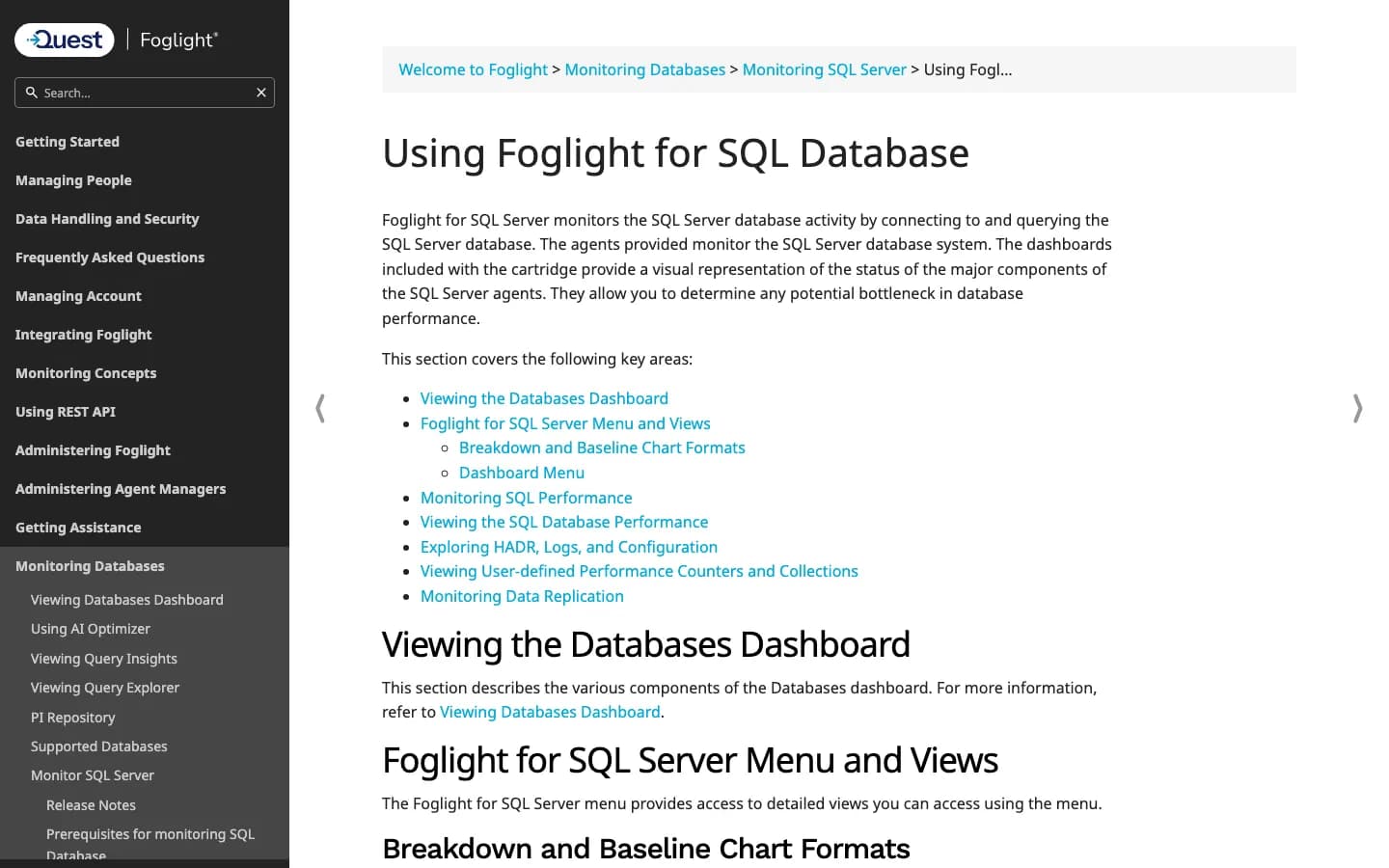
Shortlist by environment first, then test the alerts that matter. Dedicated SQL Server tools such as Redgate Monitor, SQL Sentry, IDERA SQL Diagnostic Manager, and Quest Foglight are usually the strongest fit when DBA diagnosis is the main job. They give more SQL-specific detail around waits, blocking, deadlocks, query behavior, and operational health.
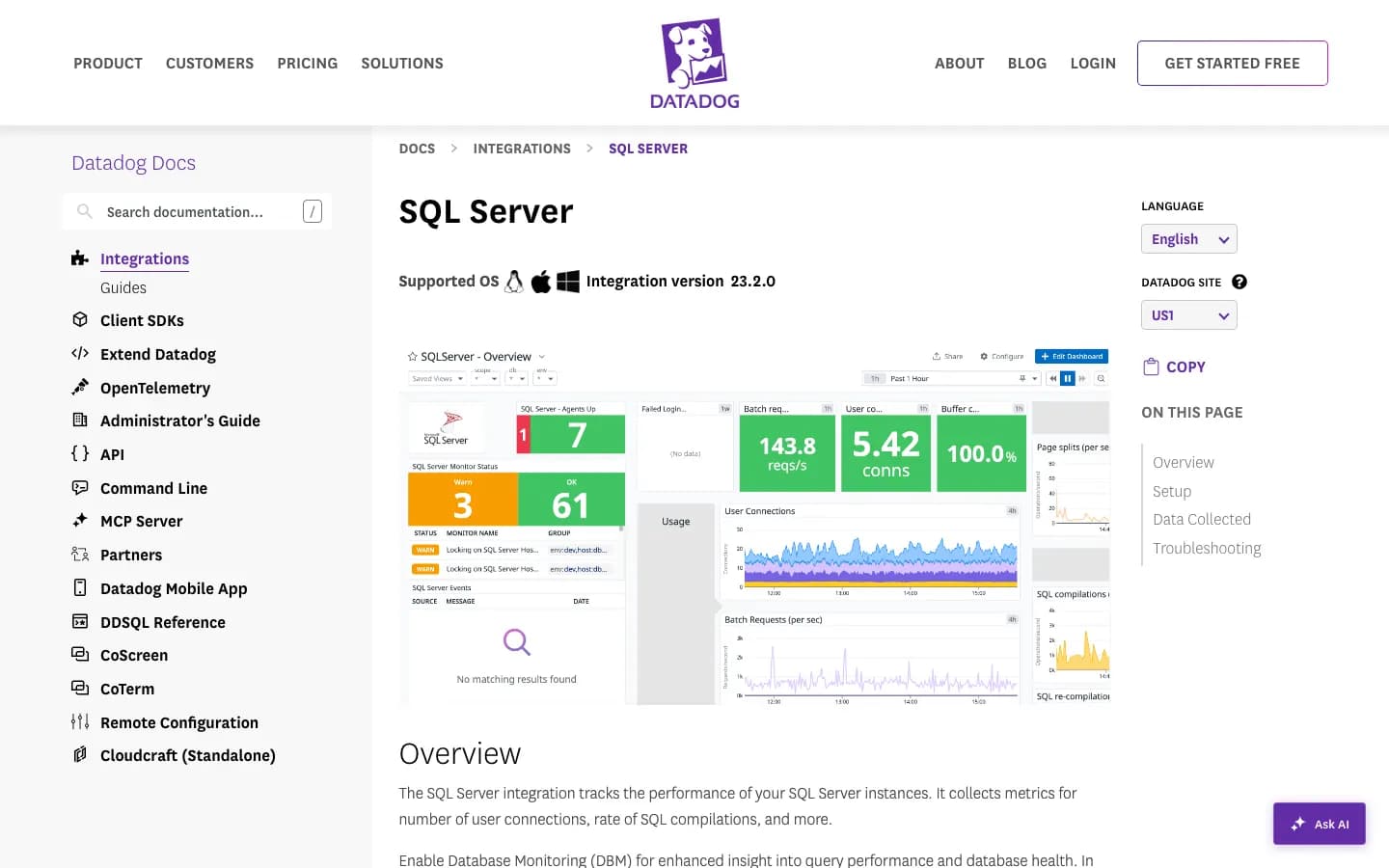
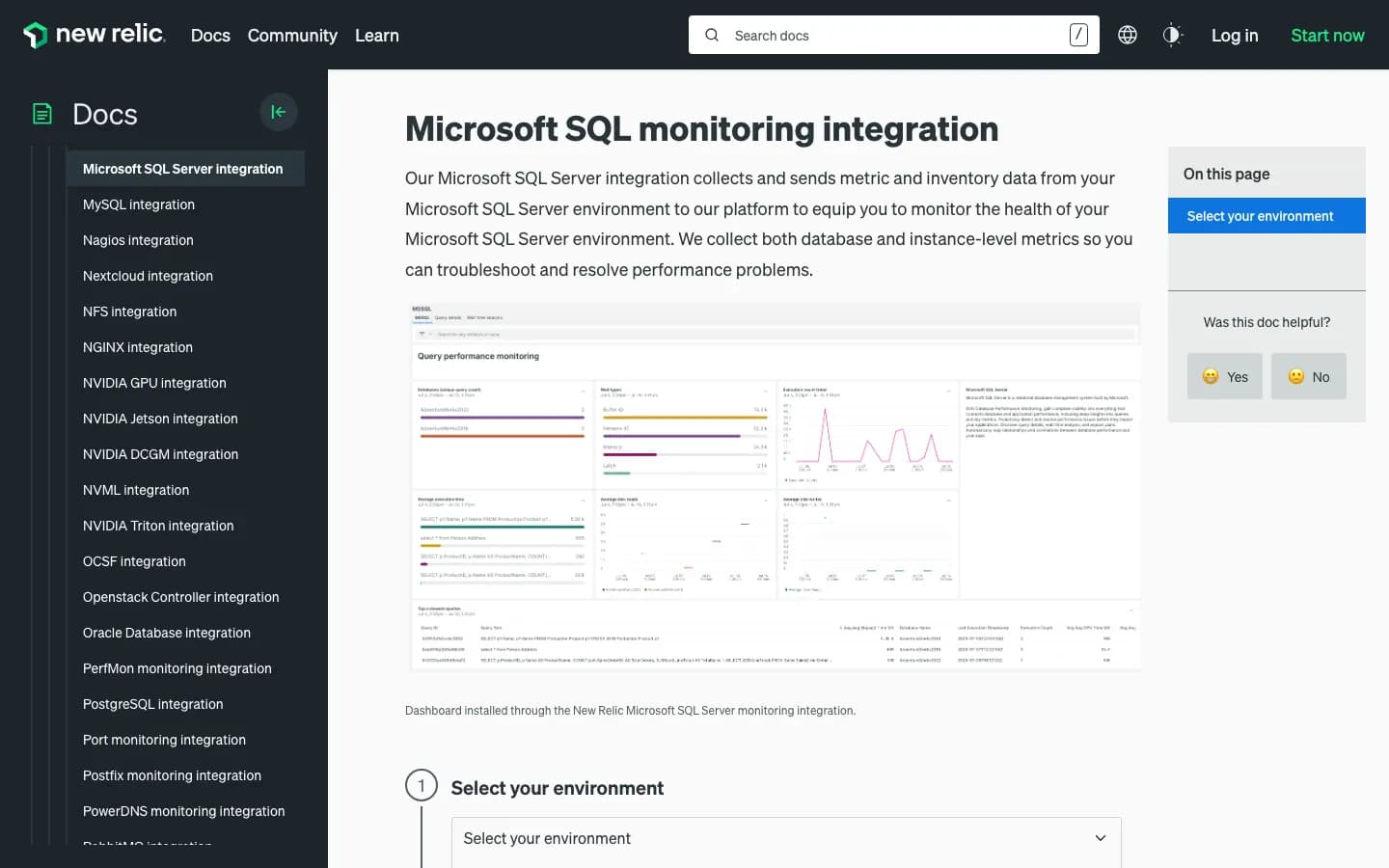
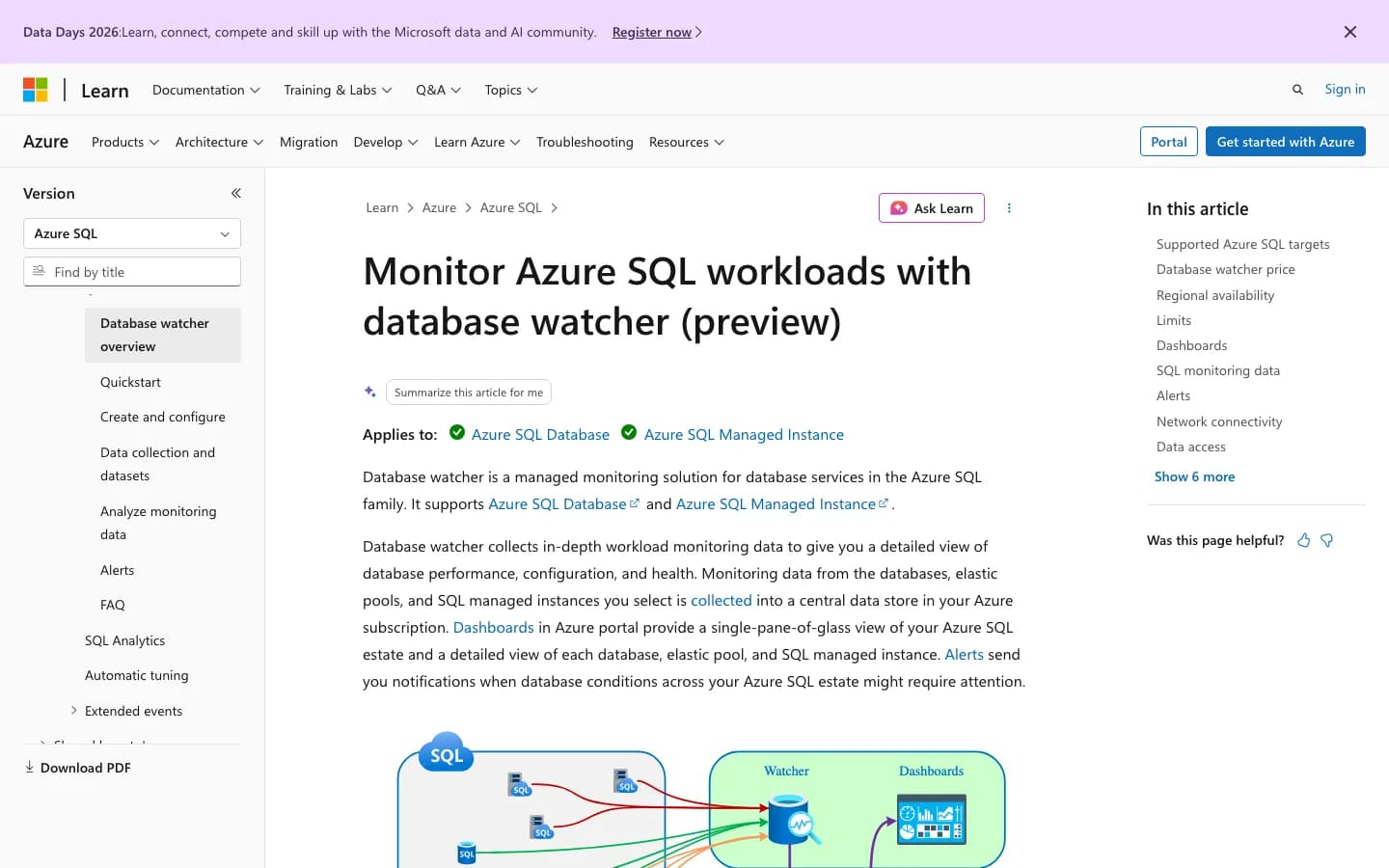
Datadog and New Relic make more sense when SQL Server needs to be read beside application traces, logs, hosts, services, and cloud infrastructure. Azure Monitor and database watcher are the natural first stop for Azure SQL Database and Managed Instance.
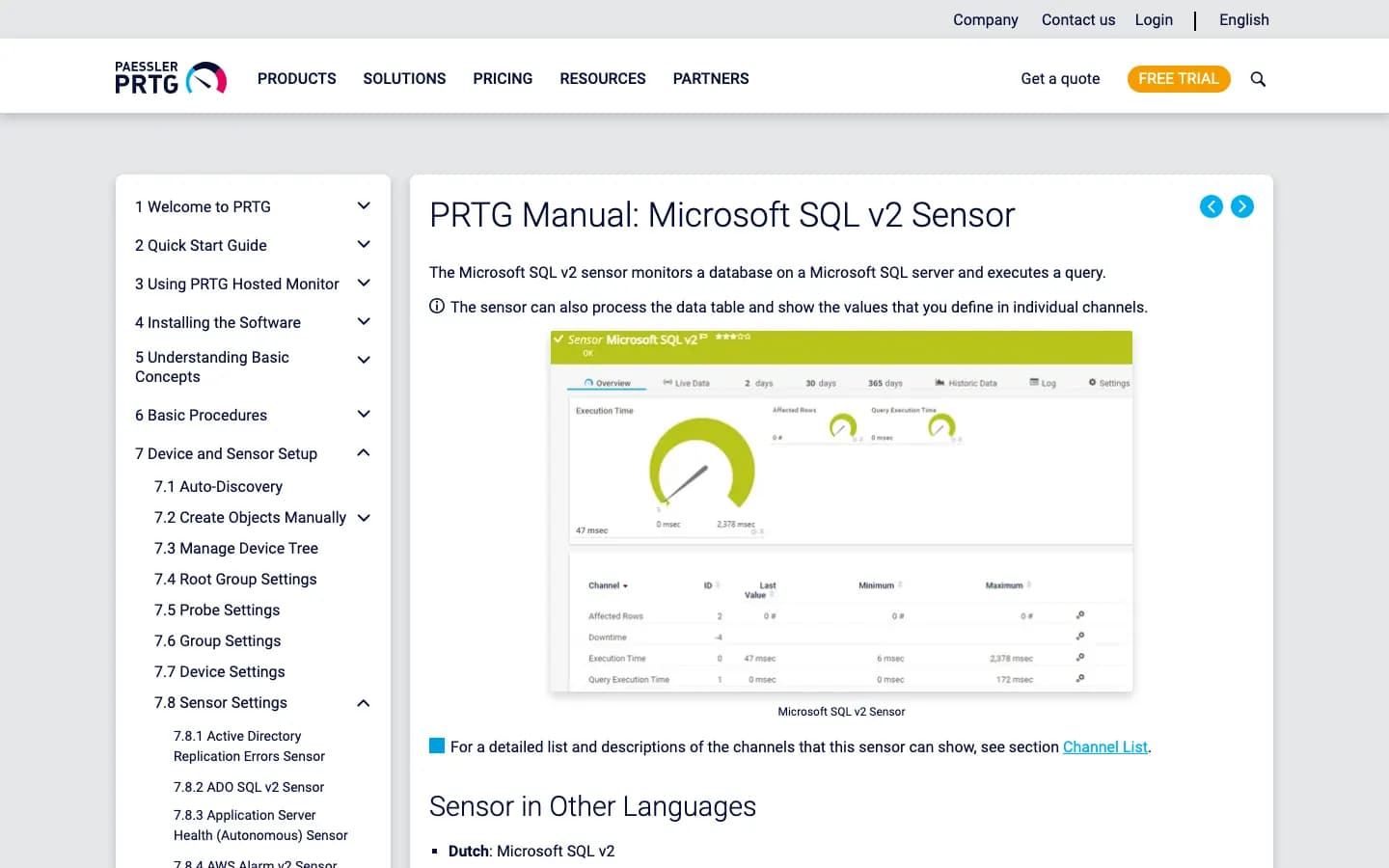
PRTG, ManageEngine, and Zabbix can work well when SQL Server is one part of a wider IT monitoring setup. They usually need more deliberate SQL checks, but they can be enough when the company already has those tools and clear alert routes.
Shortlist two or three tools from the category that matches your environment. Then test the failures that matter in production. The best tool is the one that catches the real problem, keeps enough history, and gives the right person enough detail to act.
Treat the pricing rows as planning notes, not procurement truth. The public list price is only one part of the cost; implementation time, alert cleanup, data retention, repository storage, support, and internal ownership can matter just as much.