
Best free SQL Server backup tools
Use native SQL Server backup or Ola Hallengren when someone can own SQL Agent jobs, file locations, retention, alerts, and restore tests. These are free, but they still need an owner.
sql server hub / backup tools
The best SQL Server backup tools are the ones that match your restore process. Small setups can often use native backups or Ola Hallengren. Companies that need cloud storage, object recovery, immutable backups, or central reporting should compare paid tools by restore speed, verification, and who will run the recovery.
On this page
Quick comparison
| Tool | Free/Paid | Best fit | Strongest use | Main caution |
|---|---|---|---|---|
| SQL Server native BACKUP / RESTORE with SQL Agent | Free | DBA-controlled small and medium setups | Full, differential, log backups, checksum, compression, backup to disk, URL, Azure Blob, and S3-compatible storage on SQL Server 2022+. | The tool is solid. The process around it has to be solid too: schedules, alerts, offsite copies, retention, and restore tests. |
| Ola Hallengren SQL Server Maintenance Solution | Free | DBA-managed environments that want proven scripts | Full, differential, and log backup jobs with a widely used maintenance framework. | It gives you a script framework. You still own storage, alerts, retention, and restores. |
| MSP360 Backup for SQL Server | Free + paid | SMBs, MSP-style setups, and cloud/object-storage backup | Full, differential, and transaction log backups with independent schedules, encryption, point-in-time restore, and direct-to-cloud storage. | Validate restore behavior and storage cost with your own data before relying on it. |
| NAKIVO Backup & Replication for SQL Server | Enterprise platform | SMB and mid-market VM or server estates | Application-aware SQL Server protection, granular object recovery, onsite/offsite targets, encryption, immutability, and malware scanning before restore. | It fits broader backup estates better than one small SQL Server. Check whether image-based protection and SQL restore needs line up. |
| Redgate SQL Backup Pro | Paid | DBA-led SMB and mid-market SQL Server estates | Compressed, encrypted, verified SQL Server backups with scheduled restore checks. | It is SQL-specific and strong. Keep a separate plan for VM, storage, and ransomware recovery. |
| IDERA SQL Safe Backup | Paid | SQL Server-focused backup management | Compression, encryption, point-in-time recovery, policy-based backup, and object-level restore. | Check the current edition, licensing, repository needs, and object-level restore workflow during trial. |
| Quest LiteSpeed for SQL Server | Paid | Large or performance-sensitive SQL Server estates | Fast SQL Server backup and recovery with compression, encryption, and object-level recovery. | It is powerful, but cost and operational fit need a real trial with your database sizes and restore targets. |
| Veeam Backup & Replication / Veeam Data Platform | Enterprise platform | SMB to enterprise VM and server backup estates | Application-aware VM backups with SQL Server restore, instant recovery, and granular recovery through Veeam Explorer. | Image-level protection and DBA-native backup strategy need to be aligned so log chains, RPO, and restore ownership stay clear. |
| Azure Backup for SQL Server on Azure VMs | Azure service | SQL Server running on Azure virtual machines | Central Azure-managed backup for SQL Server workloads on Azure VMs with long-term retention. | It is for SQL Server on Azure VMs, not the same thing as Azure SQL Database automated backups. |
| Rubrik Microsoft SQL Server Backup | Enterprise platform | Enterprise estates with ransomware and fast recovery requirements | Policy-based SQL Server backup, auto-discovery, immutable backups, Live Mount, and granular recovery workflows. | It is an enterprise data-protection platform. Smaller setups may get better value from native/Ola, Redgate, IDERA, or Veeam. |
Use native SQL Server backup or Ola Hallengren when someone can own SQL Agent jobs, file locations, retention, alerts, and restore tests. These are free, but they still need an owner.
For one person looking after a small setup, keep it simple. Native backup and Ola work when you like scripts. MSP360 makes more sense when you want a packaged offsite backup workflow.
For SMBs, the split is usually SQL-specific tooling versus wider server backup. Redgate, IDERA, and LiteSpeed are DBA tools. MSP360, NAKIVO, and Veeam make more sense when backups also cover servers, storage, or cloud targets.
Enterprise choices are less about one SQL Server and more about policy, retention, immutable storage, audit trails, and who is allowed to recover what. That is where Veeam, Azure Backup, NAKIVO, and Rubrik start to make sense.
Table of contents
Free / DBA-controlled small and medium setups
Start here if someone can actually look after the backups. SQL Server already has proper backup and restore commands, and for many small or medium setups that is enough.
Official pages used: Microsoft backup and restore overview and Microsoft Backup to URL.
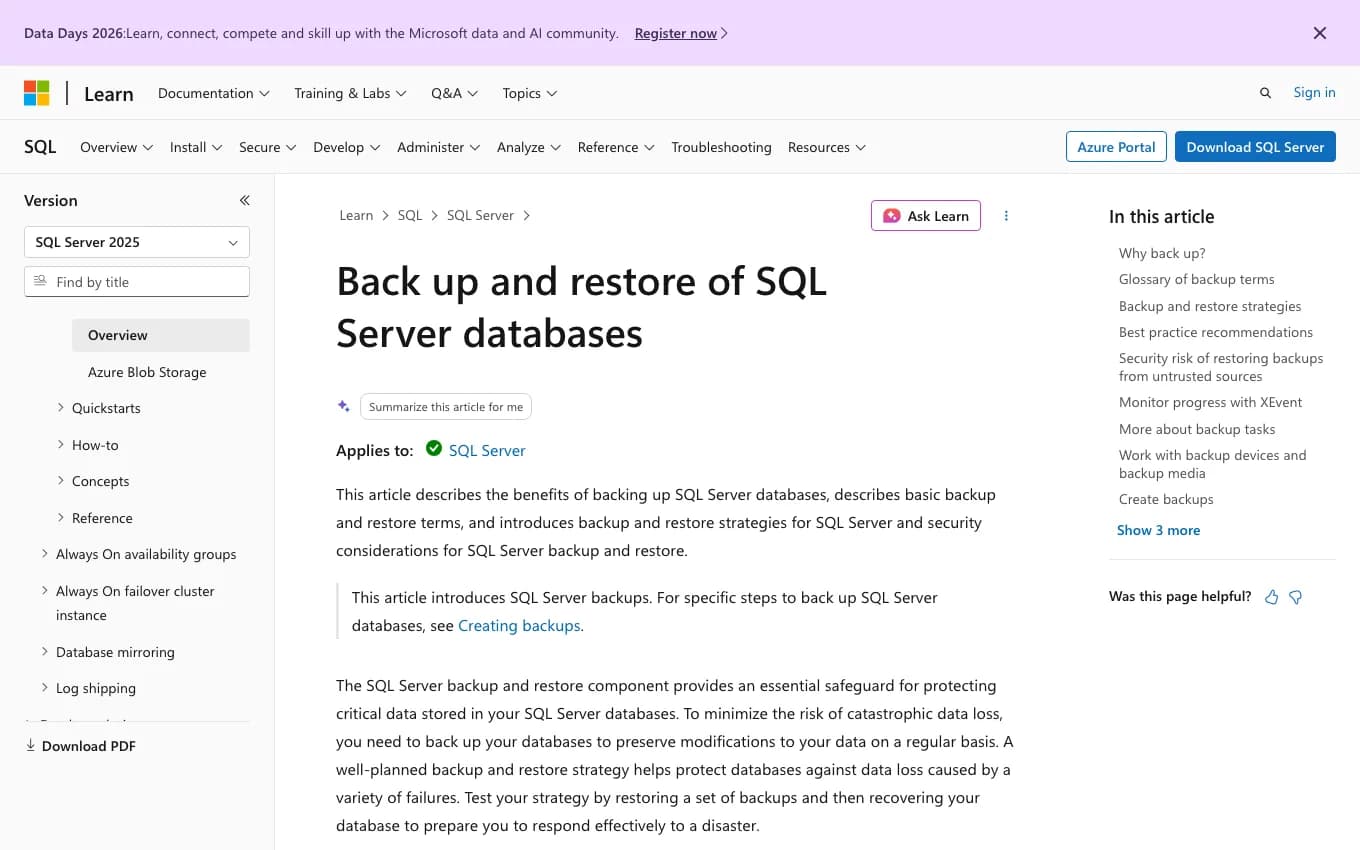
Native SQL Server backup covers the basics well: full backups, differential backups, log backups, compression, checksums, encryption, local or network storage, Azure Blob Storage, and S3-compatible object storage on SQL Server 2022 and newer. There is no extra vendor console, which is sometimes a feature.
The catch is the human part. Someone has to decide the schedule, retention, offsite copy, failed-job alert, encryption key handling, and restore test. Microsoft is clear on this point: a backup plan also needs a restore plan.
I would use this route when a DBA, developer, or careful IT person owns the SQL Server. If nobody checks SQL Agent history or runs a restore to another server, the built-in tool will happily keep quiet while the process rots.
Evaluation notes
| Best buyer | DBAs, developers, and IT departments that can own SQL Agent jobs, storage, retention, alerts, and restore testing. |
|---|---|
| Free or paid | Free and built into SQL Server. |
| Restore notes | Use regular restore tests on a separate server. CHECKSUM and RESTORE VERIFYONLY help, but a real restore test answers more. |
| Check before choosing | Confirm backup destination, backup chain, SQL Agent notifications, offsite copy, encryption key handling, and restore timing. |
Free / DBA-managed environments that want proven scripts
Ola Hallengren is the practical free step up from hand-made SQL Agent backup jobs. It keeps you close to native SQL Server backup, but gives the work a cleaner pattern.
Official pages used: Ola Hallengren SQL Server Maintenance Solution and DatabaseBackup documentation.
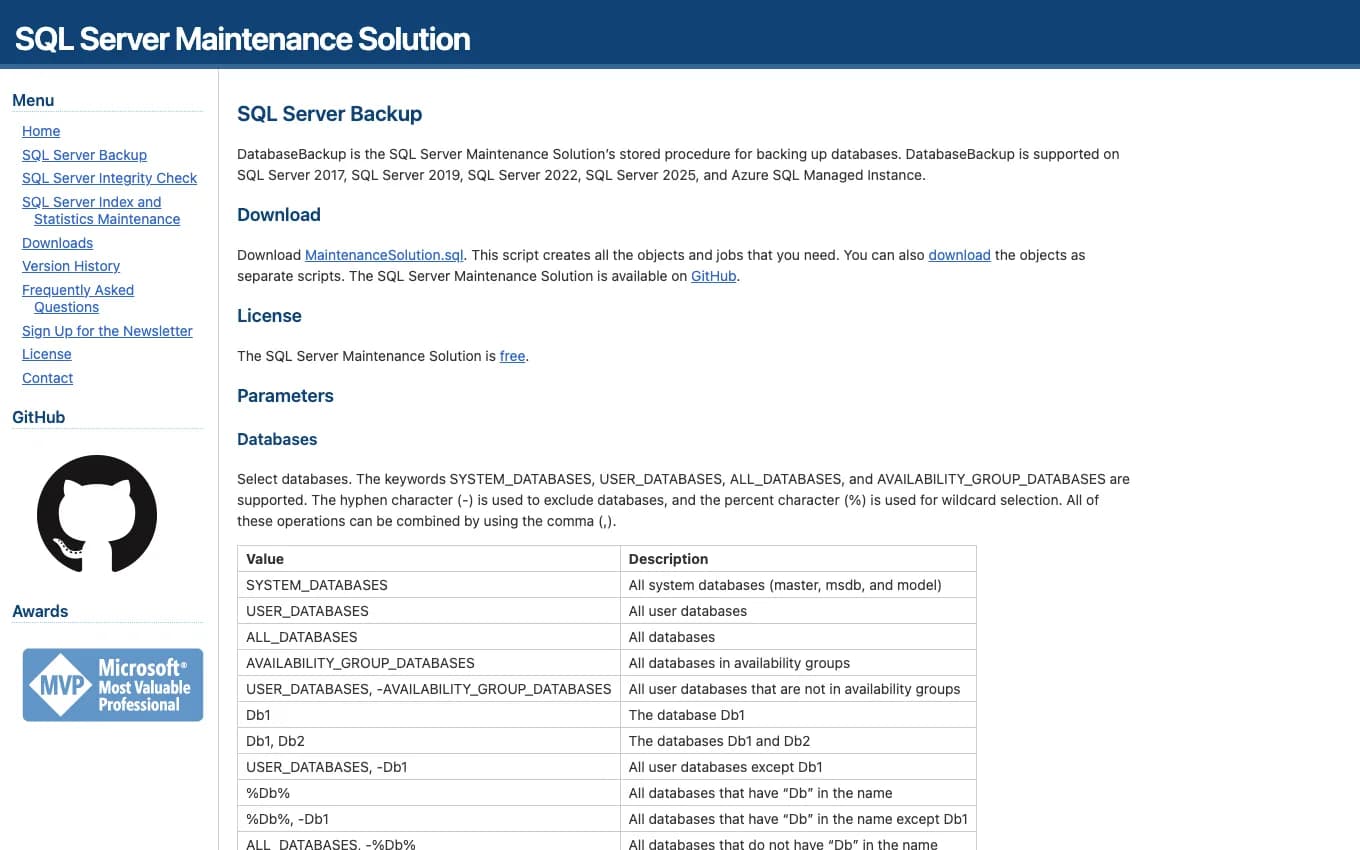
The DatabaseBackup procedure can handle full, differential, and log backups for all databases, user databases, system databases, selected databases, and availability group setups. It is still a script-based approach, so it suits people who want to see exactly what the job runs.
That visibility is the main reason I like it. A maintenance plan created years ago through a wizard can be hard to reason about. Ola's jobs are ordinary SQL Agent jobs with clear commands, output, cleanup, and logging.
The handover test is simple. Can the next person find the job, find the files, read the retention rule, and restore a database without asking the person who built it? If yes, this setup is probably in decent shape.
Evaluation notes
| Best buyer | DBAs and SQL-capable IT departments that want a standard scripted maintenance framework. |
|---|---|
| Free or paid | Free. |
| Restore notes | Pair it with documented restore scripts or restore drills. The backup job is only half of recovery. |
| Check before choosing | Review SQL Agent schedules, cleanup settings, log backup frequency, output logging, failure notifications, and AG behavior. |
Free + paid / SMBs, MSP-style setups, and cloud/object-storage backup
MSP360 is the small-business cloud backup pick in this list. It is more packaged than scripts, but it is still much lighter than a big enterprise backup platform.
Official pages used: MSP360 SQL Server Backup and MSP360 SQL backup page.
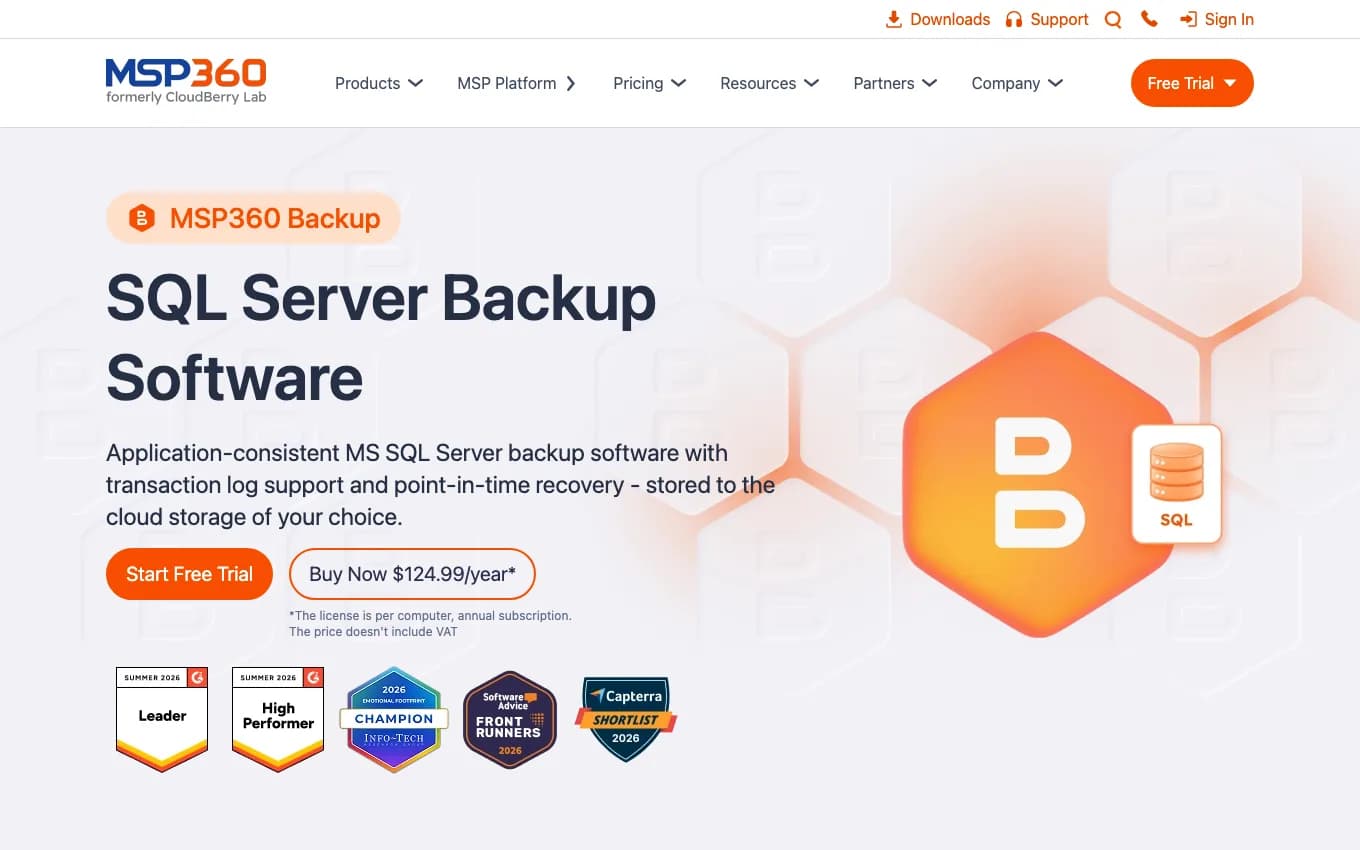
MSP360 documents full, differential, and transaction log backups, separate schedules, compression, client-side encryption, direct cloud storage, local-plus-cloud backup, and point-in-time restore. That is the usual shopping list when a local backup folder is no longer enough.
The product can run as a standalone backup tool or through MSP360 Managed Backup. The managed option is the interesting part for MSPs and small IT providers because missed backups, storage use, and alerts need one place to land.
Test the plain recovery path before trusting it: full backup, differential, log backup, restore to another SQL Server, and restore to a chosen time. Then check the less exciting bits, like cloud storage cost and retention cleanup.
Evaluation notes
| Best buyer | SMBs, MSPs, and IT providers that need SQL Server backups to local, cloud, or object storage with central management options. |
|---|---|
| Free or paid | Free trial path plus paid MSP360 Backup editions; check current standalone and Managed Backup pricing before budgeting. |
| Restore notes | Test point-in-time restore from the actual storage target, including log backup handling and restore to an alternate SQL Server. |
| Check before choosing | Confirm storage targets, encryption, retention cleanup, cloud egress/capacity cost, notifications, managed console fit, and SQL Server version support. |
Enterprise platform / SMB and mid-market VM or server estates
NAKIVO makes more sense when SQL Server is one workload among VMs, physical servers, storage targets, and ransomware controls.
Official pages used: NAKIVO SQL Server Backup and NAKIVO SQL object recovery docs.
NAKIVO describes application-aware backups for virtual and physical machines running SQL Server. It also covers SQL object recovery, onsite and offsite targets, S3 and Azure Blob targets, AES-256 encryption, immutable storage, and malware scans before restore.
This is a platform choice, not a DBA script choice. That can be a good fit for an SMB that already has VMware, Hyper-V, physical Windows servers, cloud storage, and a small number of SQL Servers to protect.
The trial should answer one practical question: can you recover the database, table, or object you care about quickly enough, to the right place, with the right permissions? Also settle who runs the restore: the DBA, infrastructure person, MSP, or whoever drew the short straw that week.
Evaluation notes
| Best buyer | SMB and mid-market companies already protecting VMs or physical servers and wanting SQL-aware recovery inside the same platform. |
|---|---|
| Free or paid | Paid backup platform with trial options; check current NAKIVO edition and workload licensing before budgeting. |
| Restore notes | Test full database restore, SQL object recovery, restore to another VM or server, immutable backup recovery, and malware scan timing. |
| Check before choosing | Confirm application-aware processing, SQL log handling, object recovery limits, storage targets, immutability, encryption, and role-based access. |
Paid / DBA-led SMB and mid-market SQL Server estates
Redgate SQL Backup Pro is for DBA-led environments where native backups work, but the day-to-day management is getting clumsy.
Official pages used: Redgate SQL Backup Pro.
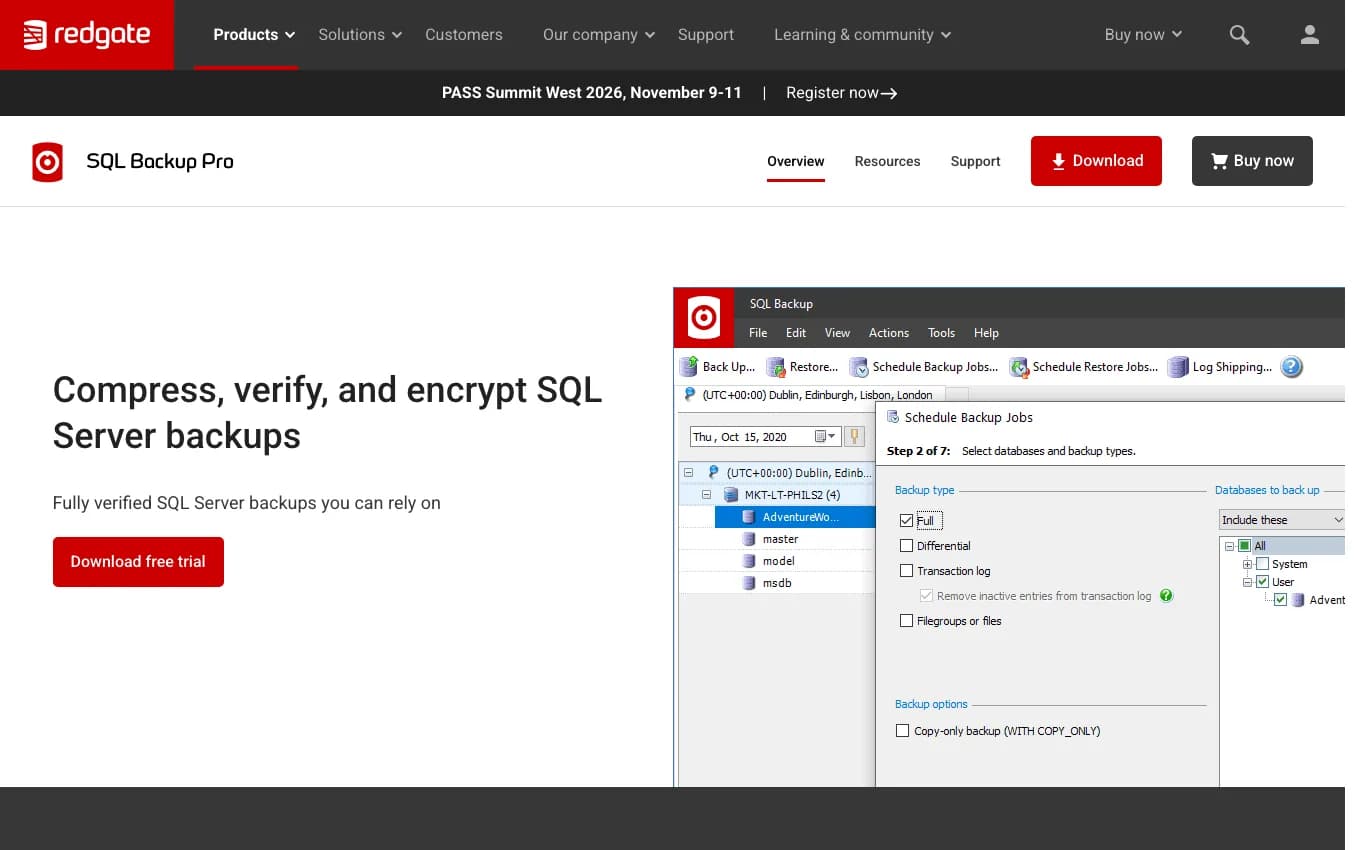
Redgate lists compression, 256-bit AES encryption, central management, backup verification, and scheduled restore jobs that can run DBCC CHECKDB. The scheduled restore check is the useful bit. It moves the discussion from "the backup job finished" to "we restored it and checked the database."
I would treat Redgate as a SQL Server backup tool, not as the whole disaster recovery plan. You still need decisions around VM restore, storage, ransomware recovery, and who owns the incident.
During the trial, use real database sizes. Measure backup time, restore time, compression, network behavior, encryption key handling, and the restore check workflow. If it does not make those jobs easier, it is just another console.
Evaluation notes
| Best buyer | Companies with several SQL Server instances and a DBA or senior operator responsible for recovery. |
|---|---|
| Free or paid | Paid per-server subscription with a 14-day trial listed by Redgate. |
| Restore notes | Evaluate scheduled restore verification, DBCC CHECKDB after restore, log shipping behavior, and object-level recovery needs. |
| Check before choosing | Test compression ratio, encryption key handling, restore speed, network resilience, central management, and licensing for all target servers. |
Paid / SQL Server-focused backup management
IDERA SQL Safe Backup is another SQL-specific commercial option. It is worth checking when a DBA wants backup management, policy, and restore tools in one product.
Official pages used: IDERA SQL Safe Backup.
IDERA talks about compression, encryption, policy-based management, auditing, point-in-time recovery, and object-level restore. That is the kind of feature set that matters when restore requests are a normal part of operations, not a once-a-year thought exercise.
Think about the requests you actually get. Someone deleted a table. A deployment went badly. A vendor wants a copy of yesterday's database. The tool should make those jobs easier than digging through folders and SQL Agent history.
Use the trial to walk through those cases. Find the right backup, restore to a point in time, recover an object, restore somewhere else, and check what the reports say. For one quiet database, this may be more product than you need.
Evaluation notes
| Best buyer | DBA-led companies that want SQL-specific backup management, restore tools, and audit-friendly reporting. |
|---|---|
| Free or paid | Paid product with a 14-day free trial advertised by IDERA. |
| Restore notes | Test point-in-time recovery, object-level restore, compression, encryption, and restore to another server. |
| Check before choosing | Confirm SQL Server version support, licensing, storage targets, notifications, policy management, and restore permissions. |
Paid / Large or performance-sensitive SQL Server estates
Quest LiteSpeed is the tool to look at when the backup process is already causing pain: long backup windows, large files, slow restores, or awkward object recovery.
Official pages used: Quest LiteSpeed for SQL Server and Quest LiteSpeed 9.0 release notes.
LiteSpeed is usually a later-stage choice. Native backups may be technically fine, but the backup window is too tight, storage growth is annoying, or restore time is starting to worry people.
The object recovery story matters for large databases. Restoring a multi-terabyte database just to get one table back is a bad afternoon. A tool that shortens that path can be worth real money in the right estate.
Use real data during the trial. Measure backup time, restore time, compression, CPU load, storage throughput, and the steps required to recover a specific object. The useful answer is how it behaves with your databases, not the demo database.
Evaluation notes
| Best buyer | Larger SQL Server estates, DBAs with tight backup windows, and environments where restore speed matters. |
|---|---|
| Free or paid | Paid product. Use Quest or an authorized seller for current pricing. |
| Restore notes | Test full database restore, point-in-time restore, and object-level recovery with representative backup files. |
| Check before choosing | Confirm compression, encryption, object recovery limits, repository needs, automation, command-line options, and support for your SQL versions. |
Enterprise platform / SMB to enterprise VM and server backup estates
Veeam belongs here because many companies already use it for VM and server backup. If SQL Server lives on those machines, Veeam is usually part of the recovery conversation.
Official pages used: Veeam Explorer for Microsoft SQL Server and Veeam Plug-In for Microsoft SQL Server.
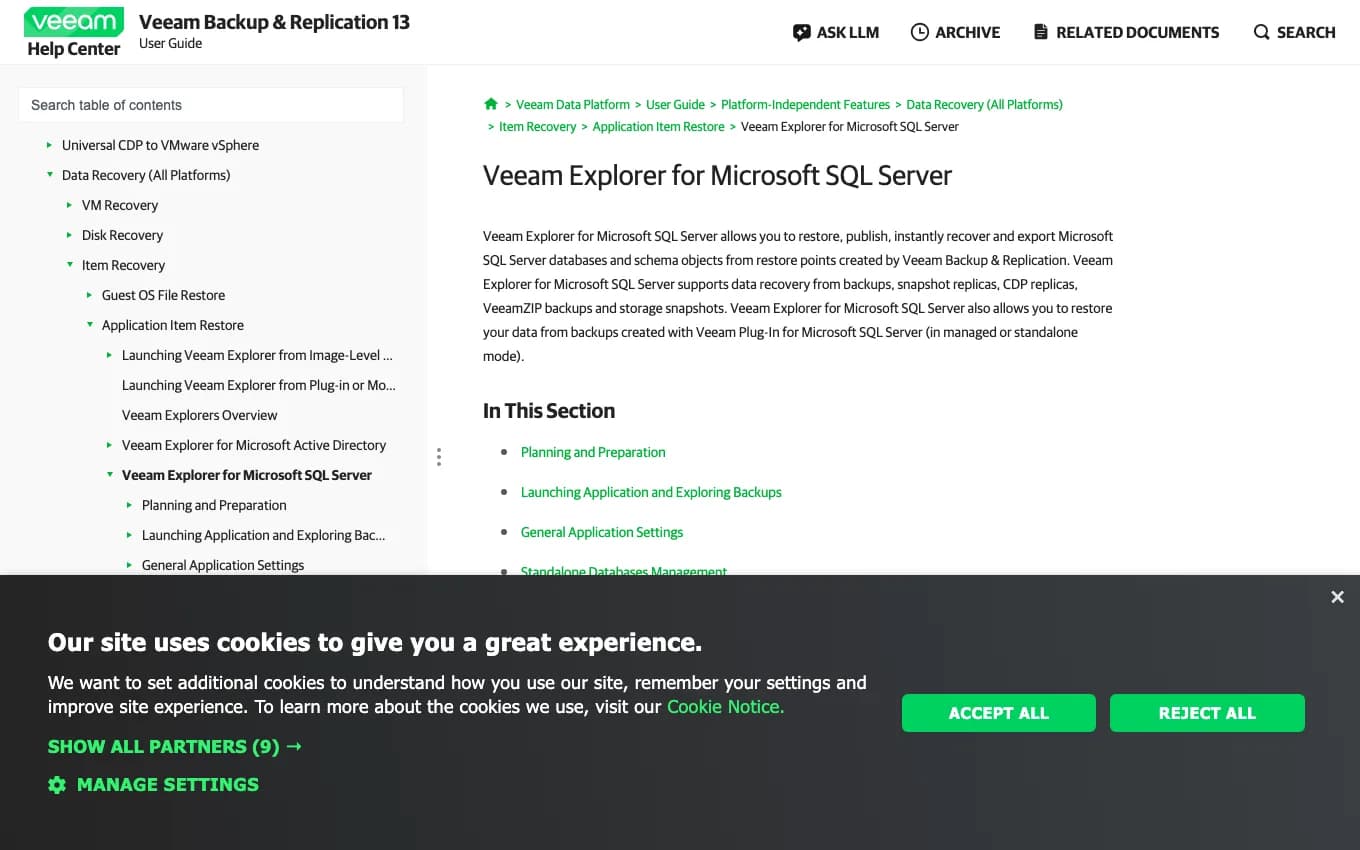
Veeam Explorer for Microsoft SQL Server can restore, publish, instantly recover, and export SQL Server databases and schema objects from Veeam restore points. Veeam also documents a SQL Server plug-in for application-level backup.
That is useful when SQL recovery is part of a wider infrastructure plan. The same platform may already handle VM restore, backup repositories, immutable storage, copy jobs, reporting, and operator permissions.
The awkward part is ownership. Does Veeam handle SQL logs? Do native SQL Agent jobs still run? Who does point-in-time recovery? Who gets woken up? Decide that before an outage, then prove it with a restore test.
Evaluation notes
| Best buyer | Companies already using Veeam for VMware, Hyper-V, physical servers, or wider backup operations. |
|---|---|
| Free or paid | Paid platform. Editions, licensing units, and community options change, so check Veeam before budgeting. |
| Restore notes | Test Veeam Explorer restores, instant recovery, transaction-log replay, and restore to alternate SQL Server instances. |
| Check before choosing | Confirm application-aware processing, SQL log handling, RPO, permissions, restore ownership, immutable storage, and SureBackup-style testing if used. |
Azure service / SQL Server running on Azure virtual machines
Azure Backup is the obvious first check when SQL Server runs on Azure virtual machines and the company wants backup management to stay inside Azure.
Official pages used: Azure Backup for SQL Server databases on Azure VM.
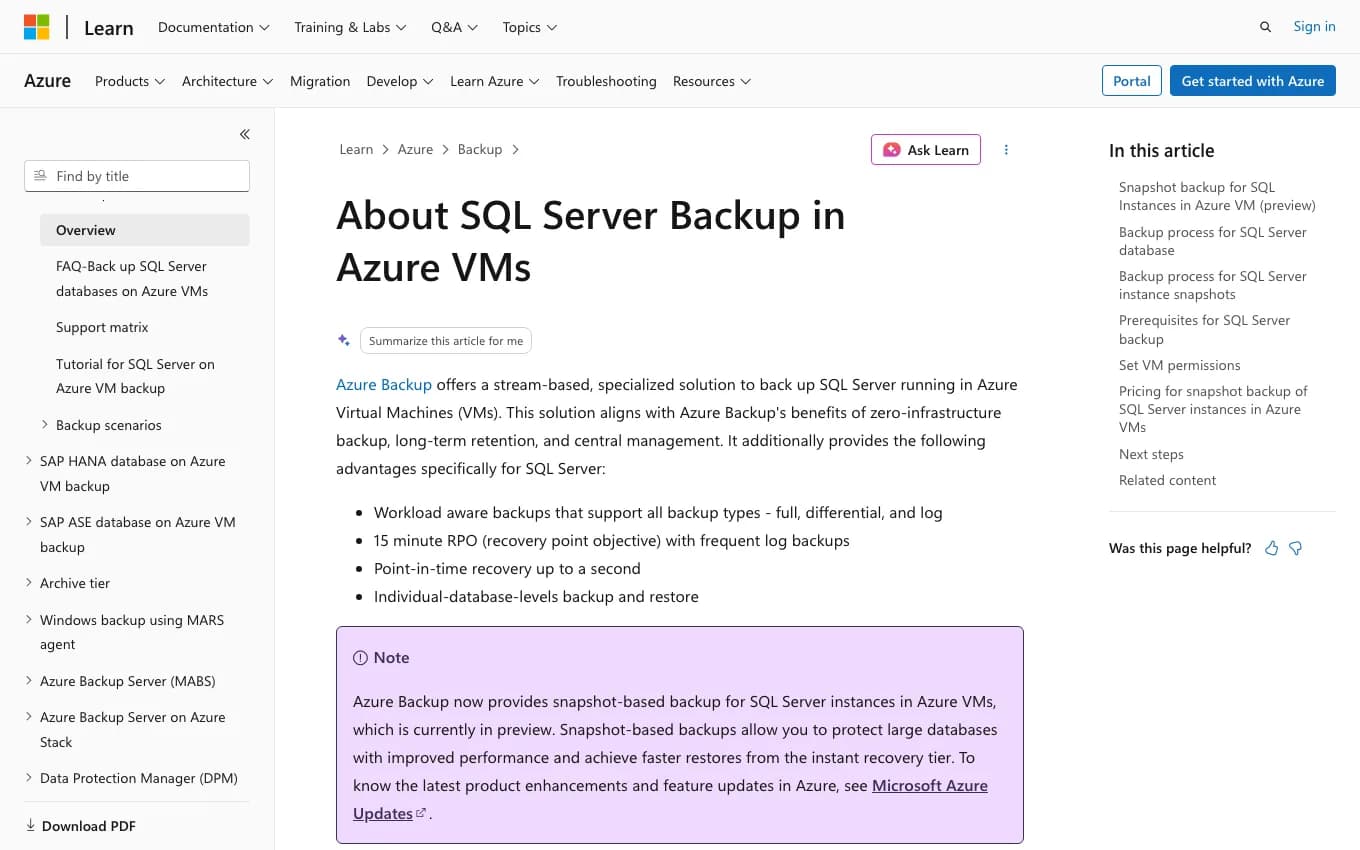
Microsoft describes Azure Backup for SQL Server on Azure VMs as a workload-aware service for full, differential, and log backups, central management, long-term retention, and point-in-time recovery. If the SQL Server is already on an Azure VM, start there before adding another platform.
The appeal is boring in a good way. Recovery Services vaults, policies, permissions, retention, and monitoring already fit the Azure operating model. For Azure-first companies, that matters.
Watch the boundary. This is for SQL Server on Azure VMs. Azure SQL Database and Azure SQL Managed Instance have their own backup models. Also check permissions early because the Azure workload backup extension needs enough SQL access to discover, back up, and restore databases.
Evaluation notes
| Best buyer | Azure-first companies running SQL Server on Azure virtual machines. |
|---|---|
| Free or paid | Paid Azure service. Cost depends on protected instances, storage, retention, and Azure region/pricing. |
| Restore notes | Test database restore, point-in-time restore where configured, alternate-location restore, and access during an outage. |
| Check before choosing | Confirm supported deployment, vault design, policy, long-term retention, permissions, encryption, alerting, and network access. |
Enterprise platform / Enterprise estates with ransomware and fast recovery requirements
Rubrik is the enterprise platform option. It makes sense when SQL Server backup is part of a bigger ransomware recovery, immutability, policy, and fast restore program.
Official pages used: Rubrik SQL backup and Rubrik SQL Live Mount and Rubrik Developer Center for Microsoft SQL Server.
Rubrik's SQL material is aimed at larger estates: discover SQL Server assets, apply policy, protect backup data, and recover quickly when something ugly happens. SQL Live Mount is the feature people tend to notice because it can shorten the gap between "we need a database" and "we can work with it."
This is a platform decision. You are buying consistent retention, access control, immutable backup storage, and incident workflows across many systems. That can be exactly right for enterprise IT and far too much for a small standalone SQL Server.
Turn the sales demo into a restore drill. Test database restore, Live Mount, object-level recovery, ransomware recovery steps, role-based access, and reporting. If those workflows matter across many databases, Rubrik belongs in the conversation.
Evaluation notes
| Best buyer | Enterprise IT and data-protection groups protecting many SQL Server databases across on-prem, cloud, or hybrid environments. |
|---|---|
| Free or paid | Paid enterprise platform. Pricing is quote-led. |
| Restore notes | Test Live Mount, database restore, object-level recovery, ransomware recovery workflow, and role-based restore access. |
| Check before choosing | Confirm SQL coverage, SLA policy design, immutability, retention, archive targets, restore speed, compliance reporting, and operational ownership. |
If a DBA has time to own the jobs, start with native backups or Ola Hallengren. Put effort into restore testing before you buy another product.
If the problem is offsite storage for a small setup, look at MSP360. Test the restore path and the storage bill before trusting the backup wizard.
If SQL Server itself is the hard part, compare Redgate, IDERA, and LiteSpeed. You are paying for compression, verification, restore workflow, and object recovery.
If SQL Server is one workload in a wider estate, compare NAKIVO, Veeam, Azure Backup, and Rubrik. The tool has to fit VM recovery, cloud targets, retention, immutability, and incident ownership.
Commvault, Cohesity, Acronis, Bacula Enterprise, Backup Exec, SqlBak are worth checking when they already fit your backup stack, reseller relationship, or compliance requirements. I kept the main list to ten so the page stays readable.
Next step
Use the SQL Server backup guide for backup-chain, checksum, compression, encryption, retention, and restore-test checks.
Use the SQL Server recovery guide when the main question is restore order, point-in-time recovery, dependencies, and recovery drills.
Use recovery readiness support when backups exist but restore timing, log chains, runbooks, or ownership still need review.
Use the SQL Server monitoring tools comparison when the next problem is alerting on failed backups, jobs, capacity, and recovery warnings.