sql server hub / ssrs versions

SSRS versions and release history

You can check SQL Server Reporting Services (SSRS) builds, product versions, release dates, Microsoft release notes, and current Download Center pages for SSRS 2017 and later.

SSRS is Microsoft's on-premises report server for paginated RDL reports, subscriptions, schedules, and the web portal. This page tracks the standalone SSRS versions currently documented by Microsoft.

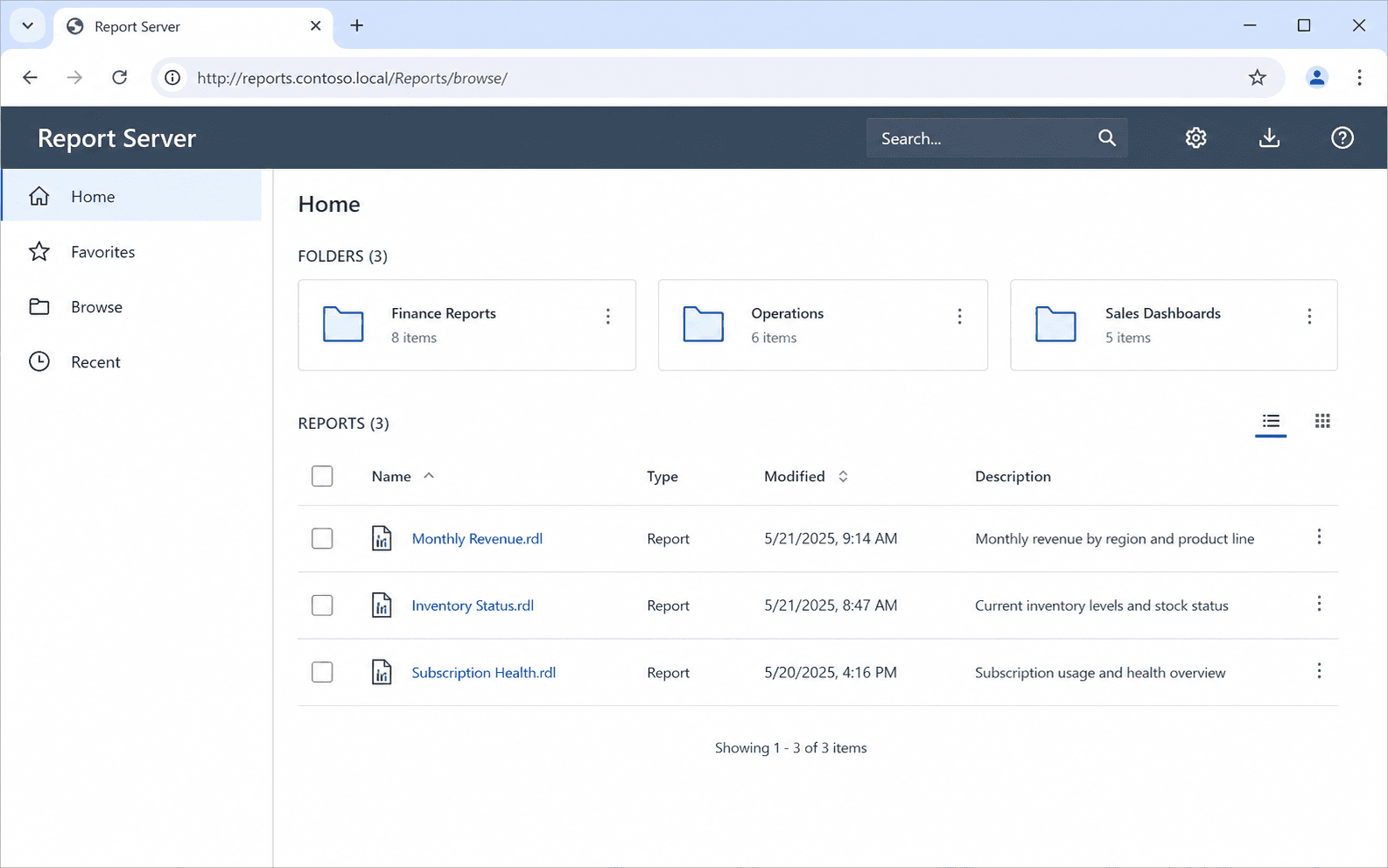
Generated preview of a SQL Server Reporting Services web portal with folders and paginated reports.
Generated SSRS-style portal preview. Not a Microsoft screenshot.

Latest SQL Server Reporting Services (SSRS) version

The latest SQL Server Reporting Services version is 16.0.9388.19190 for SQL Server 2022 Reporting Services.

Microsoft source status

Release notes source

Microsoft Learn and MicrosoftDocs

Snapshot checked

Jun 21, 2026

Microsoft doc updated

May 28, 2024

Tracked releases

43 standalone SSRS releases

SSRS downloads and release notes

Use the Download column when you need the Microsoft installer page for an SSRS major version. It is the right place to start for a new SSRS 2022, 2019, or 2017 install.

Some older builds only have release notes. In that case, the row is still useful for checking the build number, release date, and product version, but there is no separate Microsoft download page linked for that exact build.

For Database Engine cumulative updates and GDRs, use the SQL Server updates page instead.

SSRS versions FAQ

Short answers for common Reporting Services version questions.

What is the latest SSRS version?

+

The newest SSRS major line listed by Microsoft on this page is SQL Server 2022 Reporting Services. The latest release in that line is 16.0.9388.19190, with installed product version 16.0.1118.33.

What is SSRS used for?

+

SSRS is SQL Server Reporting Services, Microsoft's on-premises report server for paginated RDL reports, subscriptions, schedules, and the web portal.

What is the difference between SSRS release/build and installed product version?

+

The SSRS release/build is the version Microsoft lists in the release notes. The installed product version is the file or product version you may see on the installed report server.

How do I check my SQL Server Reporting Services version?

+

Check Report Server Configuration Manager, the Reporting Services installation files, or portal/server metadata where available. Use the product version when comparing against Microsoft release notes.

Where can I download the latest SSRS version?

+

Use Microsoft's SQL Server Reporting Services Download Center page for the relevant major version. This page links to Microsoft Download Center pages when Microsoft exposes one for that row.

Why are SQL Server 2012, 2014, and 2016 Reporting Services not listed?

+

They were part of the older SQL Server installation era. This page focuses on the standalone SSRS releases that Microsoft documents for SSRS 2017 and later.

Where are SQL Server Database Engine updates?

+

Use the SQL Server Database Engine updates tracker for cumulative updates, GDRs, supported builds, and version history.

What changed after SQL Server 2025?

+

Microsoft says on-premises reporting services are consolidated under Power BI Report Server starting with SQL Server 2025, with no new SSRS versions released.

Related SQL Server links

Working on Reporting Services?

For an SSRS update, check the report server version, back up the encryption key, confirm ReportServer database backups, and test subscriptions after the change.