

The .NET data access choice starts with who should own the SQL and what should happen when an object changes. ADO.NET gives the application direct command and transaction control. Micro-ORMs map results with less boilerplate. Full ORMs add a model and persistence behavior that can save repeated work across related entities.
An existing SQL Server application can use more than one approach. Its CRUD code may benefit from change tracking while a reporting query needs exact SQL or a bulk load needs a provider API. Transaction ownership, generated SQL, parameter types and the shape of existing stored procedures are better buying criteria than a single benchmark.
.NET data access tools for SQL Server at a glance
Compare a driver, a lightweight mapper or query library, and a full ORM using the same database contract. Check transaction and retry settings explicitly.
| Tool | Primary role | Control to verify | Trial evidence |
|---|---|---|---|
| Microsoft.Data.SqlClient | ADO.NET SQL Server provider | Explicit SQL, parameters and transaction API | Typed result and matching rollback |
| Entity Framework Core | ORM, LINQ and tracked changes | Provider, generated SQL and transaction strategy | Correct model, two writes and one commit |
| Dapper | SQL-centric object mapping | Command text, typed parameters and shared transaction | Expected data and transactional result |
| LINQ to DB | LINQ SQL translation and mapping | Generated SQL and transaction lifecycle | Actual statements and exact data |
| Devart dotConnect for SQL Server | Commercial .NET SQL Server provider | Runtime, licensing and supported data access mode | Typed result and provider transaction behavior |
| DevExpress XPO | ORM with SQL Server connection support | Session or unit of work and supported provider | Verified changes and rollback |
| LLBLGen Pro | Commercial model and data access tooling | Runtime, generated mappings and transaction scope | Actual SQL and both outcomes |
| ServiceStack OrmLite | Typed SQL access and object mapping | Configured SQL Server provider and transaction | Typed parameter and transaction results |
| NHibernate | ORM and unit-of-work path | Session lifecycle, flush and SQL dialect | Observed SQL and persisted result |
Microsoft.Data.SqlClient
Microsoft.Data.SqlClient is Microsoft's ADO.NET provider for SQL Server. It gives the application connections, commands, parameter types, readers and transactions. It also exposes SQL Server-specific functionality such as SqlBulkCopy and supplies the underlying connection used by several higher-level libraries.
It fits code that needs to manage precise SQL types, stored procedures, bulk operations or transaction boundaries. The application owns object mapping and data access conventions. Since it is often below the ORM as well, provider version, connection settings and authentication still matter even if few features call it directly.
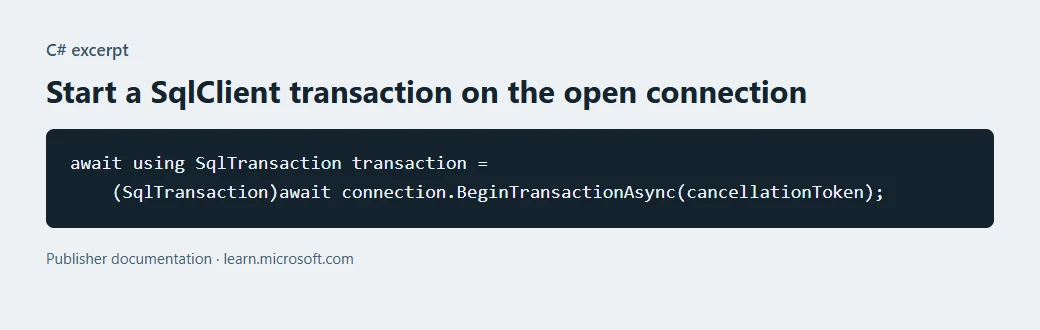
Use Microsoft.Data.SqlClient when you want direct command and parameter control. Verify the connection driver, encryption policy and explicitly assigned transaction for every write command in the operation.
Bind the expected decimal scale and nullable values with the actual data model. Compare database state from a fresh connection after rolling back the intentionally failed lab change.
- Compatibility
- Supported SQL Server and Azure SQL connections from supported .NET target frameworks.
- License and trial
- Open-source Microsoft provider with separate SQL Server licensing.
Entity Framework Core
Entity Framework Core's SQL Server provider translates LINQ queries through Microsoft.Data.SqlClient and builds commands from changes tracked by a DbContext. It provides an entity model and migration tooling. Applications can opt into mapped projections and database-specific behaviors.
EF Core fits an application with a substantial relational domain model and repeated entity updates. Tracking and query translation have costs that vary by query shape. A team benefits from owning the generated SQL and migration review, especially when another application shares the database or a change can block production tables.
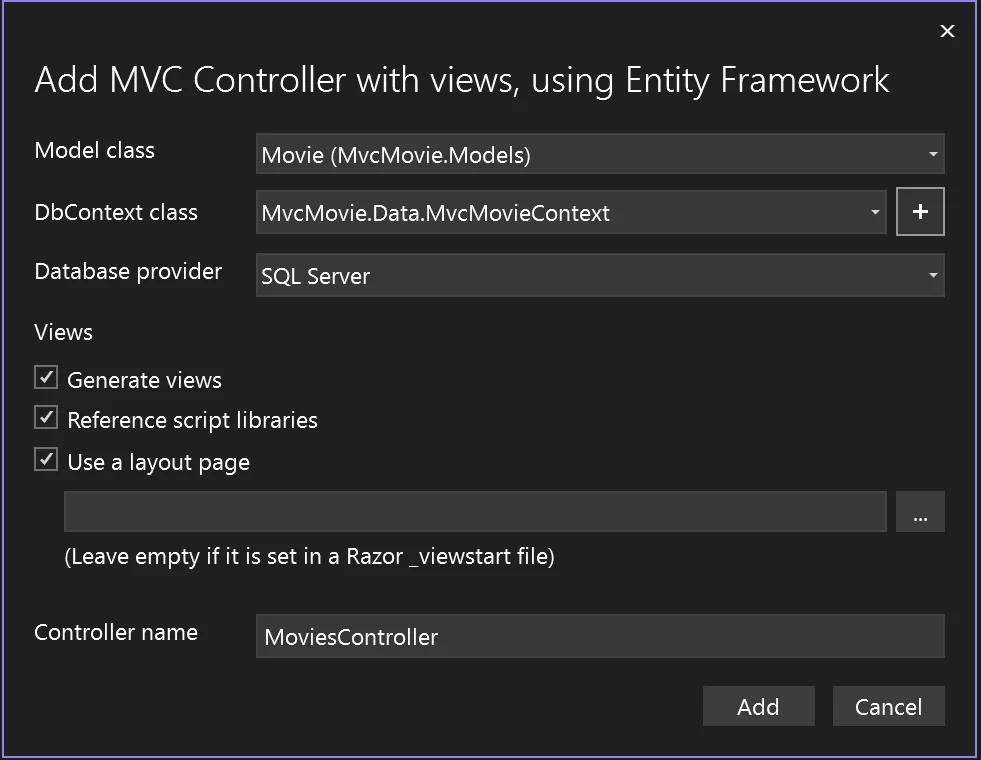
Confirm provider and .NET version, then review generated SQL and how transactions are defined across tracked changes. Coordinate an explicit transaction with the configured execution strategy when the operation can retry.
Fail between two lab writes and examine the persisted state independently of the tracking context. Repeat a successful operation and check its row outcome and audit record.
- Compatibility
- EF Core SQL Server provider with compatible .NET, EF Core and SQL Server versions.
- License and trial
- Open-source Microsoft packages with hosting and database costs separate.
Dapper
Dapper extends ADO.NET connections with methods that execute SQL and map results into .NET types. It handles mapping and parameter binding while the caller supplies the command, connection and transaction. That works for hand-written queries and stored procedures.
It fits SQL-first applications where query shape is part of the performance or operational contract. The reduced abstraction makes the executed SQL easier to identify, while changes to joined projections and transaction conventions remain the team's responsibility. It does not supply a tracked domain model.
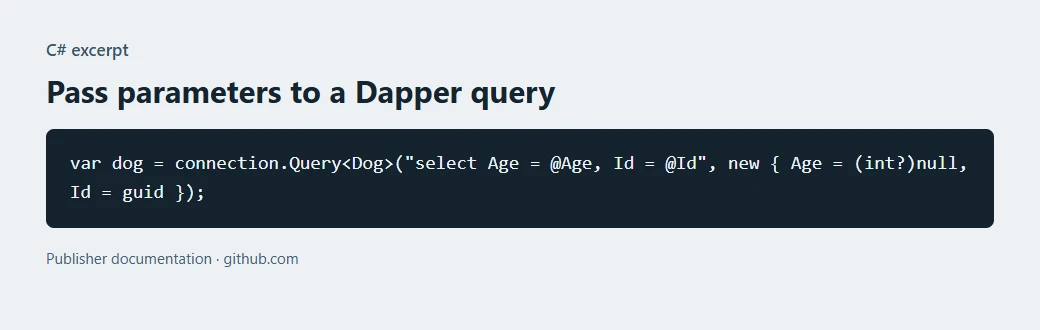
Pass values as parameters and select a target type matching SQL Server precision and nullability. Use the same connection and documented transaction argument for every command in the operation.
Run the intentionally failed lab transaction and verify no partial state. Inspect the returned row and emitted SQL for the successful retry under real application settings.
- Compatibility
- Compatible ADO.NET SQL Server provider and supported .NET runtime.
- License and trial
- Open-source Dapper library with separate database licensing.
LINQ to DB
LINQ to DB translates typed LINQ expressions into SQL and supports provider-specific operations, including bulk copy on suitable SQL Server configurations. Its table mappings and query extensions support a SQL-oriented data layer with type checking at compile time.
It fits a team that wants expression composition and set-based operations with an explicit persistence model. The application supplies transaction and lifecycle conventions for its data access. Provider selection and the generated statement still determine which queries and bulk operations behave as expected.
Use the SQL Server provider and choose how the mapping and LINQ translation handle the fixture's values. Capture generated SQL, bind the parameter types and review the deployed transaction configuration.
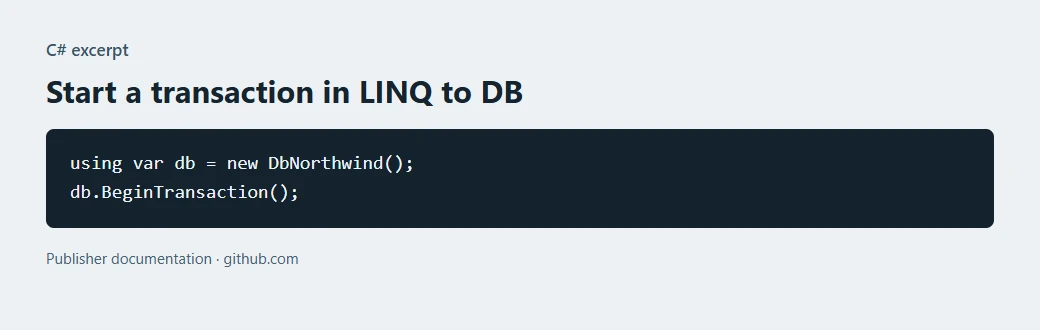
Test a two-write operation and verify state with an independent connection after failure. Compare query behavior and the final recreated unit of work for a safe retry.
- Compatibility
- LINQ to DB with a supported SQL Server provider and .NET target.
- License and trial
- Open-source library with separate commercial database costs.
Devart dotConnect for SQL Server
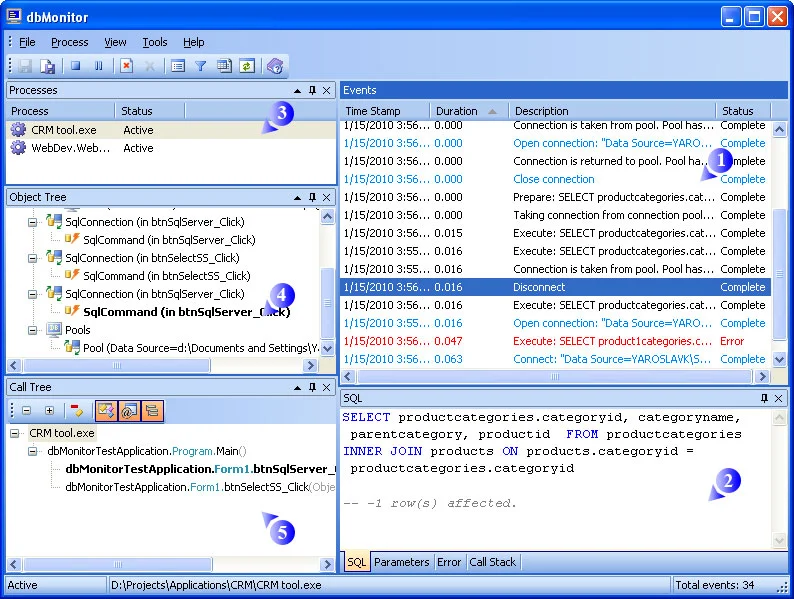
Devart dotConnect for SQL Server is a commercial ADO.NET data provider. It has its own connection and command types and vendor tooling. A team can use it as the low-level provider for code that needs an ADO.NET interface to SQL Server.
It is relevant when the team has a specific need for vendor support or a component already using the provider. Its feature set and licensing should be evaluated on the chosen .NET target. Migration from another provider can affect connection strings, SQL type behavior and deployment packages even when the API remains familiar.
Verify the platform, provider and plan for the intended dotConnect application. Record how the driver or integration binds decimal values, transactions and cancellation.
Compare the application result and persisted SQL rows after rollback and success. Keep reproducible connection and transaction settings with the observed behavior.
- Compatibility
- Supported SQL Server and .NET combinations in Devart's provider documentation.
- License and trial
- Commercial product with vendor edition and evaluation terms.
DevExpress XPO
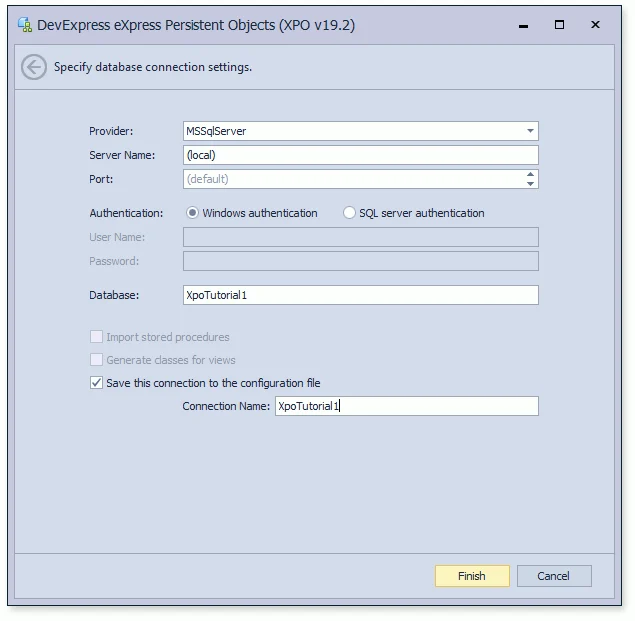
DevExpress XPO maps persistent .NET classes to database tables and uses sessions or a UnitOfWork to load and save changes. It includes SQL Server connectivity through supported provider options and integrates with parts of the broader DevExpress application stack.
It fits projects that already depend on XPO mappings or need its particular persistence conventions. DevExpress maintains XPO and recommends EF Core for new development. A team with triggers, computed expressions or database-generated keys can use a full save workflow to expose assumptions in an existing mapping.
Choose the supported XPO SQL Server provider and session or unit-of-work approach. Check how it maps data types and when it sends SQL to the database.
Run both lab paths and compare stored state outside the active session. Record any configuration need for tracking, batching or transaction boundaries.
- Compatibility
- DevExpress XPO runtime with a supported SQL Server connection provider.
- License and trial
- Free proprietary ORM under the DevExpress license. Source access is included in qualifying paid subscriptions.
LLBLGen Pro
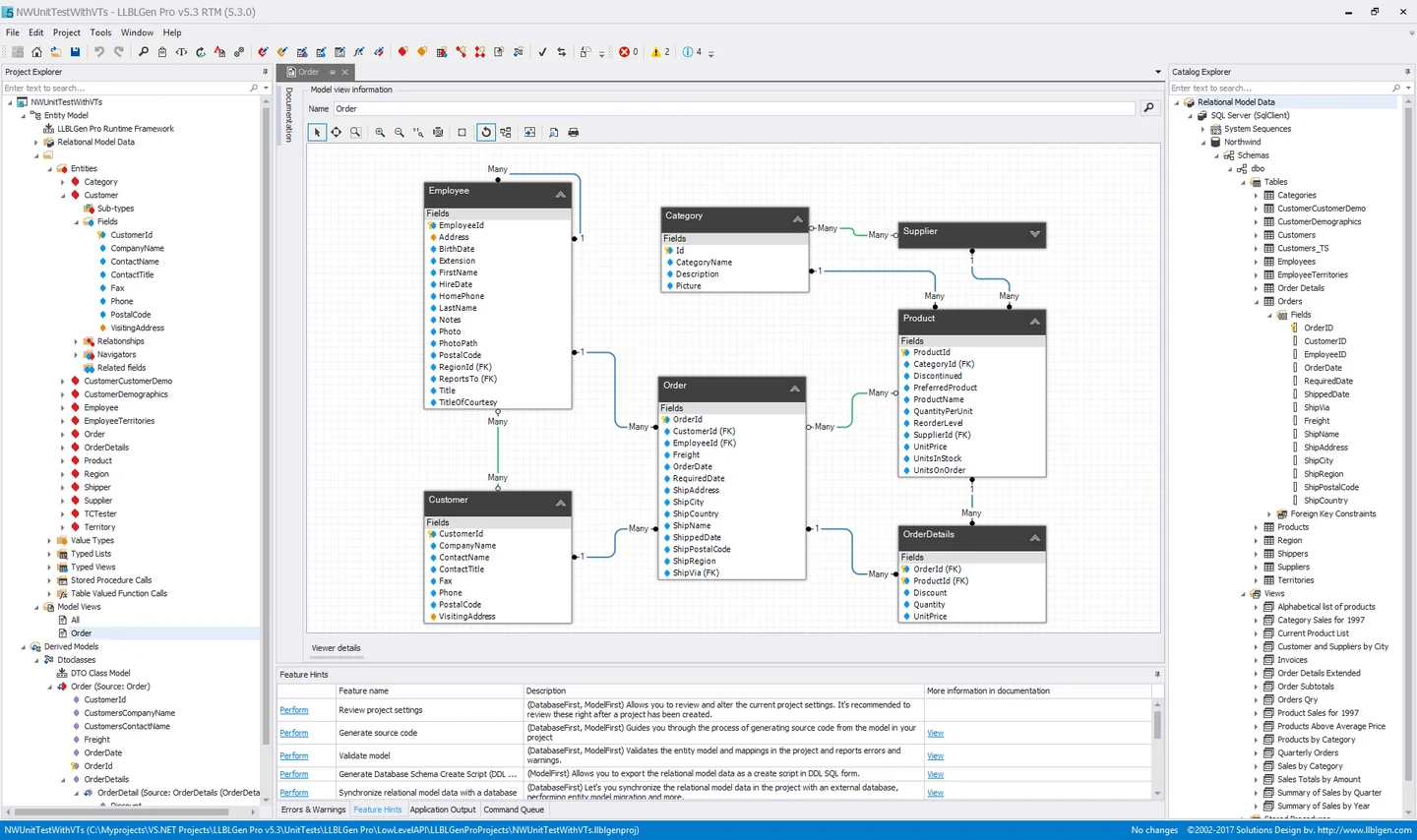
LLBLGen Pro is a model designer and code generator with SQL Server support. A team can model an existing database or domain and generate mappings for supported runtime targets. The Designer also works with the LLBLGen Pro Runtime Framework.
It fits teams that manage a large schema and want repeatable generation with explicit mapping choices. Designer support for a backend does not make all runtime targets behave the same. Generated changes need source review, while provider support and deployment requirements follow the selected runtime.
Verify the supported SQL Server design and runtime configuration. Review generated mapping for decimal fields and the exact transaction sharing mechanism documented for your data access option.
Run the same two writes and observe the intentional failure. Check the persisted outcome in a new reader, then verify the expected amount and audit record after success.
- Compatibility
- SQL Server through a supported LLBLGen Pro Designer and runtime target combination.
- License and trial
- Commercial Designer licensing with provider and runtime terms determined separately.
ServiceStack OrmLite
ServiceStack OrmLite is a typed data access library that maps .NET objects to SQL operations. Its SQL Server dialect builds statements for common queries and persistence. It also allows explicit SQL for operations that are easier to express directly.
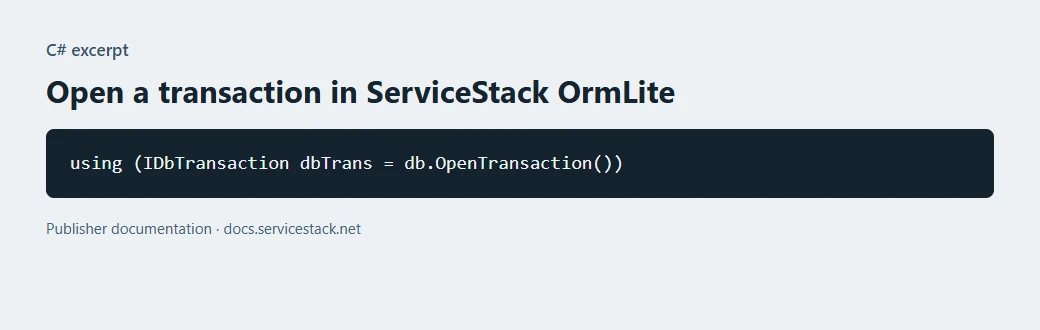
It fits projects that want typed CRUD with a relatively small API, especially when the rest of the application already uses ServiceStack. Relationships and transaction scope remain visible responsibilities in application code. License limits and the behavior of an existing schema should be understood before broad adoption.
Select the approved SQL Server dialect or provider for the actual runtime. Verify the parameter mapping and transaction scope across all writes needed by the operation.
Compare read and commit outcomes in the lab before and after a failure. Capture which rows were updated and the actual amount and audit state.
- Compatibility
- Supported OrmLite SQL Server dialect and ADO.NET driver for the chosen runtime.
- License and trial
- ServiceStack license and usage limits or commercial subscription apply.
NHibernate
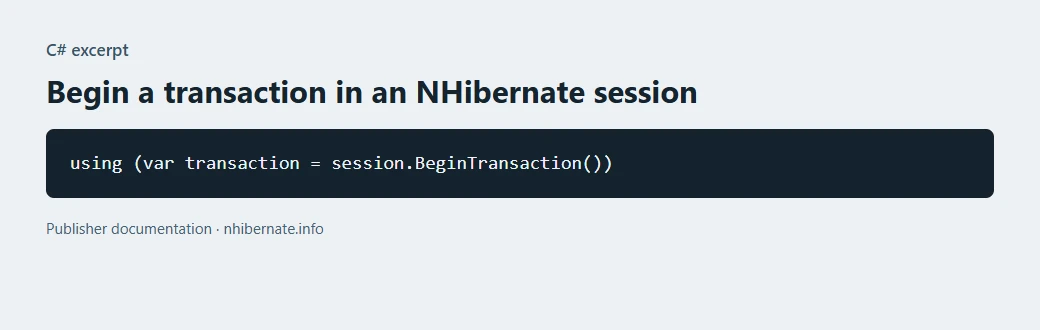
NHibernate maps .NET classes and relationships to relational tables. A session maintains loaded objects and can persist changes in a transaction. SQL Server support comes through configured dialects and drivers, with mappings controlling how database objects are represented.
It is a reasonable choice for a long-lived application already built around its mapping or session semantics. Lazy loading and session scope can change when queries run, especially across service boundaries. Existing mapping behavior and generated SQL deserve attention when changing the driver or target SQL Server release.
Configure the supported SQL Server dialect and NHibernate session strategy. Decide when the session flushes and which operation spans a database transaction.
Force the controlled failure and verify the database independently of NHibernate's session. Check results after a new session repeats the allowed change.
- Compatibility
- NHibernate with a documented SQL Server dialect, ADO.NET driver and .NET target.
- License and trial
- Open-source NHibernate licensing and community support.
Which tool fits your data layer?
| What you need | Tools to shortlist | What to verify |
|---|---|---|
| Keep SQL and transaction control in the application | Verify typed parameters, mapped rows and that both writes use the same connection and transaction. | |
| Use LINQ or an established mapping framework | Inspect generated SQL, execution order and when the application flushes or saves changes. | |
| Generate mappings from an existing SQL Server schema | Check designer and runtime requirements, then test the generated data layer against the same transaction. |
Choose how much SQL and transaction logic the .NET app owns
SqlClient exposes direct connection, command and transaction controls. SQL mappers reduce object conversion work while allowing explicit queries. An ORM adds query translation and tracked changes. Verify generated SQL, types and transaction boundaries for your actual service.
Check automatic retry and explicit transactions together in the chosen provider or ORM. Use the documented transaction strategy and design a replay that does not duplicate committed business changes.
Exact commands and parameter binding
Trial SqlClient and a SQL-oriented mapper
Verify connection, transaction and typed results.
Model-level queries and tracked changes
Trial an ORM with the supported SQL Server provider
Inspect generated SQL, flush or save behavior and rollback.
The service retries after a failed write
Test real committed state with an independent connection
Check a failed transaction and successful safe retry.
Verify that a failed .NET write leaves both SQL tables unchanged
The fixture starts item 1 at amount 20.00. The Save step changes it to 23.45 and records an audit row in one transaction. The default intentionally fails after the first write. After rollback the amount should remain 20.00 and no audit row should exist.
Repeat with @SimulateFailure set to 0 and verify amount 23.45 and one audit row. Implement equivalent behavior in the actual app for the comparison, open a separate verification connection and inspect exact bound data and outcome.
| Case | Amount in database | Audit rows |
|---|---|---|
| Setup | 20.00 | 0 |
| Simulated failure halfway through | 20.00 | 0 |
| Successful rerun | 23.45 | 1 |
| Replay after success | Remains 23.45 | Remains 1 |
How to compare these tools
Run the same read and two-step write in each candidate. Force the second statement to fail and check from a fresh connection that rolling back also undid the first statement. Sources checked .
Commit one reservation, then roll back a failed retry
Use an empty disposable DotNetAccessTrial database. Run Setup, then run Save with the intentional failure enabled. Use View in a fresh connection to confirm the rollback. Rerun Save with the failure disabled and verify both persisted results.
Compare transaction rollback and success in the SQL Server fixture
T-SQL · 37 lines
- Pick intended .NET and SQL driver versions and record how the client opens the connection and binds amount. Run Setup in the isolated database.
- Use the candidate library to perform the failure and success cases. Check the resulting SQL data from a fresh independent connection. Verify amount types, stored values and audit outcome.
- Review actual SQL operations and retry decisions. Repeat the successful request and check whether the application preserves the single committed action.
Conclusion
Choose the data layer the team can maintain. Compare SQL control, mapping and deployment needs against the same production-shaped read and write. Verify rollback using database state and keep that check with the application.
Frequently asked questions
Should I use Dapper or EF Core for SQL Server?
Use Dapper if the application keeps SQL explicit and needs a typed mapper. Use EF Core if it benefits from a LINQ model, entity tracking and migrations. Compare the SQL generated or authored for the real workload and verify transaction behavior.
Does Dapper replace Microsoft.Data.SqlClient?
Dapper extends an ADO.NET connection with query and mapping helpers. For SQL Server, the application still uses a compatible provider such as Microsoft.Data.SqlClient.
How can I test rollback in a .NET SQL Server application?
Execute a successful first statement and a deliberately failing second statement in the same transaction. Roll back. Read the affected data from a new connection and confirm it matches the state before the failed operation.
Which .NET tools can generate models from SQL Server tables?
EF Core can scaffold a DbContext and entities from an existing database. DevExpress XPO and LLBLGen Pro also document database-first modeling. Check supported versions, tooling and how regenerated code is maintained.
Does one call to EF Core SaveChanges cover multiple SQL commands?
When the provider supports transactions, EF Core normally applies the changes in a single SaveChanges call atomically. For work across multiple saves or direct commands, configure the required transaction and check how retries and savepoints affect it.
Does an ORM automatically make a sequence of .NET commands one SQL Server transaction?
Check the library's actual transaction and save behavior for those commands. Verify multi-step operations with a failure in the middle and an independent read.
How do I compare performance between Dapper and EF Core for SQL Server?
Use the same app query shape, parameters, result size and transaction behavior. Capture generated SQL and real timings on the intended deployment.