

SQL Server deployments usually start from either a series of migrations or a definition of the database you want. Flyway, Liquibase and DbUp apply changes in order and keep a record of what ran. SQL Database Projects build a DACPAC that describes the intended schema. SqlPackage compares that model with each target and calculates the work needed there. Atlas offers both styles.
The database runner is one part of the release. Bytebase brings proposal review and rollout approval into the database workflow. Octopus coordinates database and application steps and can call a separate migration tool. Prisma and EF Core make more sense when the application model already drives schema changes. How a tool records a failed or partially applied migration matters just as much as how it deploys a clean one.
SQL Server database deployment tools compared
Match the tool to the artifact you can review and promote. A runner, a schema publisher and an approval platform solve different parts of the release.
| Tool | Release artifact | How SQL runs | Before approval | Licensing |
|---|---|---|---|---|
| Redgate Flyway | Ordered versioned and repeatable migrations. | Flyway invokes SQL Server through its driver. | Validate history. Dry-run and drift entitlements vary. | Community or commercial editions. |
| Liquibase | Changelog and identified changesets. | Liquibase applies eligible changes through the SQL Server integration. | Preview generated SQL and review rollback eligibility. | Community and paid Secure offerings. |
| Bytebase | Database change or Git-driven rollout. | Bytebase deploys to approved SQL Server targets. | Review policy, approvals and SQL check support by plan. | Plan-based, with documented deployment options. |
| Microsoft SQL Database Projects and SqlPackage | Built, versioned DACPAC and publish settings. | DacFx computes and applies the deployment plan. | Produce a Script or DeployReport for the intended target. | Microsoft tools. Runner and approval costs are separate. |
| Atlas | Versioned migrations or a desired schema. | Atlas applies the selected migration workflow. | Review a versioned change or the plan from a schema diff. | SQL Server and advanced features vary by edition. |
| Octopus Deploy | Release package paired with a SQL runner. | Octopus orchestrates a script or separate migration executable. | Review artifact, approvals and environment access. | Commercial platform plus chosen runner cost. |
| DbUp | Embedded or packaged scripts and a custom runner. | Application code runs scripts against SQL Server. | Review scripts and configure journal and transaction behavior. | Open source. The team packages and operates the runner. |
| Prisma Migrate | Versioned migration files from the Prisma project. | migrate deploy runs pending migrations. | Review generated SQL and separate any drift checks. | Open-source ORM tooling, plus optional platform costs. |
| Entity Framework Core Migrations | Migration SQL or an executable bundle. | Apply through an approved runner against SQL Server. | Review generated script, history and the deployment identity. | Open source. Pipeline costs are separate. |
Redgate Flyway
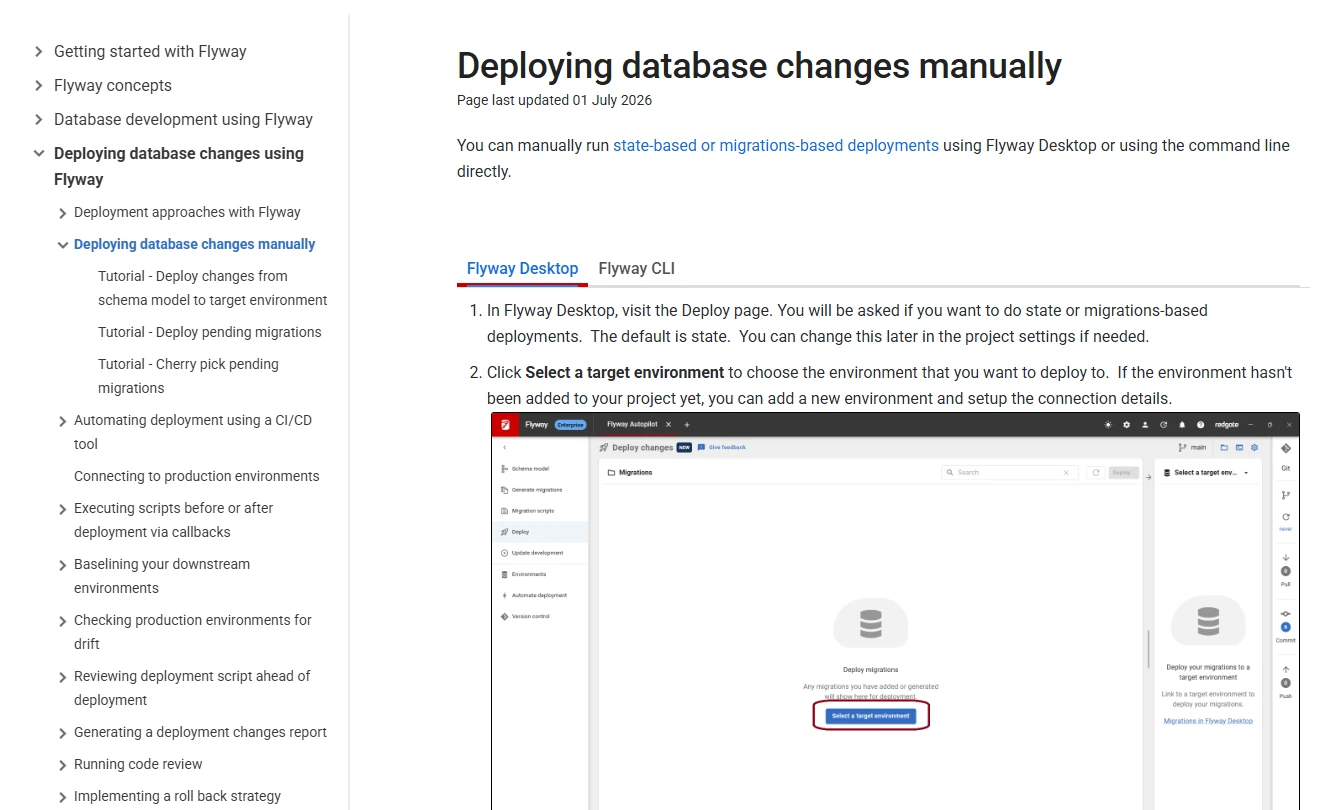
Redgate Flyway applies versioned database migrations and records them in a history table. For a SQL Server repository built around ordered T-SQL files, development and staging can apply the same changes in the same sequence. Validation can flag a checksum mismatch when an applied script was edited later.
Flyway fits a team that wants the release history to follow Git and already reviews SQL scripts. The database state after failure depends on the migration and how it runs. Validation can make a discrepancy visible while the DBA still needs to determine what actually committed. Drift reports and dry runs have their own edition requirements.
Flyway fits teams that prefer reviewed SQL files with a clear migration sequence. Validate the recorded history against the artifacts before release. If an applied file changes in Git, inspect the checksum discrepancy and agree on the intended forward migration before changing production history.
Test the exact SQL Server runner and transaction settings. A long backfill may have different operational needs from a short statement. Review how your edition supplies a dry run or drift check and what record is retained with the release.
- Compatibility
- Supports SQL Server using the relevant Flyway release and JDBC setup. Deployment, validation and drift features vary by edition.
- License and trial
- Community and commercial editions. Redgate publishes the entitlements for dry-run, drift and review features.
Liquibase
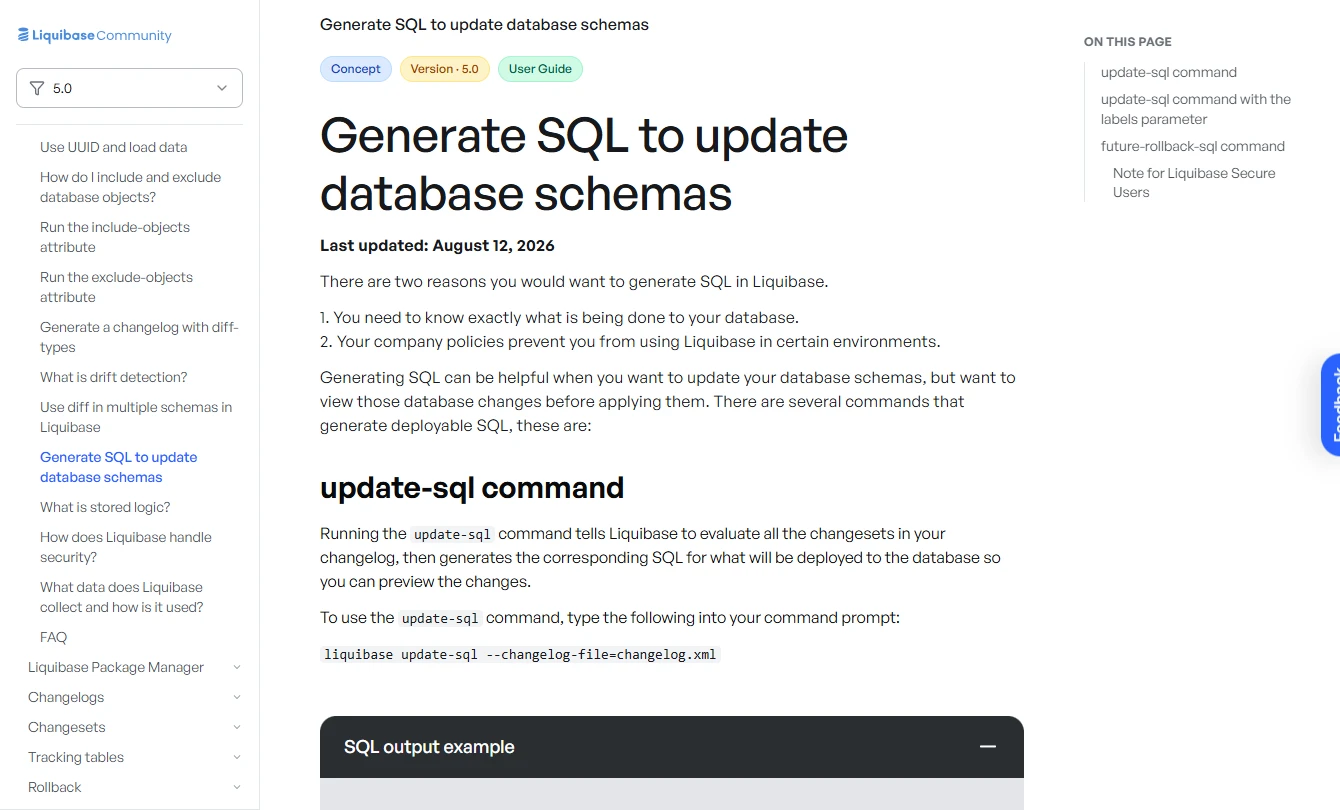
Liquibase uses a changelog with change sets and records which sets ran on each target. A SQL preview can show what is pending before the release reaches the database. Changelog preconditions are useful when a change depends on a specific target state.
This is a good fit when the team wants each change to carry more context than a filename and SQL body. Rollback is only as complete as the change type or supplied rollback statements allow, especially for data backfills. An interrupted release can also leave a lock that needs to be understood before another run starts.
Liquibase can be useful when change ordering, conditional execution and multiple project environments belong in one changelog. Generate the preview using the intended contexts, labels and target, then review the SQL and whether each operation has an actionable rollback path.
Rolling back a change that has already committed is a separate operation from the engine rolling back an open transaction. Validate both for your changeset types and SQL Server runner. Record how a failed changeset appears in history and what the next update will do.
- Compatibility
- Documented SQL Server integration, SQL preview and changelog execution. Rollback support is change-specific.
- License and trial
- Community and commercial Secure editions. Additional policy, stored-logic or reporting features depend on the plan.
Bytebase
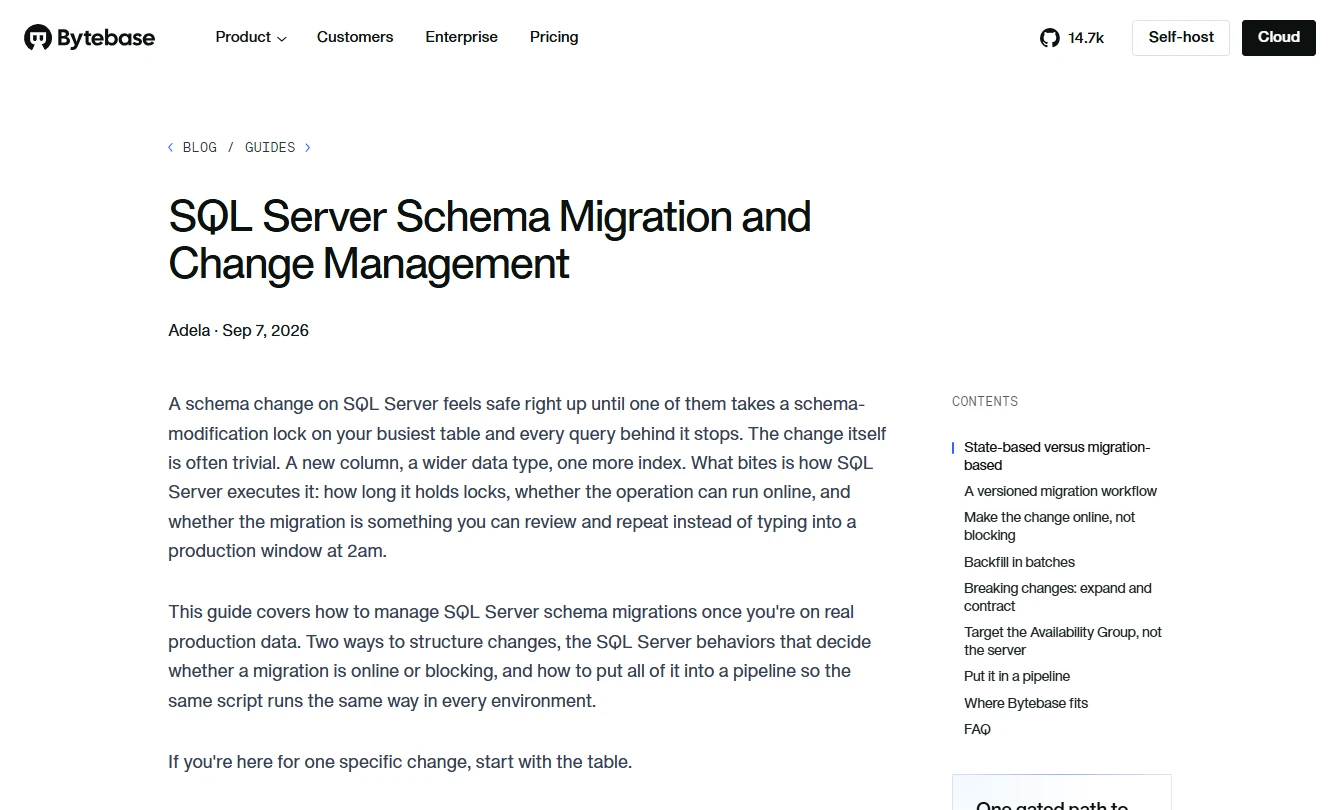
Bytebase gives SQL Server changes a workflow from proposal to review to staged rollout. Reviewers can read the planned SQL and target alongside approval and check results. Across several databases, the rollout gives the operator a place to see which targets have moved forward and which still need attention.
The advantage is clear when a Git approval does not already describe how the change reaches a particular database. Bytebase can put that review beside the rollout. Its value depends on network access to the targets and on policies that ordinary accounts cannot bypass through another deployment path.
Bytebase fits a team that wants database review and rollout to have their own lifecycle. The database reviewer should see the target list, the proposed change and the execution status. Verify which approval and SQL review capabilities are available for SQL Server under your plan.
Use the intended deployment identity for a staging run. Review which permissions a requester has outside Bytebase so the platform remains an effective control. Include a failed stage and verify the operator can tell which targets completed.
- Compatibility
- Bytebase documents SQL Server schema migrations and staged rollouts. Supported checks and authentication depend on the version and target.
- License and trial
- Commercial plans and deployment options. SQL review, policy and approval entitlements depend on plan.
Microsoft SQL Database Projects and SqlPackage
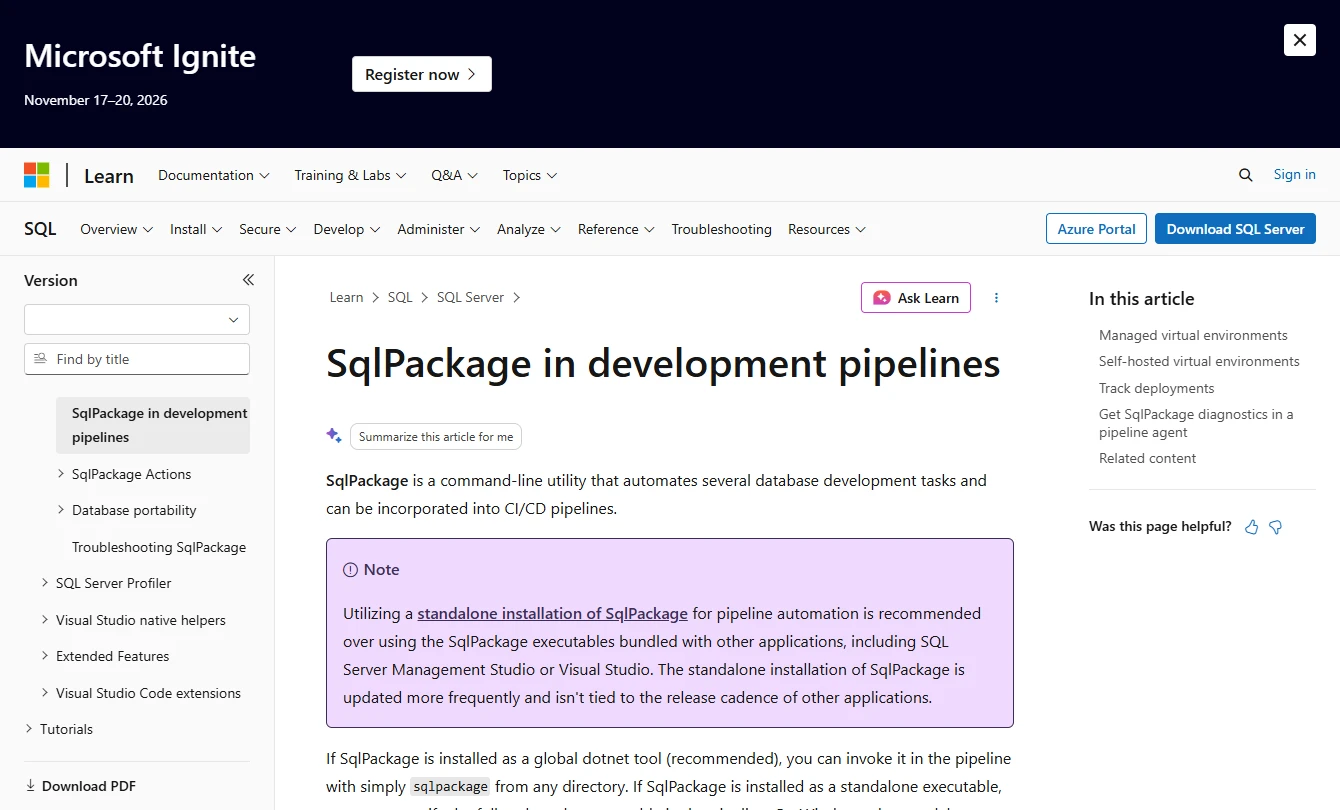
SQL Database Projects compile a desired SQL Server schema into a DACPAC. SqlPackage can compare the artifact to the target and produce a deployment report, script or publish operation. A reviewed DACPAC and profile let staging and production use the same schema definition.
This fits teams that own the database as a project and want to review how each environment will be brought to that state. The publish profile determines how target-only objects and possible data loss are handled. SQL in pre- or post-deployment scripts also needs to account for repeat publishes.
A DACPAC is a useful release artifact for SQL Server projects. Build it once from the approved revision. Produce a script or deployment report against staging and review destructive operations and drift before publish. Store the target and publish settings with the output.
Pay attention to pre-deployment and post-deployment scripts, data movement and refactoring. The schema package alone does not validate whether a script's data effects can be reversed. Test the exact options with a target that contains realistic rows and dependencies.
- Compatibility
- Microsoft documents project builds, DACPAC deployment reports and publish settings for supported targets.
- License and trial
- Microsoft tooling. Release approvals, artifact retention and runner operation are part of the surrounding pipeline.
Atlas
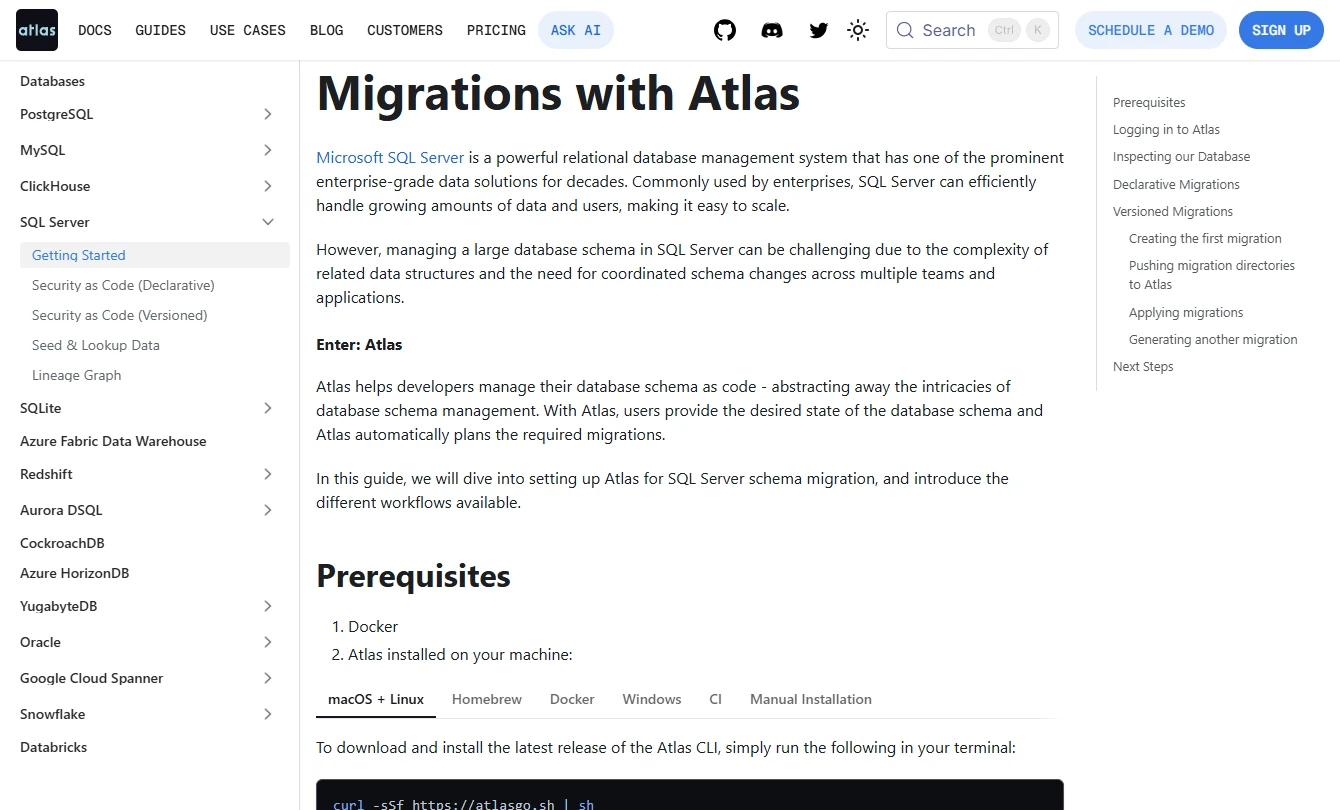
Atlas offers declarative and versioned SQL Server migration workflows. The declarative approach plans changes from an intended schema. The versioned approach puts a migration directory under review and gives CI a way to check it against a development database.
Atlas is a candidate when a team wants generated plans and the option to keep an ordered migration history. A disposable database running the same platform makes that plan more representative. SQL Server objects beyond the tool’s coverage still need a deliberate hand-authored migration.
Atlas lets a team work with a versioned migration sequence or compute changes from a desired schema. Pick the workflow that matches how release approvals are recorded. Compare the actual SQL Server support and the requirements for any development database that Atlas uses.
For a declarative deployment, include a deliberate out-of-band target change and inspect the plan. For a versioned run, focus on the recorded migration and what can be reproduced at the same version. Confirm the edition's checks before relying on them in CI.
- Compatibility
- Atlas documents SQL Server setup and both migration styles. Supported database versions and feature coverage depend on the workflow.
- License and trial
- SQL Server, development database and CI features depend on Atlas edition and entitlement.
Octopus Deploy
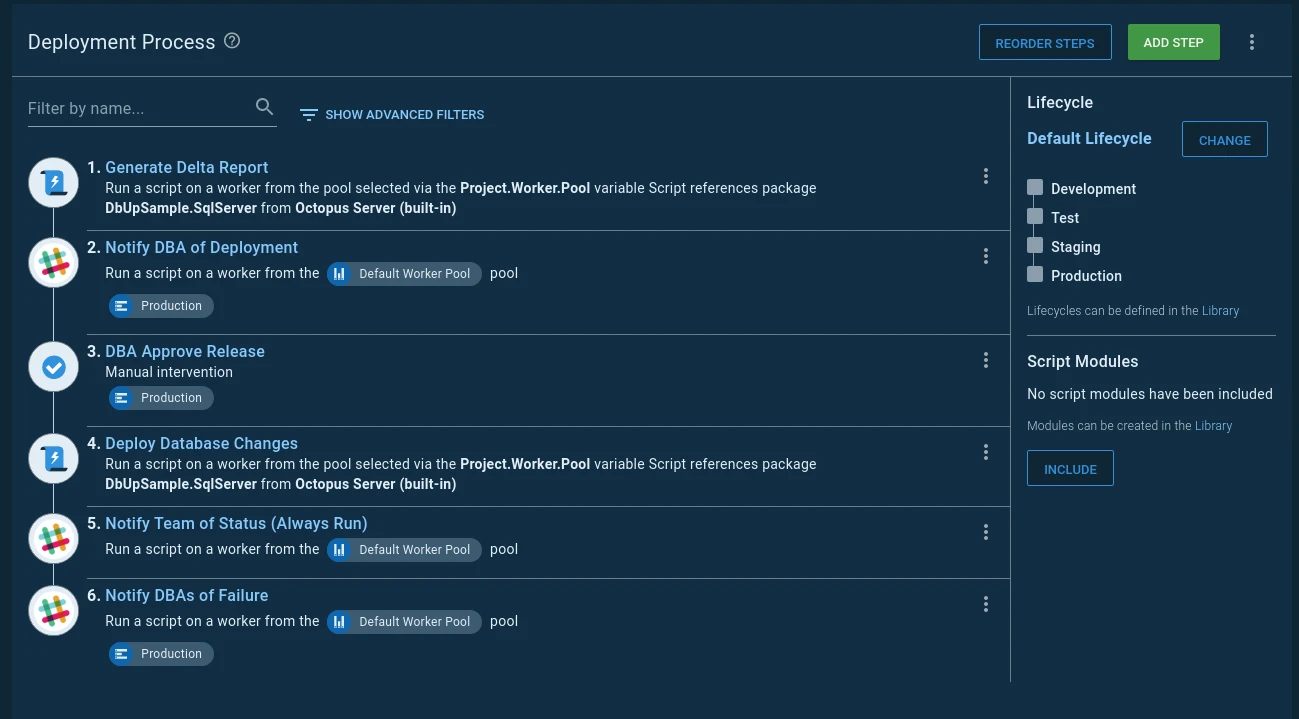
Octopus Deploy coordinates database steps with the rest of a release. A worker can invoke a SQL Server migration runner or run a script, while Octopus holds the environment variables, deployment order and approval. This gives reviewers one release record for the application and its database changes.
That orchestration is useful when an application rollout should pause after a migration failure or wait for an authorized approval. The tool executing the SQL still controls the actual database changes and their recovery. A worker also needs network access and a deployment identity appropriate to the target.
Octopus is useful for environment promotion, package and credential boundaries and operational approvals. Keep the SQL runner named in the release. It may be SqlPackage, Flyway, a vendor script or another executable that is already approved in your environment.
The runner owns decisions such as checksum validation, script transactions and pending migrations. The release process should attach the approved SQL and show the runner's failure in the rollout history. Test permissions for anyone able to change steps after initial review.
- Compatibility
- Octopus documents SQL Server deployment patterns, using a separate runner, command-line tool or script for the SQL.
- License and trial
- Commercial orchestration platform. Any licensed migration runner is a separate cost.
DbUp
DbUp is a library for applying database scripts from a .NET process. It can run ordered SQL Server scripts and keep a journal of what has already been applied. The deployment package can travel with the application without requiring a separate schema management service.
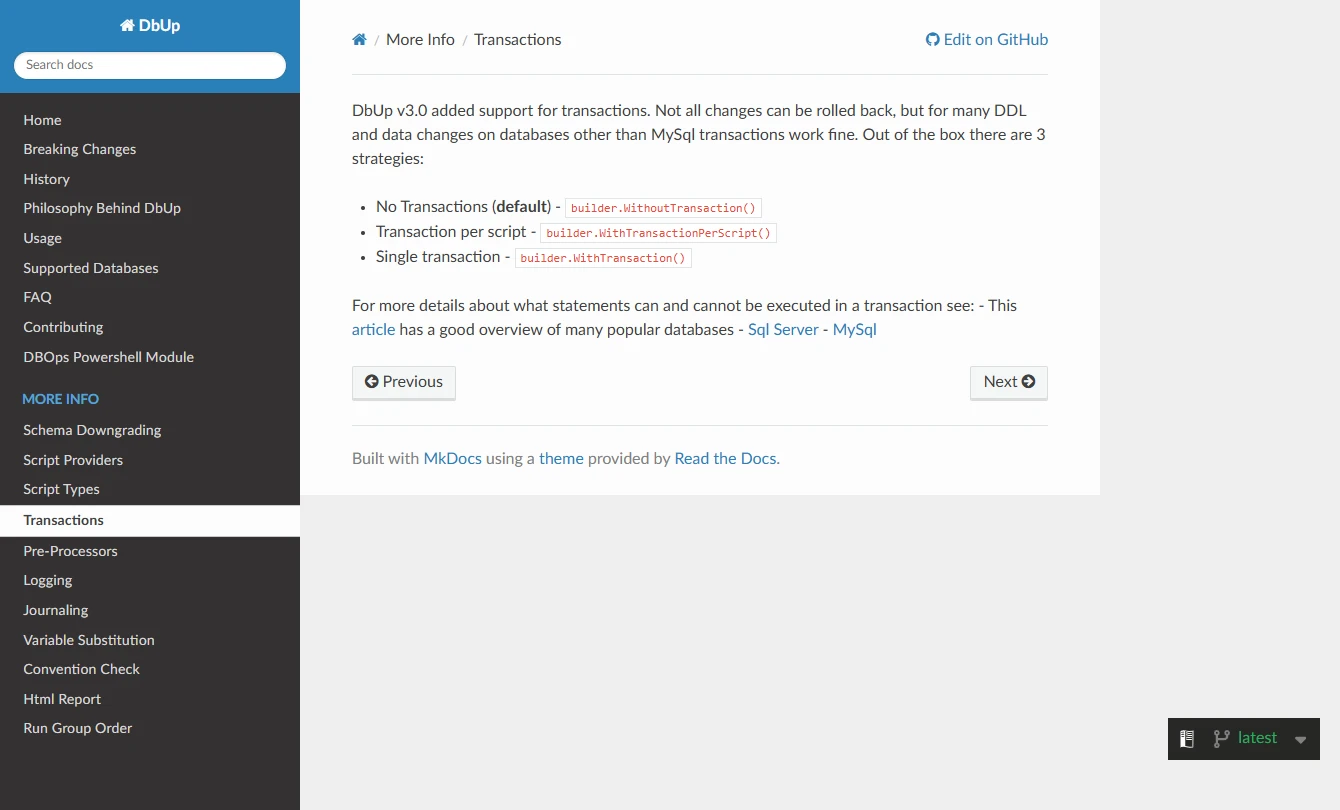
DbUp suits a development team that wants to own a small deployment runner and its failure handling. The default runs without a transaction, and the library also supports transactions per script or per run. Those modes change what remains after a failure. Approval, drift checks and reporting are work for the surrounding pipeline.
DbUp suits .NET teams that want a small SQL migration runner embedded in a release program. Decide how scripts are discovered, named and ordered, where the journal lives and which configured transaction strategy applies. Keep the runner version and scripts with the release.
Test the failure path under the intended journal and transaction strategy. Compare what exists after a rollback with what remains after an earlier script commits. The application team is responsible for when retries run and what the release gate records.
- Compatibility
- SQL Server support with configurable journaling and transaction handling.
- License and trial
- Open-source library. The application team owns runner packaging and operational support.
Prisma Migrate
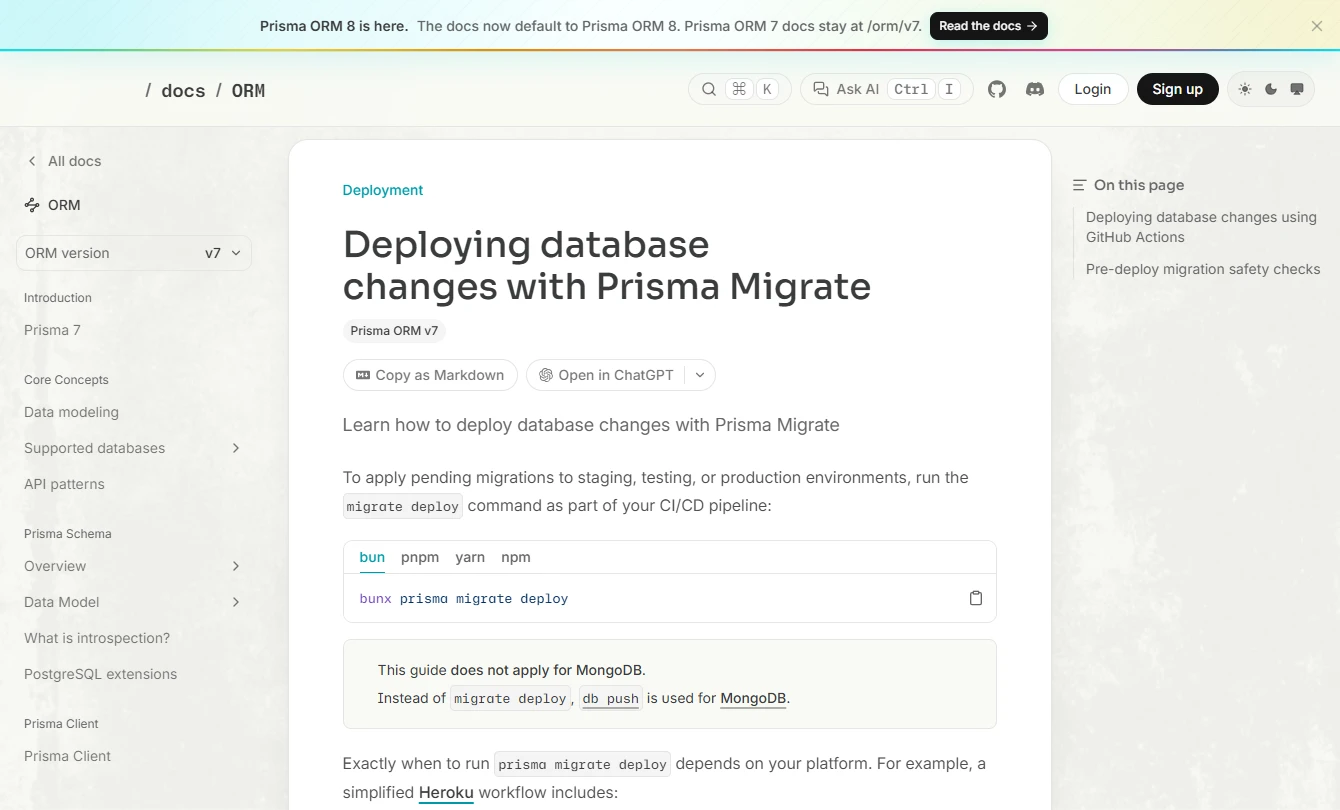
Prisma Migrate keeps SQL migration files alongside an application’s Prisma schema. For SQL Server, developers can inspect the migration created in development and ship pending migrations through the deployment command. The schema change and the application code that needs it can be reviewed together.
It fits an application for which the Prisma model already describes most of the owned tables. Production deployment applies pending migrations, with schema drift detection handled elsewhere. Database objects outside the model can require custom SQL and an agreed way to review and track it.
Prisma Migrate fits a SQL Server application that owns its schema and works from versioned migrations. Review the generated SQL for objects Prisma can represent and for existing provisions added manually. Account for a separate database workflow when the schema supports more than one app.
The deploy step applies pending migrations from the release. Compare how an edited migration or out-of-band database change is detected with your independent staging and verification controls. Keep credentials and any repair or resolve operation under release access.
- Compatibility
- Prisma documents a SQL Server connector and a deploy command for versioned migrations.
- License and trial
- Open-source ORM migration tooling. Optional platform and runner costs depend on the deployment.
Entity Framework Core Migrations
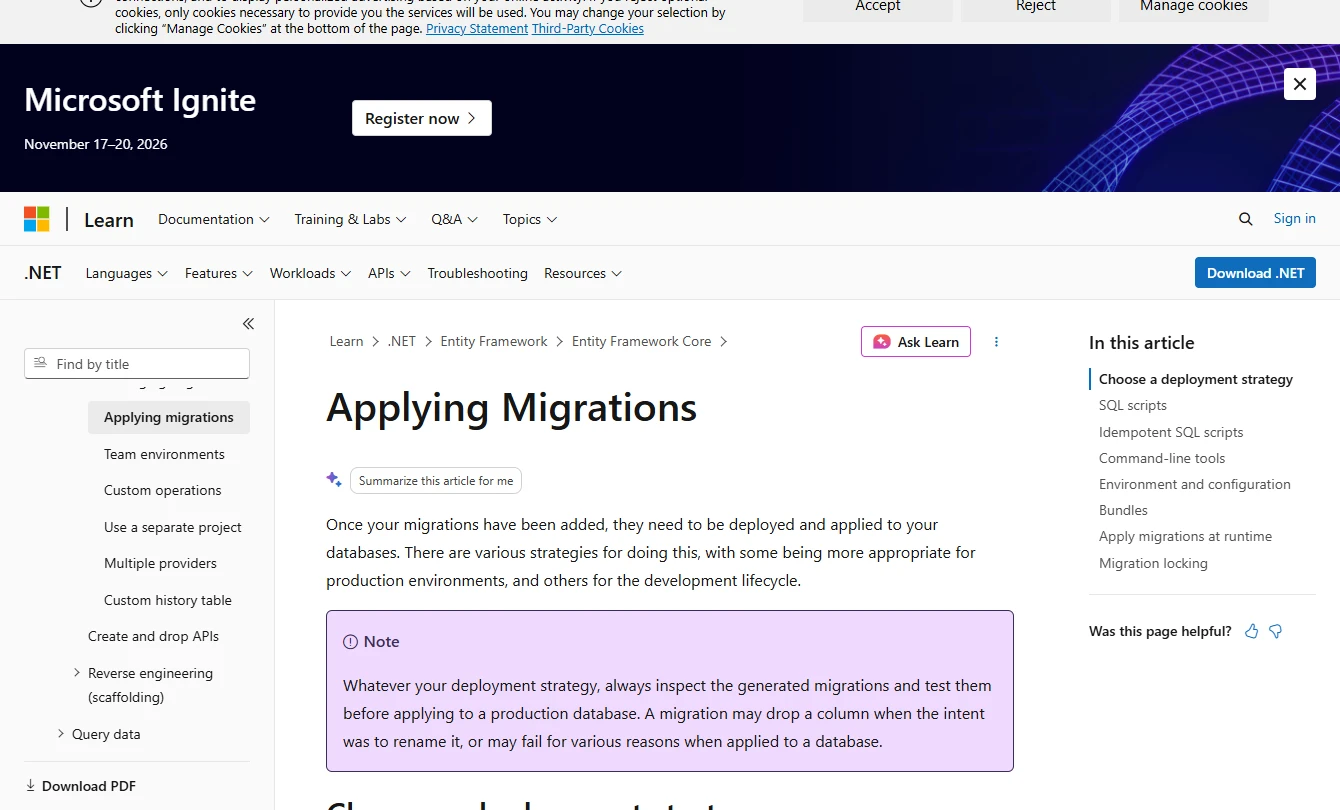
Entity Framework Core can turn application model changes into migrations for SQL Server. Those migrations can be released as reviewed SQL, idempotent scripts or a migration bundle. An idempotent script consults migration history, which lets the same artifact handle targets that have applied different subsets of the migrations.
The approach makes sense when EF Core owns the model, and the SQL and application changes need adjacent reviews. A generated schema change can still affect live data during a backfill. Keeping the deployment artifact and its identity separate from the runtime application gives operations more control over when the change runs.
EF Core fits a .NET application that owns its SQL Server schema and wants a reviewed script or a repeatable migration bundle. Generate the artifact with the provider and model version deployed by the application. Review raw SQL and migration order before treating it as a production release.
Use a dedicated migration identity and test where the migration history is recorded. A bundle is an executable artifact and must survive the same staging validation as a SQL script. Verify locks, timeouts and failure behavior on the actual target.
- Compatibility
- Microsoft documents scripts and bundles for supported EF Core providers, including SQL Server. The provider and tools must match the application version.
- License and trial
- Open-source library and tooling. Release or approval services are separate from EF Core.
SQL Server deployment tools by release workflow
| What you need | Tools to shortlist | What to verify |
|---|---|---|
| Push versioned SQL from Git | Edit an already-applied script and trigger a deployment failure. Verify how the journal and next run behave. | |
| Review and approve staged database changes | Make a risky release wait for approval. Verify who can approve or bypass it and what happens if one target fails. | |
| Deploy from a schema artifact or desired state | Generate the deployment plan against staging. Verify the artifact, target-specific changes and what happens when the target drifts. | |
| Ship migrations with an application framework | Build the migration artifact with the application. Check history, release order, production permissions and a failed-run recovery. |
Choose the database release artifact
Build or package one release from the approved revision. Pass the same artifact to staging and production. If a tool computes a target-specific plan on the runner, retain the plan or diff with its target and options so the approval can be reviewed later.
Reviewed SQL migration files
Run versioned migrations
Validate recorded history, deploy the approved files and retain journal and runner output.
A database project
Promote a built DACPAC
Build once from Git, review the target plan and publish with saved options.
An application release
Package the migration runner
Promote reviewed scripts or a bundle and block the app release until the database checks pass.
What to capture before and after a failed release
Document the source revision, artifact, ordered SQL, runner identity and migration history. An engine rollback and recovery from an earlier committed script require different work. The fixture below is a native SQL Server baseline with an intentional failure inside one transaction.
Compare the actual product and configured transaction settings with that baseline. After an interrupted release, check schema, history and data before rerunning the deployment or starting the application rollout.
| Stage | Evidence | Expected in the native fixture |
|---|---|---|
| Before deployment | Schema, rows, routine and previous journal state. | Two orders. The Processed column is absent. |
| Intentional failure | Error, open transactions, schema and migration history. | The baseline fails after ALTER and rolls back. Processed remains absent. |
| Approved retry | Same revision with the fault disabled. | Column and backfill commit. The routine reports two processed rows. |
| Application release | Expected rows, schema and approved release evidence. | The app gate can validate the database and proceed. |
How to compare these tools
Run one successful migration and one that fails after its first statement. Inspect the journal and the database separately. Verify who can approve the release and what CI reports when a deployment fails. Sources checked .
Run a staging deployment and make it fail
Use a fresh SqlDeploymentLab database. Run prepare, then fail. Inspect check after the expected error and run apply. Compare that native baseline with a matching migration on the staging target and release identity used by each tool.
Native SQL Server deployment and rollback fixture
T-SQL · 51 lines
- Run prepare. Confirm that the target has two orders and lacks the Processed column. Record the target schema, source revision and migration history.
- Run fail as a separate batch. Expect error 50003. Run check and confirm the column and backfill were rolled back. Run apply and check for two processed orders.
- Package the equivalent schema change, backfill and procedure change as one release in the deployment tool under review. Attach the preview generated for staging and test the approved deployment identity.
- Introduce a staging-only change for the drift check, then trigger a failure after a schema statement. Compare the SQL, journal and data that persisted with the native baseline. Confirm which transactions the runner owns.
- Follow the documented recovery path. Verify the final schema, stored procedure, data and journal before advancing the application rollout.
Conclusion
Choose a tool that matches who owns the schema and what the team needs to approve. Versioned runners suit migration-file workflows, and a DACPAC works when the project owns the desired schema. Use an orchestration or approval product when coordinating people, applications and environments is the main job. Run the failure case before buying or standardizing the tool.
Frequently asked questions
What is the best way to deploy SQL Server changes in CI/CD?
Build from Git, review the SQL or deployment plan, run the same version in staging and require approval before production. Use a migration runner for versioned SQL or SqlPackage for a DACPAC workflow. Let a failed database check stop the release.
What is the difference between a DACPAC and a versioned migration?
A DACPAC describes the intended schema and SqlPackage calculates the changes needed on the target. With versioned migrations, the runner applies pending steps from an ordered history. Pick the model the team can review and reproduce.
Can I roll back a failed SQL Server deployment?
Recovery depends on the deployment transaction, committed changes and whether you have tested reverse steps. Inspect the database and migration journal first. A forward fix or restore may be the appropriate recovery path for some changes.
Do application migration tools detect production schema drift?
Coverage depends on the tool and the selected command. Prisma documents separate production drift checks for migrate deploy. Test drift detection with an out-of-band change and retain the result with the release record.
Should an application apply database migrations on startup?
For a controlled production release, make migrations a deployment step with reviewed SQL or a reviewed artifact and a bounded runtime identity. Test how the application behaves if the database deployment fails or has to be retried.
Is a DACPAC the same as a SQL migration script?
A DACPAC represents database definitions and is an input to a SQL Server deployment plan. A versioned SQL migration is a set of changes to run in order. Compare which object differences each deployment will apply to the target.
Does a successful CI build prove a SQL Server deployment can rerun?
A build validates its configured checks. Run a failure and retry against a disposable target with the intended permissions, runner and transaction options. Verify both data and recorded migration history.
Related guides
- Compare SQL Server deployment approval gates and policy tools
- Compare Flyway and Liquibase for SQL Server deployments
- Compare tools for putting SQL Server schemas in Git
- Compare SQL Server schemas before publishing a change
- Plan a SQL Server migration or cutover
- Use the SQL Server migration checklist
- Get help reviewing a SQL Server deployment plan