

Data virtualization gives consumers a queryable model over SQL Server and other sources. It can be a good fit for access to current operational data or for joining a small reference table to a different platform. The important performance question is how much work runs on SQL Server, how many rows cross the network and where the remaining joins execute.
Dedicated virtualization platforms focus on governed views, federation and source tuning. Existing query platforms can expose SQL Server through a connector, while PolyBase brings that access into SQL Server itself. Large repeated queries may still need materialized results or a separate pipeline, with their own refresh and ownership model.
Data virtualization tools for SQL Server at a glance
Choose the federated query path and security model first. Verify each connector's execution and cost for the supported target.
| Tool | Virtualization model | Key execution question | Trial evidence |
|---|---|---|---|
| Denodo | Virtual DataPort views over supported sources | Which query operations push to SQL Server? | Correct result and remote query plan |
| Spotfire Data Virtualization | Federated views in supported server deployment | Which sources and transformations execute remotely? | Execution trace and actual data movement |
| IBM Data Virtualization | Governed connected sources and virtual views | Which SQL source and permissions are supported? | Scoped result and remote work evidence |
| CData Virtuality | Virtual integration of SQL and other sources | Which queries use live access or materialization? | Confirmed execution and freshness |
| Starburst Enterprise | Distributed query engine with SQL Server connector | Which operations and joins qualify for connector pushdown? | Explain plan and SQL-side observation |
| Dremio | SQL Server source and distributed analytics | Which filters push and can any acceleration affect results? | Query profile and authorized SQL result |
| Databricks Lakehouse Federation | Foreign catalog connection to SQL Server | Which operations run on the foreign source? | Federated plan and source activity |
| Microsoft PolyBase | SQL Server external data queries | Which operations the actual connector can push | Execution plan and compatible SQL response |
Denodo
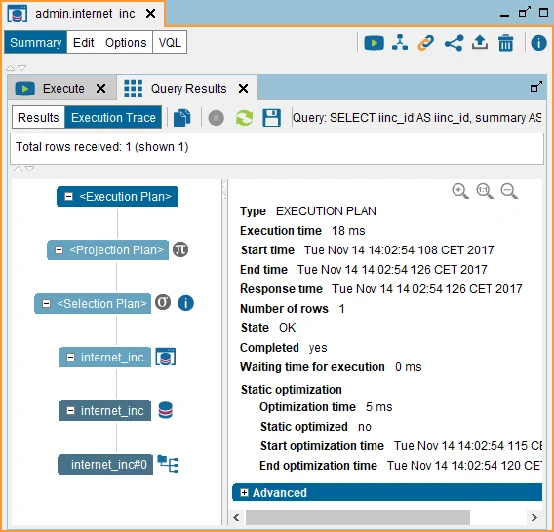
Denodo Virtual DataPort maps a SQL Server connection to base views and lets teams build derived views across sources. Its optimizer can delegate parts of a statement to the underlying databases. Execution traces expose which queries are delegated and which work happens inside the virtualization layer.
It fits a team that needs reusable governed data models for several consumers. An expensive cross-source join may still move substantial data into Virtual DataPort. The trace and source workload show whether an expected filter reached SQL Server and whether caching would change the trade-off.
Select the documented SQL Server-compatible JDBC source and the second pilot endpoint. Define the virtual view and approved access with the same scope the application will use.
Inspect the delegated queries and compare returned data and movement under the actual plan. Record how caching, connector choices and identity affect the tested query.
- Compatibility
- Denodo Virtual DataPort with the documented SQL Server JDBC data source.
- License and trial
- Commercial Denodo editions with vendor evaluation and support terms.
Spotfire Data Virtualization
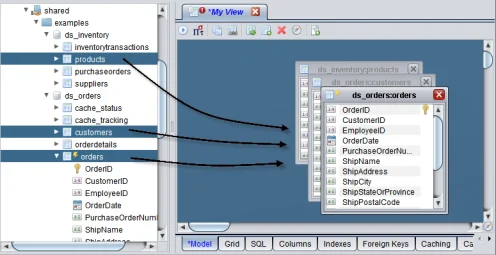
Spotfire Data Virtualization, documented in the TIBCO product family, combines physical data sources into reusable views. The platform publishes SQL Server support and offers execution-plan inspection. Downstream consumers query the view while the virtualization service decides how to execute it.
It fits teams that need centrally maintained data services and already operate this platform or surrounding integration tools. A reusable view can hide an expensive source plan from the consumer. The execution plan and database-side measurements show whether a join or filter stayed close to the data.
Verify the deployed product's SQL Server and second-source connectors and their supported operations. Create the same test view and retain its logical definition and input roles.
Compare the server's execution diagnostics with actual source-side activity. Record whether the filter runs remotely and whether a change to the lab source is immediately visible.
- Compatibility
- Spotfire Data Virtualization release with a supported SQL Server source adapter.
- License and trial
- Commercial product with vendor deployment and licensing requirements.
IBM Data Virtualization
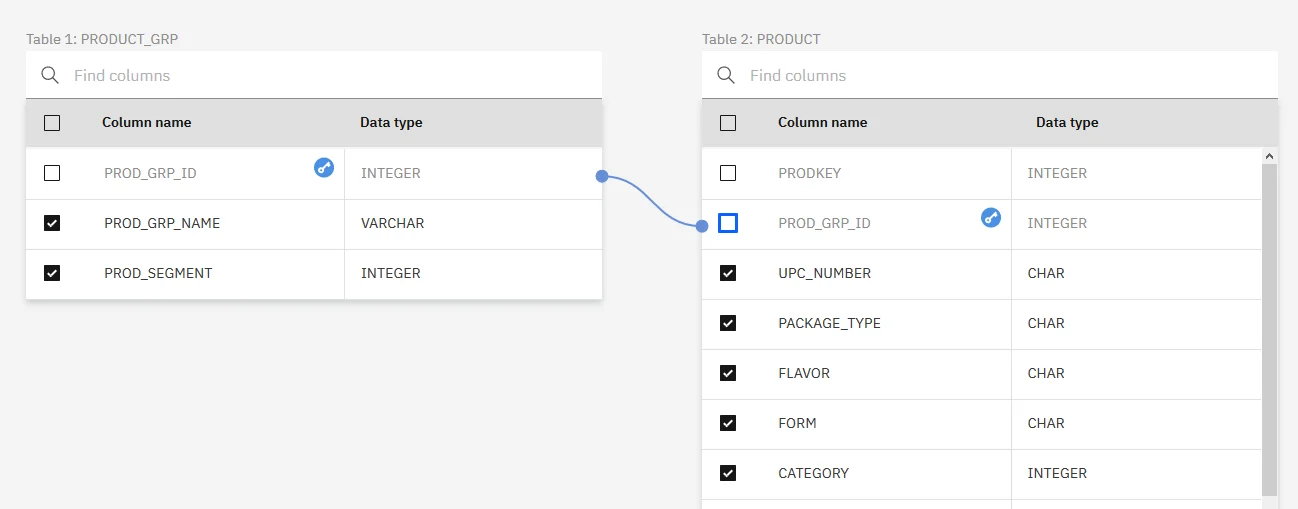
IBM Data Virtualization exposes virtual objects over supported data connections, including SQL Server. Users can join virtual objects while the service plans how much work to request from each source. The IBM deployment and connector documentation define the supported access path.
It fits an organization using IBM's data platform that wants a governed SQL layer across several sources. Source networking, SQL types and function mappings affect the result. SQL Server views with wide or large-value columns deserve specific testing because preview and retrieval behavior can depend on the data type.
Confirm the exact SQL Server connector and deployment option for IBM Data Virtualization. Decide where the virtual view's permissions and source service identity are enforced.
Compare the evidence for both approved and unapproved scopes. Inspect actual remote execution and document how the virtual service reports a source failure.
- Compatibility
- Supported IBM Data Virtualization deployment with Microsoft SQL Server connectivity.
- License and trial
- Commercial IBM platform or cloud service terms vary by deployment.
CData Virtuality
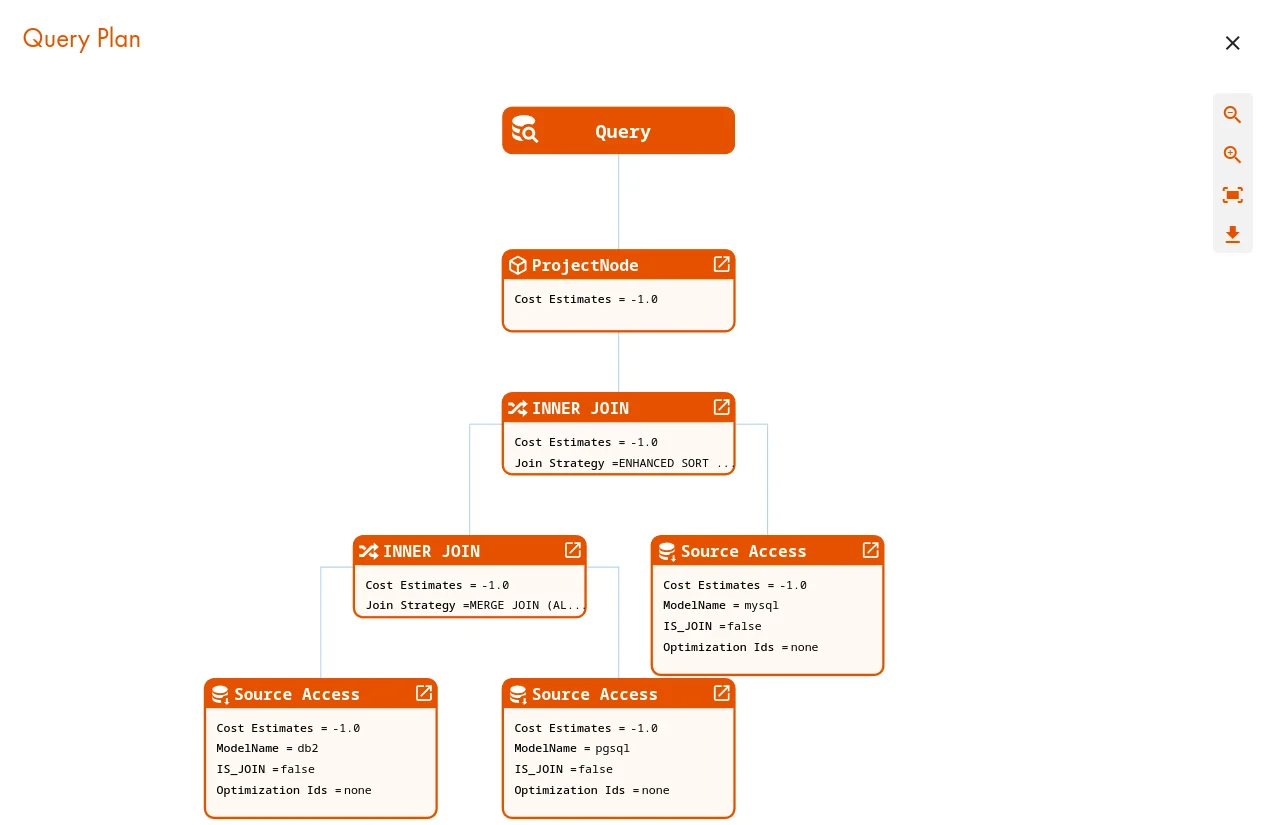
CData Virtuality connects to SQL Server through its SQL database connectivity and exposes views that can join records from different sources. It translates parts of a query into the source dialect and executes the remaining work in the platform. The modeled view gives consumers a consistent schema.
It fits an integration team that needs live access for some models and a defined place to manage copies or accelerations for others. SQL Server receives the fragments its connector can execute. The most useful comparison is the amount and timing of work on the database with a real cross-source join.
Use the documented SQL database source and define the pilot as a virtual or explicitly materialized view. Check supported connection options and how any cached or replicated state is managed.
Run the synthetic join while inspecting plans and remote activity. Record freshness and completed work for the current mode before comparing it with another product.
- Compatibility
- CData Virtuality with a supported SQL Server JDBC or ODBC connection.
- License and trial
- Commercial CData platform with vendor evaluation and deployment terms.
Starburst Enterprise
Starburst Enterprise exposes SQL Server through a catalog connector. The same distributed query can reference other catalogs. Connector pushdown can reduce the work reaching Starburst workers, and the supported operations are documented for SQL Server.
It fits a team already using Starburst for cross-source analytics. Collation affects the text predicates that can be sent to SQL Server. A case-insensitive source column can leave a filter in the distributed engine and move more rows. The source query and distributed plan expose that cost.
Use the supported SQL Server connector with the intended distributed query environment. Review documented cost-based pushdown and verify where statistics affect the observed plan.
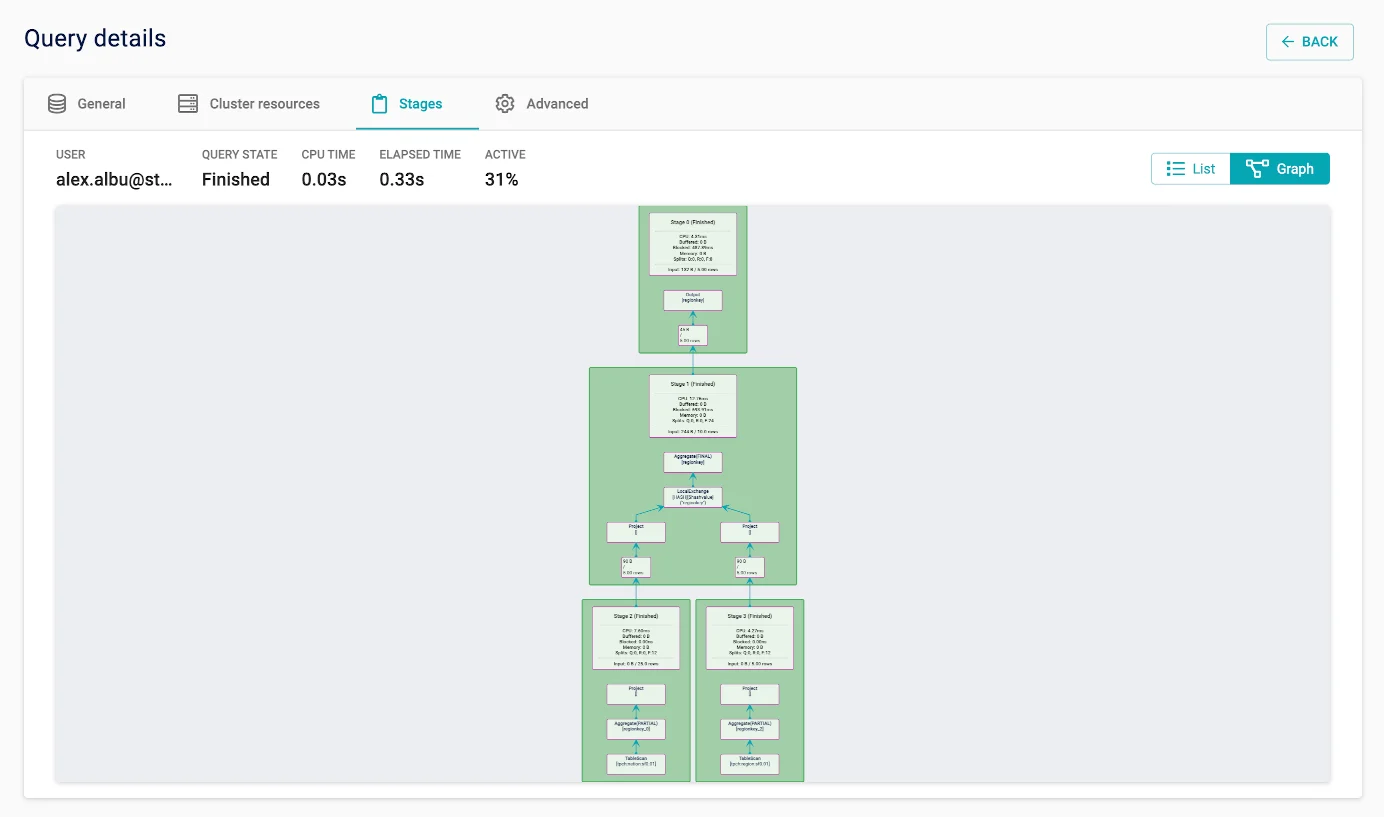
Run the two-source query and capture both the plan and SQL Server side. Compare relevant selected columns or predicates with actual source requests and test the allowed role.
- Compatibility
- Starburst Enterprise with its SQL Server connector and a reachable database.
- License and trial
- Commercial Starburst edition with deployment and connector terms.
Dremio
Dremio registers SQL Server as a source whose tables can feed virtual datasets and federated queries. Eligible deployments can use Reflections to satisfy some queries from materialized data. The source connection and platform permissions determine the effective access model.
It fits teams that publish SQL datasets through an existing Dremio environment and want direct access to selected operational tables. Dremio documents that Reflections are unavailable on sources using user impersonation. Identity requirements can therefore determine whether a planned performance feature is available.
Configure the documented SQL Server source and decide what constitutes a live or accelerated result in the evaluation. Record the tested version and source mappings.
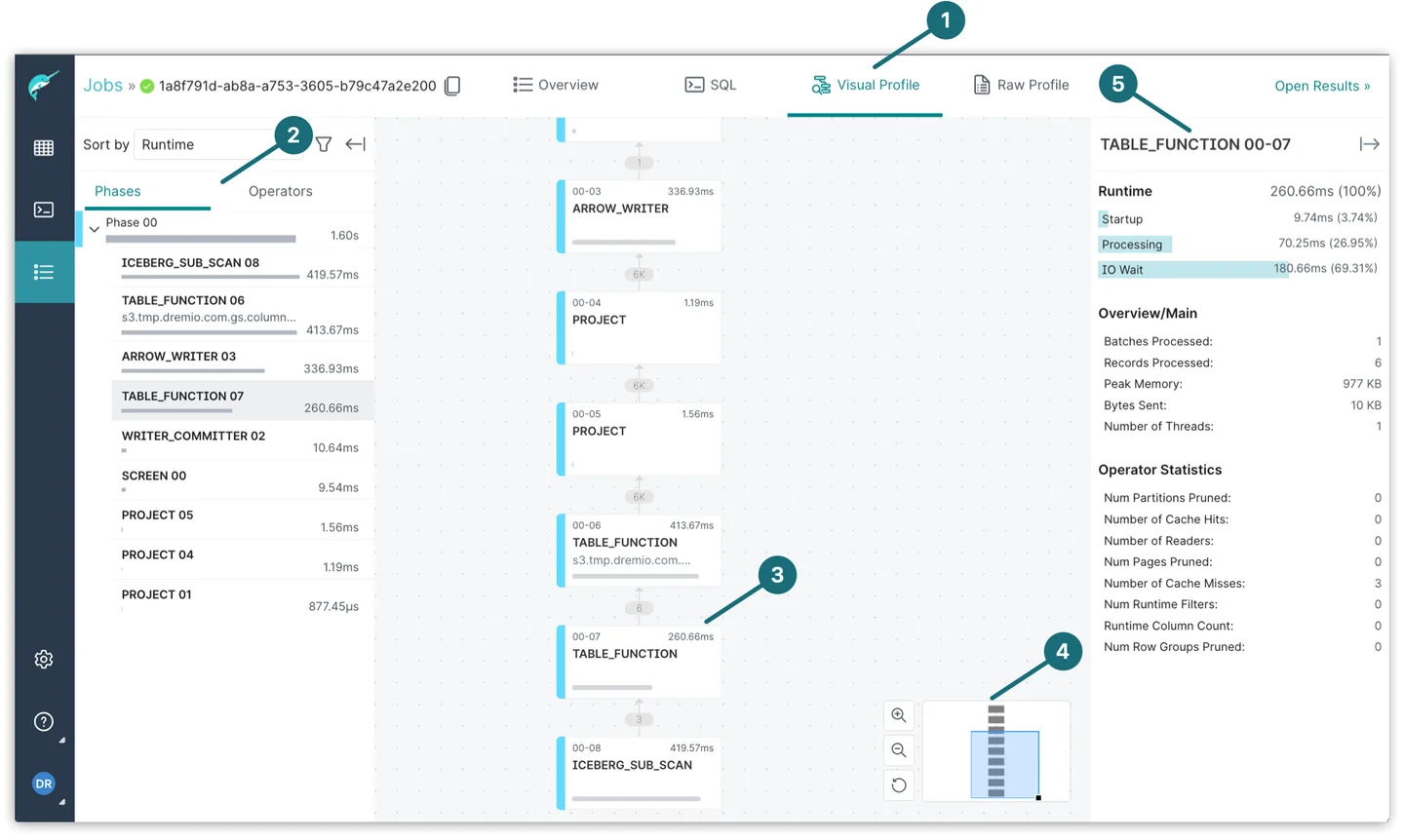
Inspect the actual query profile and compare it with SQL Server source observations. Verify expected keys, aggregate values and how a stale accelerated copy is identified when configured.
- Compatibility
- Dremio deployment with the Microsoft SQL Server source and supported connection settings.
- License and trial
- Commercial and self-managed Dremio terms depend on the chosen edition.
Databricks Lakehouse Federation
Databricks Lakehouse Federation connects Unity Catalog to SQL Server through a connection and lets users query a foreign catalog. For supported queries the platform delegates some work to the source. The catalog supplies a governance and discovery surface to existing Databricks users.
It fits a Databricks team that needs access to current SQL Server data before deciding what to ingest. Repeated or unselective queries can consume production SQL Server capacity and transfer large result sets. Network reachability and documented compute and source requirements determine whether the design can run.
Use the documented SQL Server federation path for the actual cloud and workspace. Record the authorized connection, catalog and compute configuration.
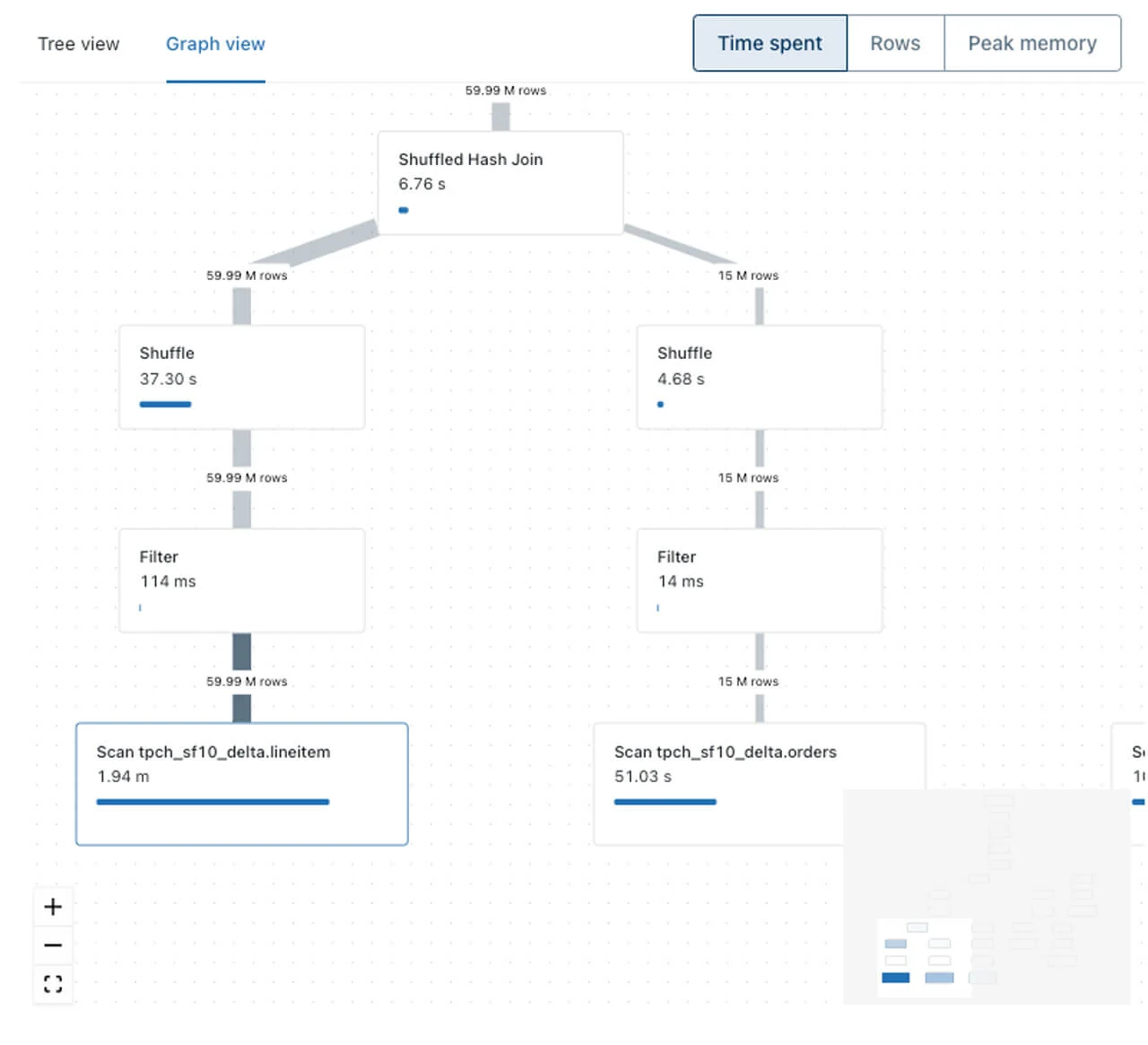
Inspect the plan and source work for the fixture. Compare remote filters, returned key set and timing, plus which account can query the foreign data.
- Compatibility
- Supported Databricks compute and Unity Catalog configuration for SQL Server federation.
- License and trial
- Databricks platform and compute charges apply under the chosen plan.
Microsoft PolyBase
SQL Server PolyBase can expose tables from another SQL Server instance as external tables. The local SQL Server presents those objects to T-SQL consumers and can request supported computation from the source. External source definitions specify credentials and the connection details.
It fits when the consuming environment already centers on SQL Server and the need is a narrow external data path. Supported external types, authentication and pushdown depend on the version and connector. The source workload still matters when repeated queries read large tables across the network.
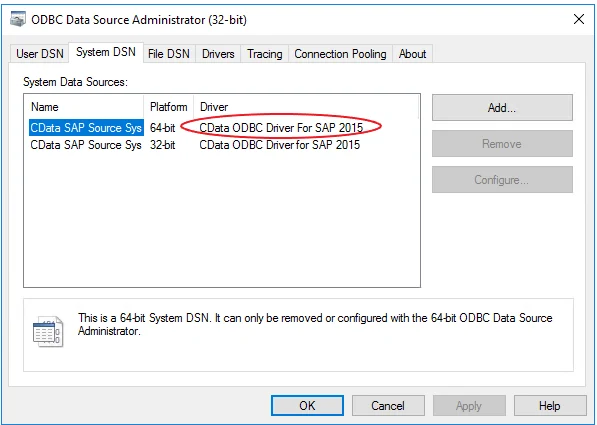
Verify PolyBase support for the source connector and SQL Server build. Create the approved test external table and compare its documented pushdown options with the query shape.
Check actual execution and source-side evidence before concluding a filter runs remotely. Use the fixture to reconcile returned data and verify the scoped source credentials.
- Compatibility
- SQL Server with installed or enabled PolyBase and the supported SQL Server connector for its version.
- License and trial
- Included SQL Server feature subject to the host's edition and license.
Which data virtualization tool fits?
| What you need | Tools to shortlist | What to verify |
|---|---|---|
| Publish shared SQL views over several databases | Test the published view with a reporting user and inspect the queries sent to both sources. | |
| Query both sources from an analytics platform | Check connector versions, network access from compute and where the join and aggregation run. | |
| Keep the query in SQL Server | Verify the host edition and OS, then test the PostgreSQL ODBC driver with the external table. |
Verify where a federated SQL Server query actually runs
A virtual query can push supported filters, projections or other operations into a source. Cross-source joins may still happen elsewhere. Connectors, source capabilities, statistics and expressions can change the chosen plan. Check the plan and actual source observations together.
Decide whether freshness is live or depends on a cached or materialized copy. Verify SQL Server authentication and row access for the consumer, including any shared service identities. Use the same workload when comparing data movement.
Read current data from more than one system
Verify the supported connectors and actual live path
Test the joined result and behavior when a source is unavailable.
Avoid moving large SQL Server tables
Verify pushdown in the executed workload
Check remote predicates, columns and actual scanned or returned rows.
Reuse governed data across teams
Verify the view and authorization model
Test source identity, result permissions and cached or materialized scope.
Compare joined data and the actual SQL Server request
Use four orders in SQL Server and a second source with three customer-region records. Filter for North and amounts of at least 20. The fixture should return orders 1 and 4, totaling 65. The lower-value North order and high-value South order are deliberate controls.
Inspect the virtual query profile and the SQL Server evidence collected under an authorized role. Compare whether the amount predicate is pushed to SQL Server and where the region join and filtering happen. Keep measured row counts and network or trust behavior as observed values.
| Observation | Fixture expectation | What to collect |
|---|---|---|
| Final query | Orders 1 and 4, total 65 | Correct values and authorized data scope |
| SQL Server access | Only intended columns and filters where supported | Plan, remote SQL or trustworthy source statistics |
| Cross-source join | Orders align to the customer source | Join execution location and transferred data |
| Freshness and failure | Observed behavior follows chosen live or cached mode | Timestamp, diagnostics and source outage case |
How to compare these tools
Run the same live SQL Server and PostgreSQL join in each candidate. Check which database received the filter, where the join ran, what credentials reached each source and how quickly a source update appears. Sources checked .
Join the same SQL Server and PostgreSQL tables
Use this read-only baseline in the disposable FederatedQueryTrial database. Set up equivalent records in the two authorized lab sources for the product test. Compare query output before reviewing pushdown and movement.
Compute the expected result of a SQL Server federation test
T-SQL · 16 lines
- Define equivalent source records, intended access and the query shape. Verify the local SQL baseline and the product's expected connector eligibility.
- Execute the virtual query and compare final rows and total. Collect actual plan and source evidence for filters, columns, joins and transferred data under the tested user.
- Repeat at representative volume and test an isolated source failure or change. Compare explainable data movement, freshness and operator access before selecting a tool.
Conclusion
Start with the platform you can run near both databases. If the reporting endpoint already lives in SQL Server, include PolyBase in the lab. For a shared SQL service, test the smallest shortlist that meets your network and access requirements. Run the same query against both live sources before deciding whether a cache or replicated copy is worth maintaining.
Frequently asked questions
Can I query SQL Server and PostgreSQL together without copying both databases?
Yes. A federation engine can query each source and join the results through one SQL endpoint. SQL Server PolyBase can also join a local table to a PostgreSQL external table when the host and ODBC driver are compatible. Check performance, network access and permissions with the same query you expect to run.
How do I tell whether a SQL Server filter was pushed down?
Inspect the remote query in the federation plan when it is available. Confirm it with approved SQL Server tracing or query logs. Look for both predicates in the statement SQL Server received. A platform can push the filter to SQL Server and still execute the join elsewhere.
Does a virtual view always return current data?
Freshness depends on source transactions and the platform’s caches and materialized data. Record those settings and change a known row in the test database. Check when the result changes and whether the tool returns an error or cached rows if a source is unavailable.
When is replication a better fit than live federation?
Choose replication when reports need predictable read load, repeatable snapshots, or continued access during source outages and can tolerate a defined delay. Compare the cost of storing a copy with the network and database load of repeated live queries.
Does a correct federated SQL result prove filter pushdown happened?
Inspect execution and source evidence. The same final rows can result from remote filtering or from retrieving more records and filtering later.
How can we tell whether a virtual SQL Server view reads current data?
Check the deployed cache or materialization policy and run a known source update. Compare when the approved virtual query reflects it.