

Test data subsetting starts with a group of records that represents a useful scenario. The tool then follows relationships to include needed parents and children. This is different from taking a fixed percentage of each table, which can lose the context that makes a test usable. A customer subset, for example, may need orders, items, lookups and other shared records.
Declared foreign keys help a tool find those relationships. Some applications keep important links only in code or in columns without constraints, so the subset needs explicit rules for them. Products can combine subsetting with masking or synthetic data. The useful comparison is how each tool selects records, prevents unnecessary data from spreading and proves the target still supports the test.
SQL Server test data subsetting tools at a glance
Look for a versioned selection rule and a way to control each relationship direction. Then verify that the target keeps the selected tenant and required reference rows.
| Tool | Starting point | Delivery workflow | Fixture to verify |
|---|---|---|---|
| Redgate Test Data Manager Subsetter | Root filters and relationships | Saved definition and CLI workflow | Tenant scope and output constraint checks |
| Tonic Structural | Subsetting setup on SQL Server connection | Workspace generation to configured destination | Traversal through a shared product row |
| DATPROF Subset | Template, tables and relation filters | Defined source and target development flow | Required references and preserved row selection |
| Jailer | Extraction model and SQL Server connection | Exporter and import or destination workflow | Association direction and selected data |
| IRI Workbench Database Subsetting Wizard | Selected database relationships and filters | Configured subsetting workbench flow | Dependencies and exported row counts |
| Informatica Test Data Management | Subset definition and data relationships | Enterprise test-data plan and execution | Execution order, target hygiene and proof of scope |
| Broadcom Test Data Manager GT Subset | SQL Server source and subset project | Configured extraction or delivery workflow | Connector support and relationships across schema |
| GenRocket Intelligent Data Subsetting | Select a base subset for a test-data workflow | Subsetting and configured synthetic generation | Separate sourced rows from generated test rows |
Redgate Test Data Manager Subsetter
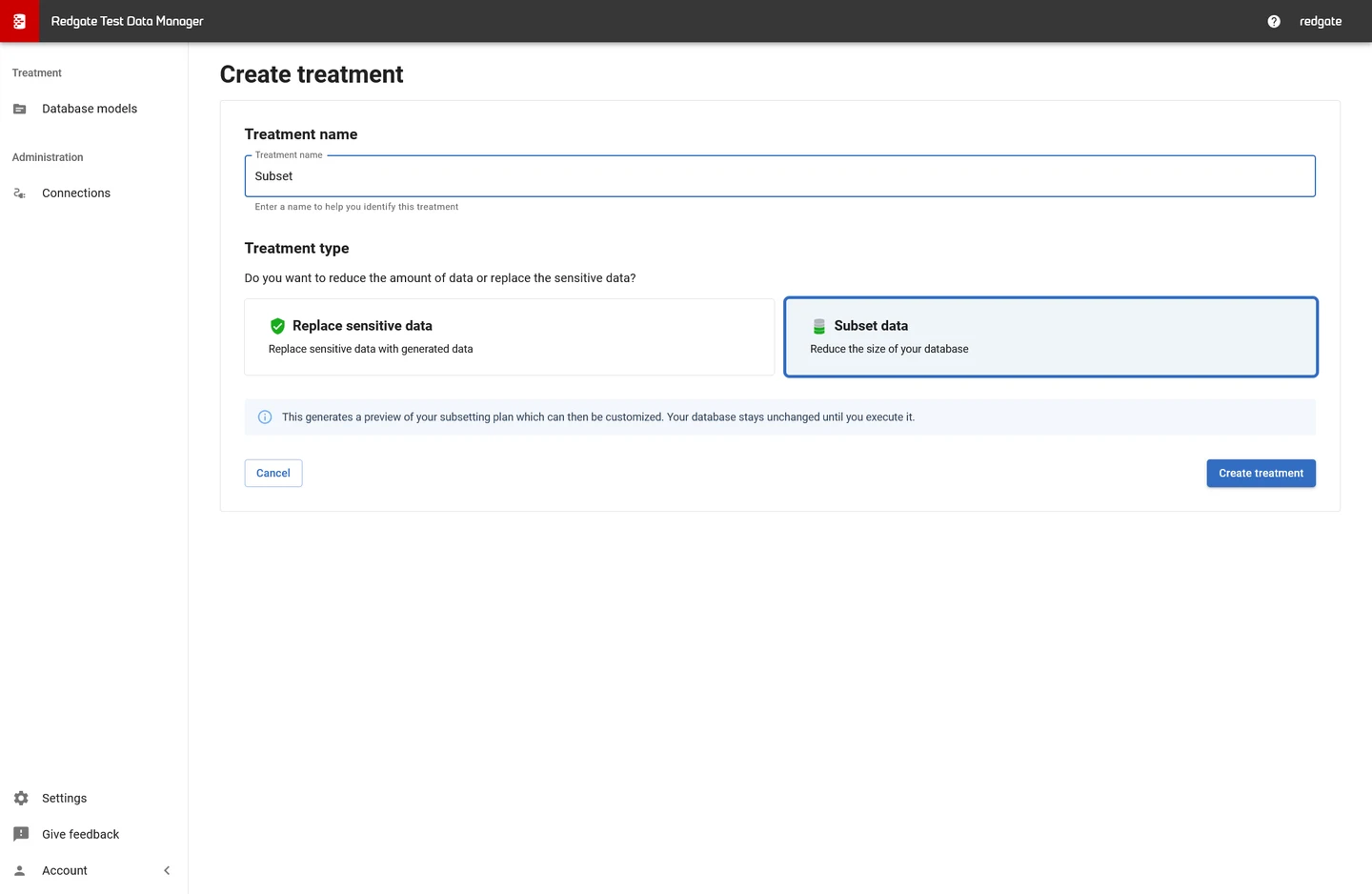
Redgate Test Data Manager Subsetter can select a SQL Server dataset using starting tables and rules for related records. It is useful when a team needs a repeatable smaller target for tests and wants subsetting to sit beside its other test data preparation steps.
Its advantage is controlling the treatment of related tables as part of the subset definition. Relationship metadata and configured rules determine which records follow the starting set. Shared lookup tables and application relationships outside declared constraints need deliberate handling to keep the dataset usable.
Start with the CLI's documented subsetting definition and constrain the root to CustomerId 1. Record the relationships followed into orders, lines and lookup data before generating a small target.
Repeat the definition into a fresh target after the trial. Compare generated rows and any constraint warnings. Verify whether the schema delivery and optional masking are handled in the same approved workflow.
- Compatibility
- Redgate Test Data Manager with a supported SQL Server engine and subset deployment.
- License and trial
- Commercial Redgate licensing.
Tonic Structural
Tonic Structural can generate a subset from selected relational data and apply configured transformations as part of the test data workflow. SQL Server is a documented connector. This is useful when the team needs smaller datasets and wants masking rules applied during generation.
The value is managing relationship traversal and transformations together. Tonic’s subsetting rules depend on foreign keys and any additional relationships represented in the workspace. A masked subset still needs validation for unique values, joins and application assumptions before it becomes a durable test fixture.
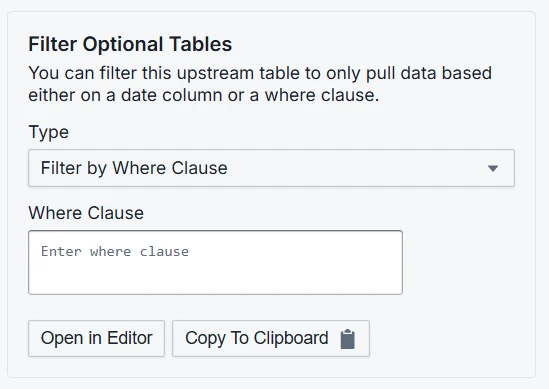
Configure the supported SQL Server source and destination and save the subsetting configuration. Check the relationship choices when the fixture reaches a lookup row that belongs to more than one branch.
Run generation into a disposable target database. Compare included order and line membership with the original root filter, validate product references and review the outcome if the chosen output mode transforms data.
- Compatibility
- Supported Tonic Structural SQL Server source and destination configuration.
- License and trial
- Commercial Tonic licensing and feature terms.
DATPROF Subset
DATPROF Subset can build a smaller relational dataset from SQL Server using configured tables and relationships. Its development workflow makes subset rules a reusable part of the refresh process. This is useful when operations must repeatedly rebuild an appropriately scoped test database.
It fits teams that can own a subset definition and manage how it gets executed. The selected requirements for the source and target determine how it loads data. Foreign keys or configured relations control coverage, and the team should validate that implicit dependencies remain represented.
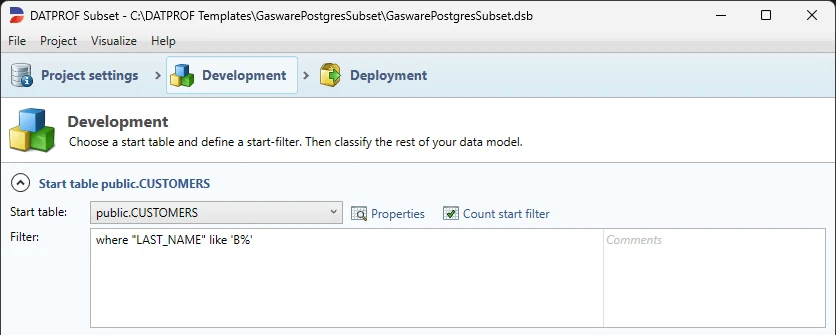
Build a small DATPROF Subset template with the customer filter at its root. Preserve the selected path into child tables and document which relation direction is permitted when the path reaches the shared product.
Use actual SQL checks on the destination to verify references and excluded branches. Re-run the saved template for the same source state and compare the fixed row identifiers after refresh.
- Compatibility
- DATPROF Subset with supported SQL Server source and target access.
- License and trial
- Commercial DATPROF product. Runtime or related tooling follows separate terms.
Jailer
Jailer is an open-source tool that can build a relational subset through a JDBC connection. It lets a user select starting rows and follow defined relationships into the export. This is useful for a database engineer who wants a visible relational extraction without buying an enterprise test data platform.
Its strength is focused control over what is exported and how tables relate. The tool depends on the model, target dialect and driver behavior. Masking, deployment and repeatable pipeline checks need to be supplied as part of the wider test data workflow.
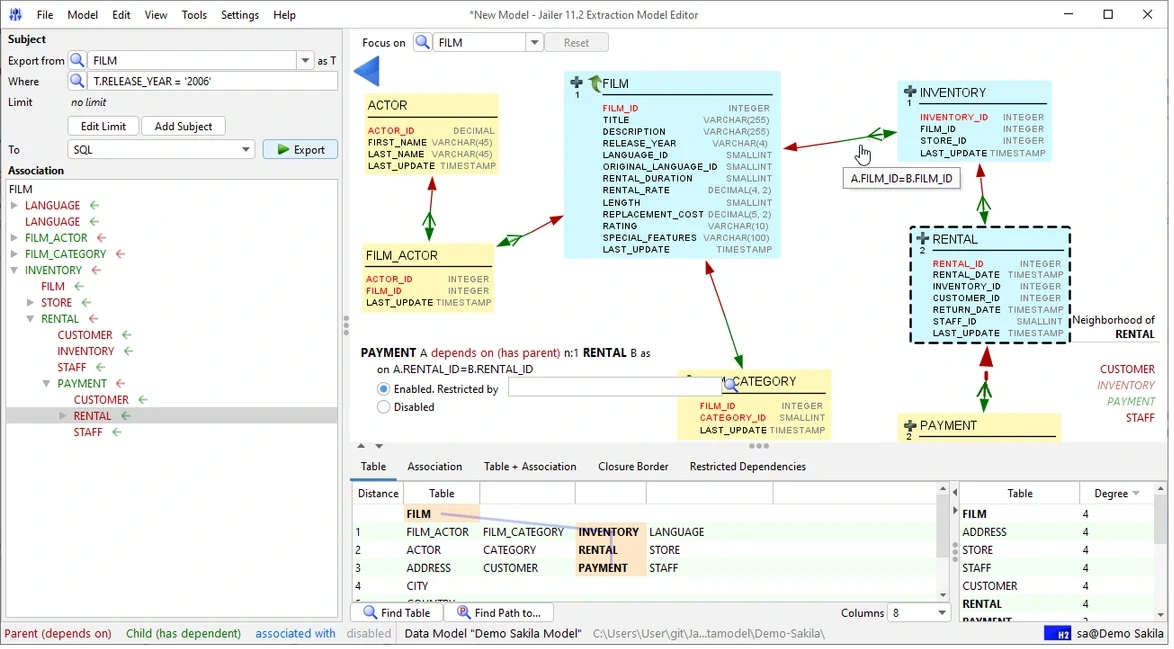
Build an extraction model for the fixture and inspect the documented associations before export. Record the root selection and the model's own rules for ignoring or restricting the branches that lead into other tenants.
Load the result into a clean trial target and verify target identity and table constraints. Check whether generated SQL or transfer output can be reviewed and versioned for a reproducible test build.
- Compatibility
- Java and Jailer with a compatible SQL Server JDBC driver and schema metadata.
- License and trial
- Free, open-source tool.
IRI Workbench Database Subsetting Wizard
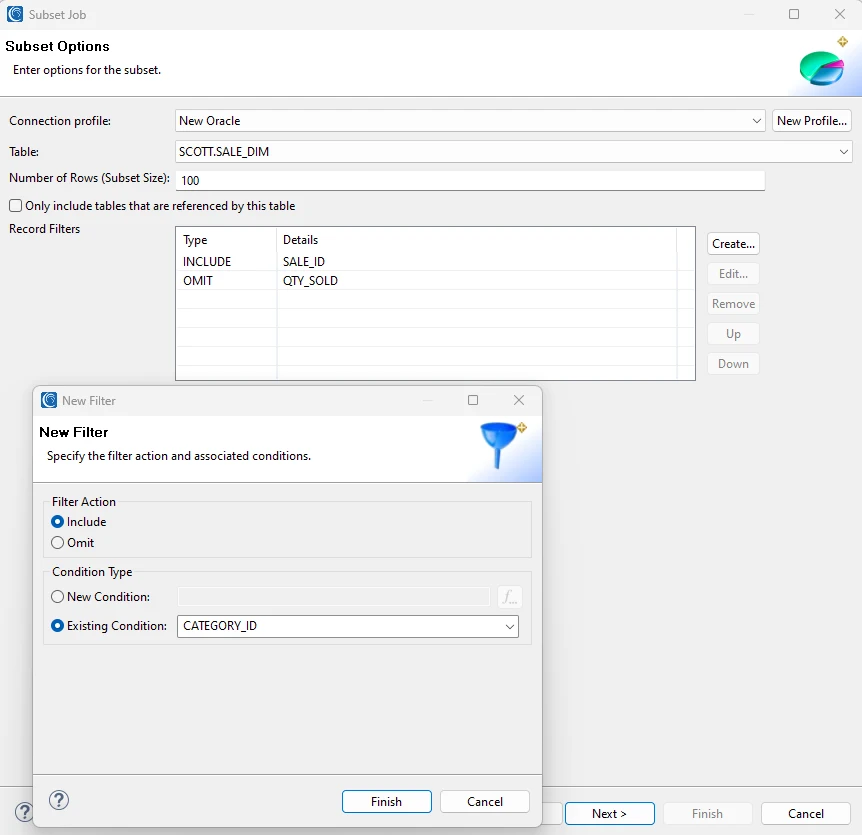
IRI Workbench’s Database Subsetting Wizard configures a relational extraction for supported database connections, including SQL Server. It is useful when a subset is part of a job that also needs profiling, masking or controlled output to a test destination.
Its advantage is combining the extraction design with other IRI data transformation steps. The source model and rules determine which records are retained. The team still owns how the subset is loaded and verified, including whether masking kept the values used in relationships consistent.
Start with the SQL Server schema and a documented database subsetting wizard configuration that follows the test relationships. Verify the source privileges needed for the data path and what output format the current deployment supports.
Test the lookup direction with a different tenant using the same product. Compare output row sets before any optional transformation and confirm that repeated runs preserve only the intended relationships.
- Compatibility
- IRI Workbench and supported SQL Server interface and applicable product components.
- License and trial
- Commercial IRI license for the applicable tools.
Informatica Test Data Management
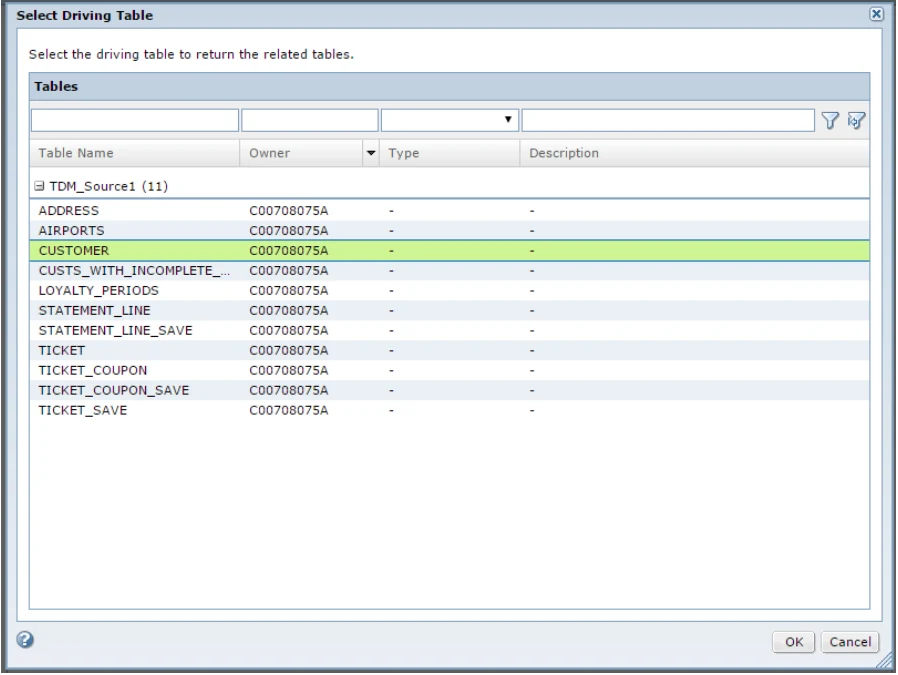
Informatica Test Data Management builds subset plans around entities, related tables and defined constraints. It is useful when an organization already uses Informatica execution and wants a shared process for creating test data across application environments.
Its depth is in the relationship and execution model. The plan can include more data than expected if a constraint pulls in large groups of related records. SQL Server connector support, target setup and the selected entity rules all affect what the subset contains.
Use a minimal subset definition for the source tables and preserve the chosen parent and child rules with the test plan. Check the relevant SQL Server connector, privileges, domain and target requirements before generation.
Review execution order and target cleanup behavior using the same finite fixture. Compare the plan output and actual SQL joins, especially the link from retained line items to the shared product.
- Compatibility
- Informatica Test Data Management with a supported SQL Server connection and execution environment.
- License and trial
- Commercial Informatica licensing.
Broadcom Test Data Manager GT Subset
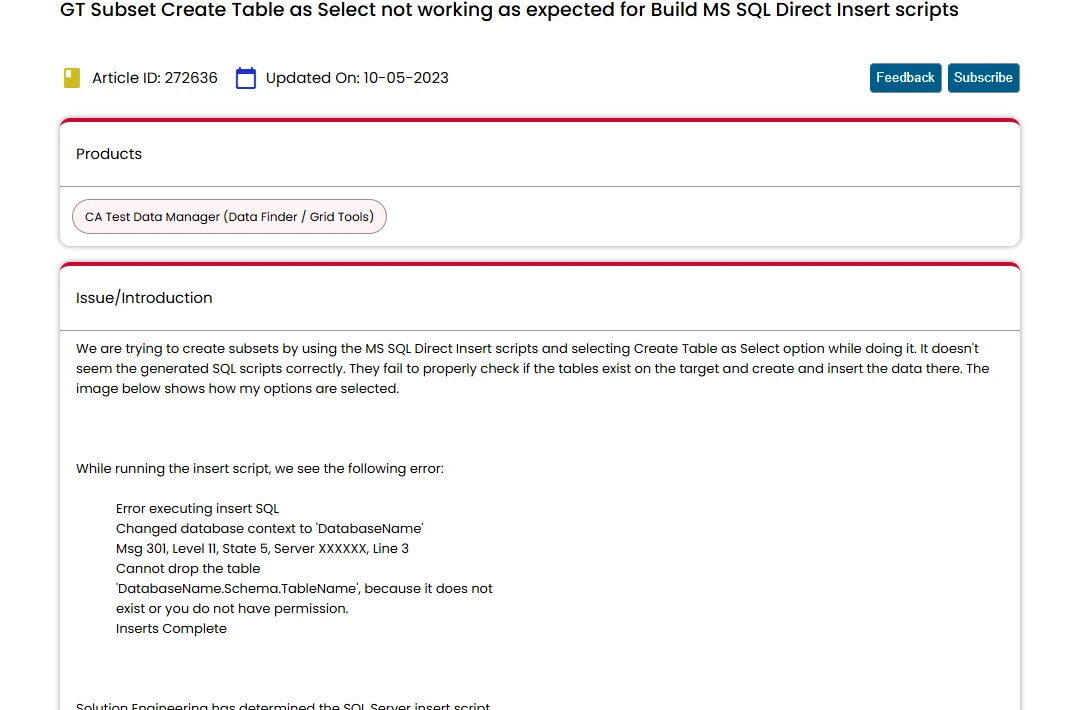
Broadcom Test Data Manager’s GT Subset extracts a linked set of records from supported sources. Teams can define and reuse scope for a subset. It is useful when test data preparation belongs to an existing Broadcom workflow and the team wants extracted data to support defined business test cases.
The value is repeatable selection within the wider test data platform. Product and SQL Server compatibility matter, as do relationships that the tool discovers or that the operator defines. The reduced dataset still needs to be validated against its target database and test requirements.
Verify the documented SQL Server connection and the GT Subset workflow for the exact version in the trial. Start from the four source tables and define the root and relationship choices explicitly.
Inspect target output after generation and record whether the fixture requires schema creation separately. Confirm the expected customer branch and run the SQL checks under a read-only target account.
- Compatibility
- Broadcom Test Data Manager and GT Subset with a supported SQL Server connection.
- License and trial
- Commercial Broadcom product and entitlement.
GenRocket Intelligent Data Subsetting
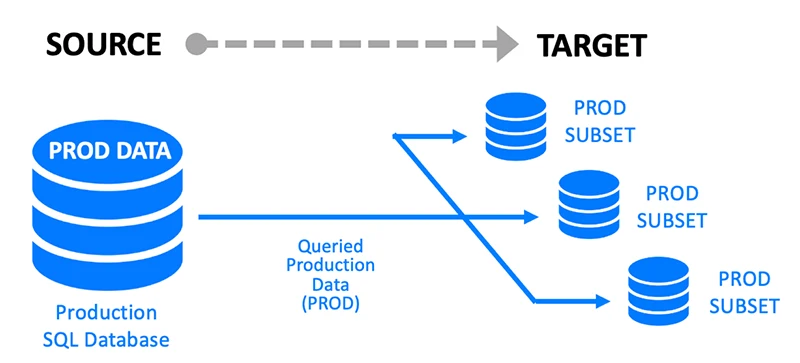
GenRocket advertises Intelligent Data Subsetting together with synthetic data and masking workflows. It is useful when a test data team wants to keep part of an existing SQL Server dataset and generate or transform other values for the same scenario.
Its fit depends on which components are configured to select, transform and deliver the data. Generated fields still have to match key relationships and business constraints. The organization also needs to decide which source values are necessary to keep and which can be replaced.
Distinguish native subset extraction from downstream synthetic generation or substitution. Save the rule and source snapshot so the expected relational subset can be evaluated before generating additional test values.
Choose which rows must remain attributable to the fixture and document any intentionally synthetic rows. Check that generated joins stay valid and that a second run follows the same documented policy.
- Compatibility
- Supported GenRocket subsetting and generation configuration with SQL Server connectivity.
- License and trial
- Commercial GenRocket licensing and applicable component terms.
Choose the subsetting workflow you can repeat
| What you need | Tools to shortlist | What to verify |
|---|---|---|
| Refresh a SQL Server test database from a reusable rule set | Verify root selection, relationship direction, masking steps and how settings are saved. | |
| Export a targeted SQL Server subset for a DBA-managed load | Check emitted data, identity values, dependencies and the supported target workflow. | |
| Schedule a subset alongside an enterprise test data workflow | Match source and target connectors to SQL Server, and verify how the job handles declared and application-defined relationships. |
Follow SQL Server relationships without expanding into another tenant
A useful subset starts from a real business entity and follows the relationships the test needs. In the fixture, Customer 1 owns one order with two lines. One product is shared with Customer 2. Keep that lookup row and avoid walking backwards through it to unrelated order lines.
Decide whether to retain all lookup rows or only referenced ones. This pilot chooses only the two referenced products. It also uses ordinary foreign keys and no data masking, so target validation can compare exact identifiers. Add masking checks separately if the environment requires transformations.
A customer or a business transaction
Filter the root and follow required child relationships
Preserve parent-child integrity and verify excluded customers.
A reference row is shared across customers
Choose lookup traversal direction explicitly
Retain required products and avoid bringing in unrelated orders.
The subset will be used regularly in CI
Version the relation rules and validate repeatability
Use a clean destination and check expected keys and constraints.
Check keys, excluded tenants and reference rows after export
Prepare an empty SubsetSourceTrial database and a disposable destination named SubsetTargetTrial. Configure the shortlisted tool to make the target schema available and select only CustomerId 1 and its order, lines and referenced products. Run the Check branch on the target.
The expected subset contains customer 1, order 10, line IDs 100 and 101 and product IDs 1 and 2. Customer 2 has a line using product 1, which should remain excluded. Check constraint compatibility and completeness separately if the tool temporarily disables constraints during import.
| Entity | Source rows | Expected target rows | Validation |
|---|---|---|---|
| Customers | 2 | 1 | Only customer 1 |
| Orders | 2 | 1 | Only order 10 for customer 1 |
| Order lines | 3 | 2 | Line IDs 100 and 101 reference order 10 |
| Products | 3 | 2 | Products 1 and 2 remain; product 3 is unused |
How to compare these tools
Select a parent record with several dependent rows and build the subset. Verify the relationships, rerun the same rules, and confirm that unrelated records and sensitive values stay out. Sources checked .
Copy one customer and verify the rows that follow
Run Setup once in the empty disposable SubsetSourceTrial source. Generate a subset using the scoped root and relationship rules above into SubsetTargetTrial. Run Check from the target and keep any reported failure with the original subset definition.
Seed a relational SQL subset and validate its exact target rows
T-SQL · 52 lines
- Seed the source and save the root and relationship choices beside the tool configuration. Choose only Customer 1 and include the supporting order, lines and product records.
- Run the source-to-target workflow and check exact target identities with the script. Verify foreign key definitions and constraint state in the destination before sending it to tests.
- Repeat into a fresh target to prove the same definition keeps the intended scope. Record actual duration and export size and keep any failure linked to its traversal setting.
Conclusion
Choose a tool that lets you explain each group of copied rows and repeat the same subset for the next test run. Use a small fixture with a shared lookup and an undeclared relationship before adopting a wider production-derived workflow.
Frequently asked questions
What is test data subsetting in SQL Server?
It copies selected rows from a source database and brings along the related rows the test needs. A subset can start from a customer filter, tenant, order or time range.
How can a SQL Server subset preserve foreign keys?
The tool follows relationships and includes required referenced rows. Validate the target after loading it and check whether relevant foreign-key constraints are enabled and trusted.
Can I subset a SQL Server table with no foreign key?
Yes, if the tool lets you define a virtual relationship or apply a separate filter for the table. Verify how the application relates the records and test the target rows.
How do I prevent another customer from entering the subset?
Keep the root filter explicit and check how each relationship is traversed. A shared lookup may be necessary for the target rows. Test whether selecting it also expands the source customer scope.
Is a test data subset the same as masked test data?
Subsetting chooses which rows to copy. Masking changes the values in those rows. When a workflow needs both, verify the retained relationships again after the masking step.
Can a shared lookup row make a subset include another tenant?
It can if the configured traversal follows the lookup back into other tenants' transactions. Inspect each relationship direction and validate the resulting target rows.
Does passing the target foreign keys prove the subset kept the intended tenant?
Check tenant membership and expected identifiers separately. A larger dataset can satisfy every foreign key while also including unrelated rows.