

A SQL Server approval app has to capture a request, route it to someone with authority and change the database only when the approval is valid. Power Apps and Power Automate can separate the form from the approval flow. Retool can tie an internal app to SQL Server resources and run supporting logic through Workflows. Both leave decisions about the database identity and update behavior to the implementation.
The important failure cases are ordinary ones. A request can already be approved when a retry arrives, or the data it refers to can change while a reviewer is looking at it. A useful comparison tests the same pending record with two users, checks who can act and confirms that SQL Server records one valid transition and a useful audit trail.
Power Apps vs Retool for SQL Server approvals at a glance
Compare the human approval workflow and the database action independently. The test requires a verified approver, one final transition and reliable retry behavior.
| Tool | Approval path | Identity decision | Trial evidence |
|---|---|---|---|
| Microsoft Power Apps | Canvas app plus supported Power Automate approval flow | Human approval identity and SQL connector identity | Approval result, SQL transition and audit record |
| Retool | App or workflow triggers a controlled backend action | Resource permissions and trusted responder identity | Allowed transition plus a rejected replay |
| Appsmith | Documented approval workflow and SQL datasource | Workflow role and action identity | Run history, outcome and SQL proof |
| Budibase | SQL-backed app and configured approval workflow | App role and data-source permissions | Known accepted and denied approvals |
| ToolJet | Controlled SQL query and app flow | Actor policy and approved binding | SQL outcome and observable app state |
| DronaHQ | Automation and SQL-backed request app | Task action and authorized operation | Data state, actor and workflow run |
| UI Bakery | Backed action with workspace and app roles | Allowed query and verified actor scope | Approval row and denied modification |
| Mendix | User task and supported backend integration | Task assignee and database action | Workflow outcome and matching audit row |
Microsoft Power Apps
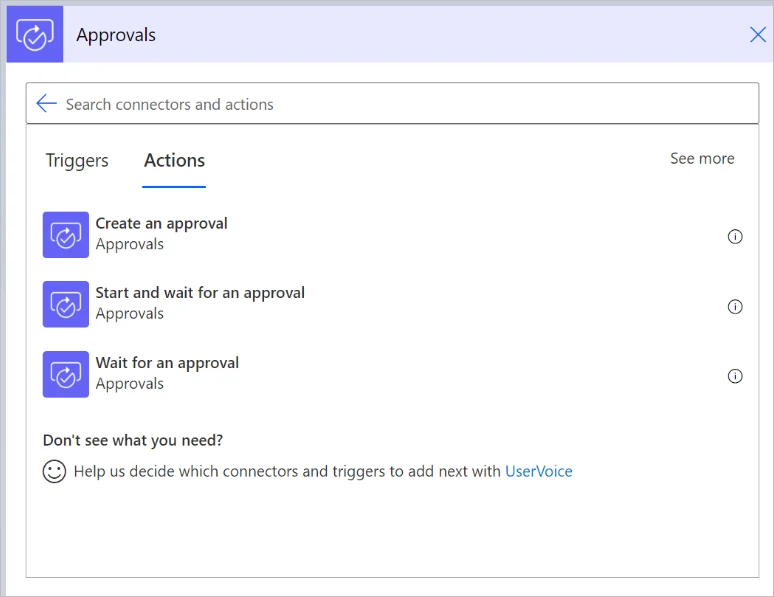
Microsoft Power Apps can provide the request form, while Power Automate’s approval actions route it and record the response. A supported SQL Server connector can apply the resulting status. It is useful for organizations that already use Microsoft identity and want approval delivery through familiar tools.
The app, flow and SQL Server connector can operate under different identities. The selected approval action and database write need to agree on which request is being changed. The database should protect itself against duplicate or stale approvals, and on-premises SQL can require a gateway.
Use the documented approval action and decide which response from Power Automate authorizes the final SQL call. Record who approved it and which connector identity actually executes the data change.
Test a blocked requester, the valid response and retry using the same request. Compare flow history, SQL request state and the durable audit evidence rather than the button state.
- Compatibility
- Power Apps, Power Automate and an eligible SQL Server connection and gateway where needed.
- License and trial
- Microsoft Power Platform licensing and premium connector terms may apply.
Retool
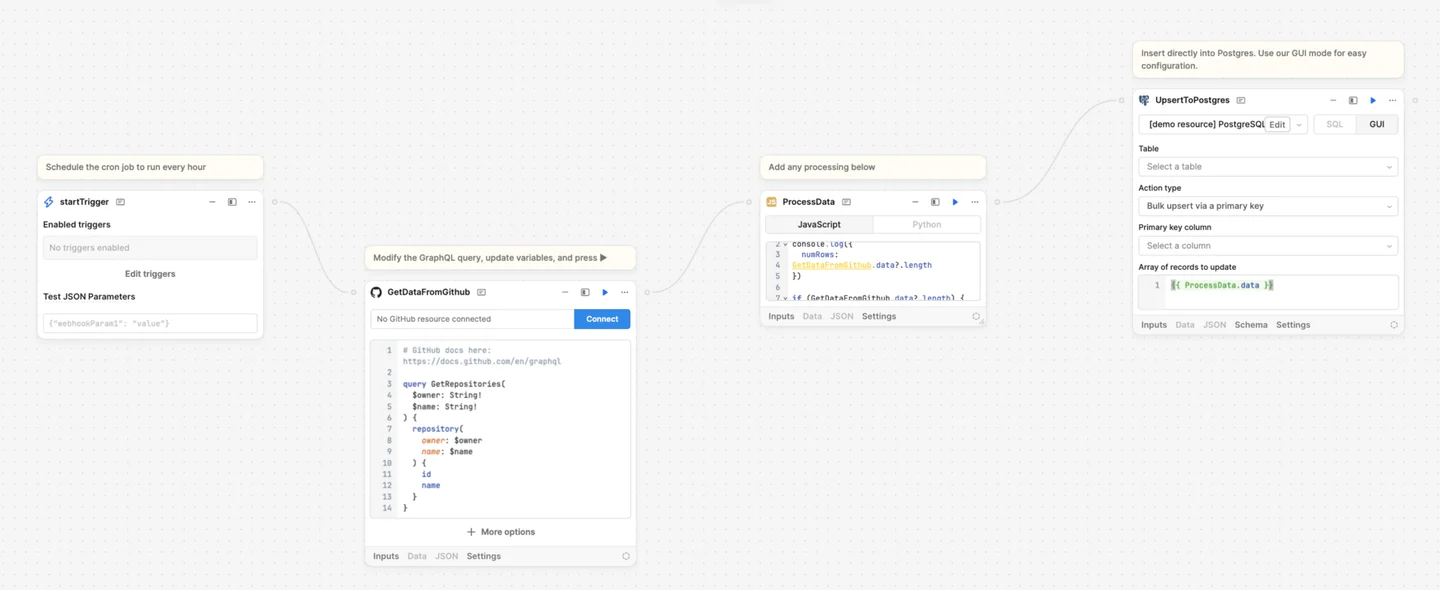
Retool can provide request and review screens over a SQL Server resource and run backend steps through Workflows. It is useful for teams that want developer-controlled SQL queries, role-based internal interfaces and a separate process for notifications or approvals.
App, resource and workflow permissions govern different actions. A database write still needs a condition that validates the current request state and intended approver. The configured permission model, credentials and available audit logs determine which actions can be attributed later.
Use the supported SQL Server resource and assign which app roles can trigger the approval query. Bind a verified actor from the server-side context and review the resource identity that reaches SQL.
Run the authorized and denied actions through the actual app or workflow. Check the backend handles replay consistently and display the real SQL result to users.
- Compatibility
- Retool SQL Server resource and compatible Applications and Workflows deployment.
- License and trial
- Commercial Retool and applicable deployment terms.
Appsmith
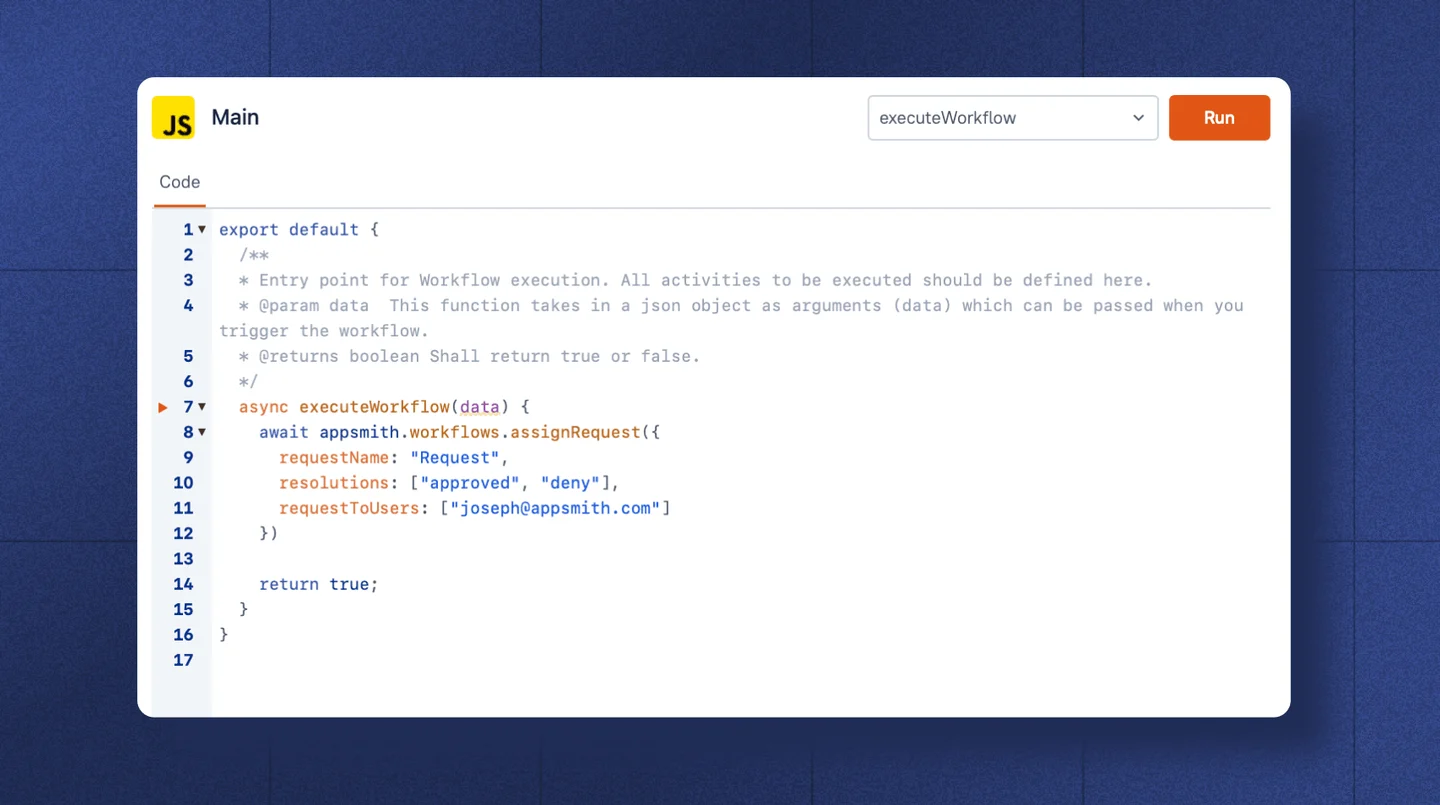
Appsmith documents an approval workflow and a Microsoft SQL Server datasource. It is useful when a team prefers to combine a review interface with explicit SQL actions and can operate the Appsmith runtime and supported workflow features.
The workflow can coordinate human input, while SQL Server still needs to verify the request and permitted transition. App roles and datasource permissions should agree about who can invoke a write. Workflow availability depends on the deployed Appsmith edition.
Use the documented approval workflow and configured SQL Server connection. Keep the approver assignment and allowed database action with the workflow definitions.
Verify that one valid response advances the trial row and a retry keeps the audit count at one. Test whether the interface provides useful evidence for a blocked role.
- Compatibility
- Supported Appsmith app and workflow features with SQL Server access.
- License and trial
- Open-source and commercial Appsmith terms. Workflow entitlements vary.
Budibase
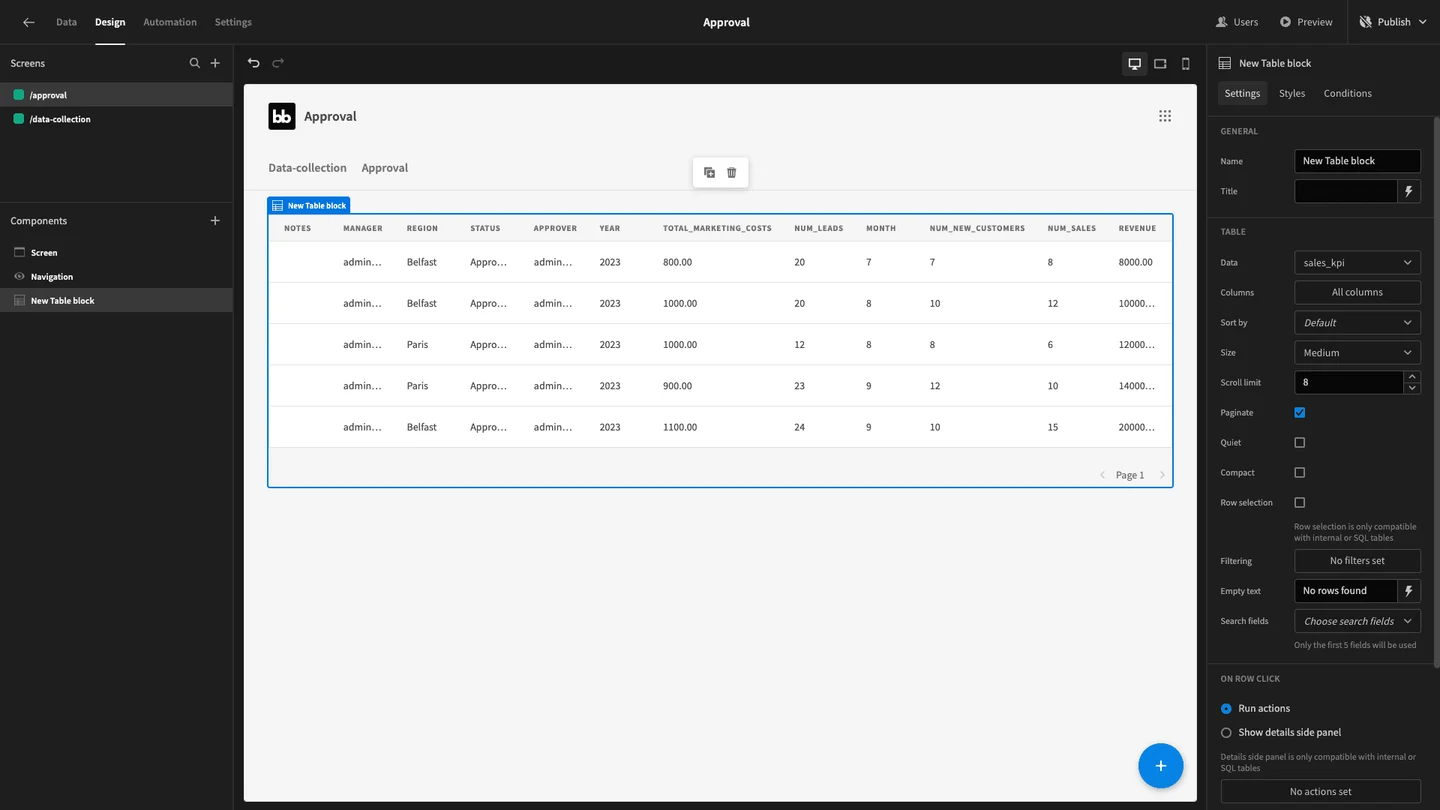
Budibase can build forms around a SQL Server data source and use application roles and automation for an internal approval flow. It is useful when the workflow is straightforward and the team wants a guided interface for the request and reviewer decisions.
Its fit depends on how the automation can access the underlying SQL records and act under the correct permissions. The UI can present allowed actions, while the database update needs a current-state guard. Complex approvals may benefit from an explicitly managed server-side procedure.
Verify the SQL Server source and configured approval or automation logic. Decide where the workflow checks the actor and current state before submitting a database write.
Compare the UI result and real SQL state after success and replay. Check the output with both requester and approver roles in the approved test scope.
- Compatibility
- Budibase with the SQL Server datasource and applicable automation and roles.
- License and trial
- Community and commercial Budibase plans.
ToolJet
ToolJet provides a Microsoft SQL Server datasource and can connect app queries to form and review actions. It is useful when developers need a configurable internal interface and want to keep database writes explicit through queries or stored procedures.
The application can show a different action to an approver, while database privileges and write validation decide whether the action succeeds. The design needs an account for unattended work and a way to distinguish a retried request from a new approval.
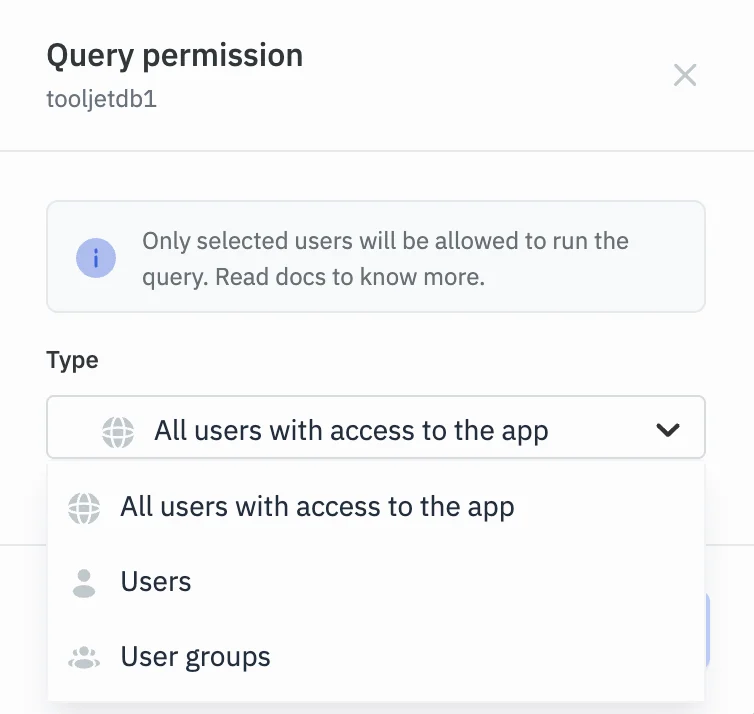
Configure the SQL query as a narrowly scoped action. Record the server-side query control and app identity used to decide who can change the request.
Use the required parameters and check the returned status from both permitted and denied actions. Record whether the UI handles a retry without implying a second approval.
- Compatibility
- Supported ToolJet deployment and SQL Server or Azure SQL configuration.
- License and trial
- Community and commercial ToolJet terms.
DronaHQ
DronaHQ can connect to SQL Server and combine forms and connector queries with automated actions. This is useful when an operations team wants approval requests, reviewer pages and notifications in a shared low-code environment.
The selected automation determines when a query runs and what input it receives. Access controls, connector identity and conditional SQL writes matter when more than one person can act on the same request. Notification delivery is separate from recording the authoritative approval state.
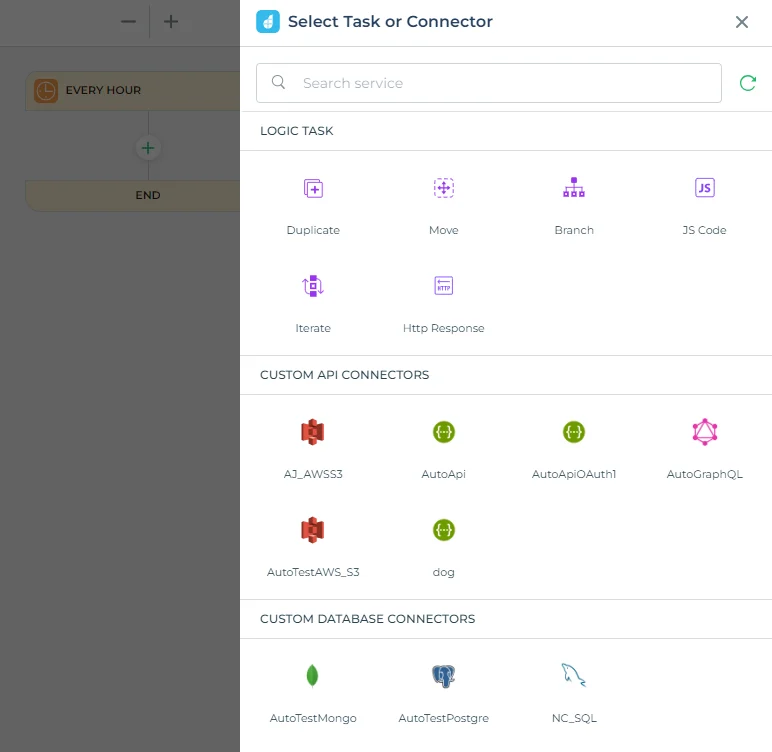
Use the supported automation and SQL connection that will run the approved workflow. Identify where the operator can inspect the actor and task outcome after the response.
Compare the workflow log with the SQL transaction and audit. Retry once and check that the already completed request retains its original approver.
- Compatibility
- DronaHQ with eligible automation and SQL Server connectivity.
- License and trial
- Commercial DronaHQ plans.
UI Bakery
UI Bakery can use SQL Server actions in an internal app and supports workspace and application controls. It is useful when a team wants a dedicated reviewer interface and prefers to define how each approval write reaches the database.
Its fit depends on roles, data source permissions and the way request state is checked. The interface can separate submitters and reviewers, while a stored procedure or guarded write can enforce the rule under retries and concurrent use.
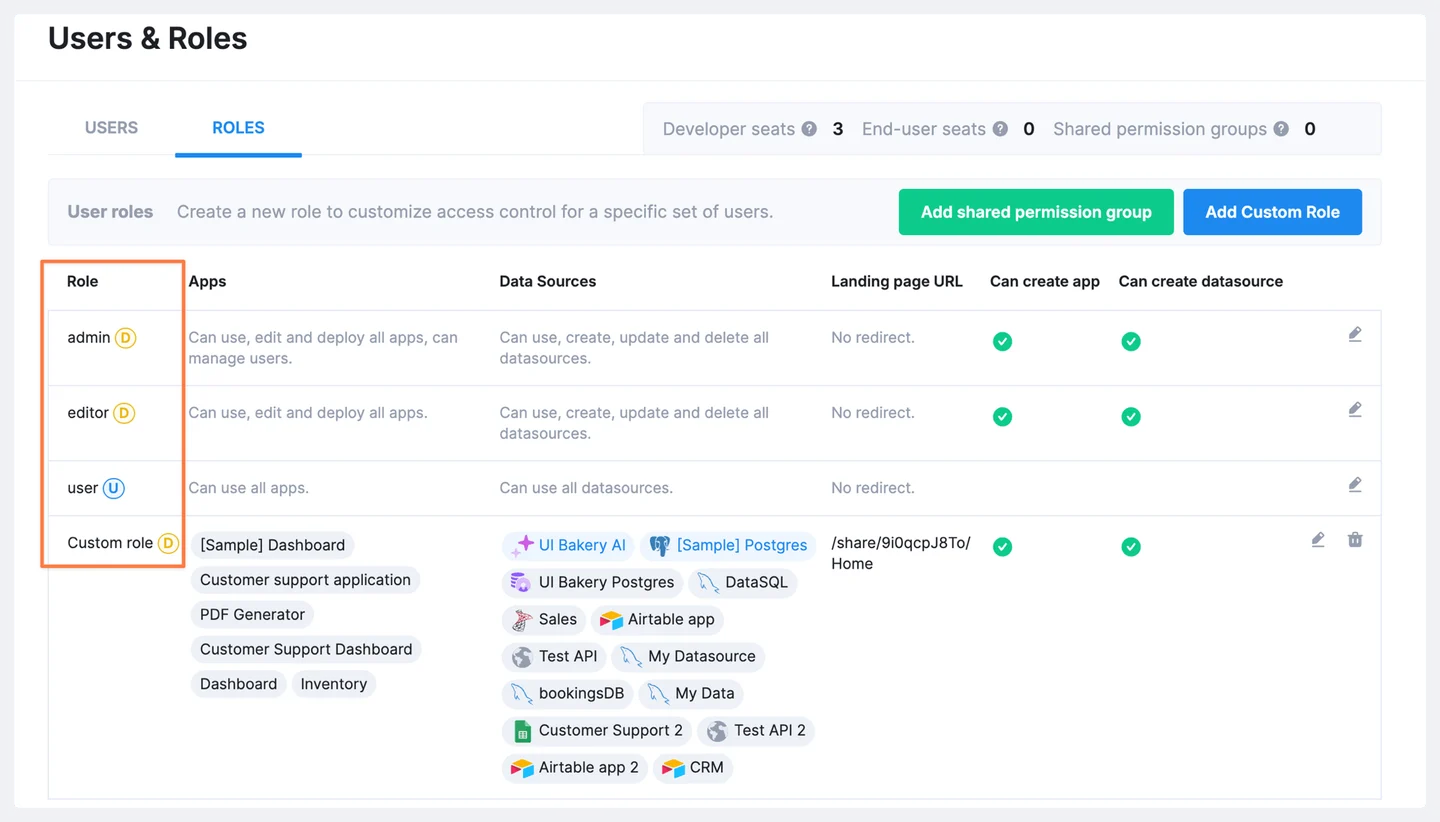
Map workspace and app roles to allowed actions and verify the server-side SQL query policy. Use a disposable request whose state and actor are easy to reconcile.
Attempt an approval from the requester role and the authorized approver. Compare status, audit and visible responses after a second acknowledgment.
- Compatibility
- UI Bakery with a supported SQL Server data source and appropriate access controls.
- License and trial
- Commercial UI Bakery terms.
Mendix
Mendix Workflow includes user tasks that can represent review steps. An application can use supported external database access to coordinate those tasks with SQL Server data. It is useful when a team needs an application-level process model with more than one type of reviewer or workflow outcome.
Workflow state and SQL Server state are separate systems unless the deployment connects them deliberately. The application needs to handle a task completion whose database write fails or is retried. Identity, data access and published app roles determine which actions can be taken.
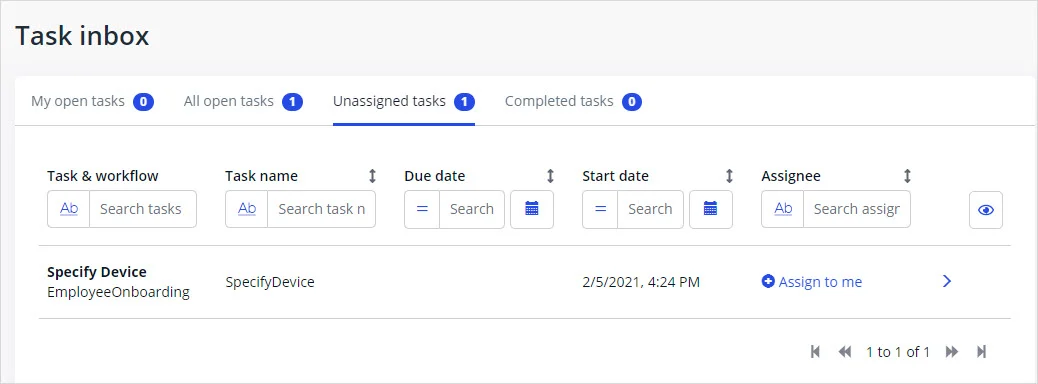
Model the user task and backend integration with the required role. Confirm which task outcome triggers a SQL write and where the actor comes from.
Verify the role and final SQL state under the approved task path. Reuse the trial request to test replay and confirm that only one successful transition is retained.
- Compatibility
- Supported Mendix Workflow and External Database Connector with SQL Server access.
- License and trial
- Commercial Mendix licensing and deployment terms.
Power Apps and Retool compared
| Feature | Microsoft Power Apps | Retool |
|---|---|---|
| Requester experience | Submit a Canvas form and show status from SQL Server. A flow can create the approval and notify reviewers. | Submit to SQL Server from a Retool app. Show the assigned requests in a separate reviewer queue or app. |
| Reviewer experience | Use Power Automate’s Approvals actions to assign a request and capture an eligible response. Test the actual response channel. | Use a signed-in Retool reviewer to open a queue item and submit a decision. Use a Workflow if you need a scheduled or event-triggered notification. |
| User identity | Use the approver identity returned by the approval response. Map that identity to the assigned reviewer before calling SQL. | Use a server-verified signed-in user value or an authenticated decision endpoint. Retool documents limits on which query expressions it can verify. |
| SQL Server connection | Check which connector account runs the flow’s SQL action. If the database is private, test the selected on-premises gateway and operation. | Check the active MSSQL resource credentials and which group can use them. For background runs, verify the Workflow run identity separately from the SQL login. |
| Retries and late decisions | Use the SQL request ID to correlate the response with a pending request. A late or repeated response must leave the posted decision intact. | Refresh the queue after submission. Repeat the app action or workflow call and verify an already-processed request stays decided. |
| Licensing and access | Price app and flow usage with the premium SQL Server connector. Check what the approval responders need under the chosen flow arrangement. | Price users, builders and any Workflow runs. Retool documents custom permission groups and per-object configuration on Business and Enterprise. |
Choose an approach for your approval queue
| What you need | Tools to shortlist | What to verify |
|---|---|---|
| Send approval requests through a managed workflow | Verify reviewer assignment, where someone responds, and how the outcome reaches SQL Server. | |
| Build SQL-backed requester and reviewer screens | Test app and resource permissions with a requester and a reviewer. Check the reviewer identity at the decision step. | |
| Add approval handling to an existing operations app | Verify automation identity, failed runs and whether the requester can see the current status while a write is pending. |
Separate human approval, connector identity and the SQL transition
Power Apps can present the request and Power Automate can manage the approval response. In Retool, confirm the supported app or workflow and SQL resource permission model. Both trial designs need a trusted actor and an explicit rule for moving a pending row to approved.
Build the database action so the state transition and audit insert commit together. Derive the approved actor from trusted server-side identity or a verified workflow response. The fixture uses a local parameter to simulate that trusted input.
A Microsoft approval flow supplies the response
Verify the response and connector mapping
Bind actual authorized confirmer and SQL action under the intended flow.
An internal app or workflow handles the request
Verify the approved action and resource policy
Check which roles can trigger it and how the backend receives identity.
Requests can be retried or acted on twice
Test an atomic transition and audit entry
Record no second state change or audit entry from a replay.
Verify a denied requester, one approval and a replay
The fixture starts request 1 in Pending state and assigns Approver as its eligible approver. Run Approve as Requester first, then as Approver and repeat it once. Only the first valid action should change the state and record an audit entry.
Compare the actual app or workflow's logged human actor and SQL connection identity separately. Use a source trusted by the service for the former and restrict the database operation to allowed transitions.
| Attempt | Expected SQL state | Audit evidence |
|---|---|---|
| Requester attempts approval | Still Pending | No approved transition |
| Assigned approver approves | Approved | One row with Approver |
| Same response is retried | Still Approved | Still exactly one approval audit row |
| App and operator views | Visible permitted or rejected outcome | Reopen actual actor and request ID |
How to compare these tools
Submit one request, attempt an unauthorized approval and retry a completed approval. Inspect the recorded decision, source identity and database state after each attempt. Sources checked .
Test an approval, a rejection and a repeated decision
Use the empty disposable ApprovalAppTrial database. Run Setup once and simulate the trusted actor in the SQL-only fixture by setting @AuthenticatedActor. In the app trial, supply it from trusted backend identity or a verified approval response. Compare the auditable SQL results.
Test the authorized SQL approval transition and retry handling
T-SQL · 45 lines
- Create the disposable request and configure the authentic actor route and narrow SQL action. Attempt the transition as the requesting user and check the result.
- Approve with the correct identity and verify the audit and state. Repeat the same operation and confirm there is still one approval and no affected new row.
- Review the app's feedback, audit and actual connector identity under permitted roles. Confirm that the team's retry and authorization policies remain enforceable.
Conclusion
Compare the operator’s approval screen, the access rules and the SQL audit together. Price the plan only after checking the deployed app, who can call the deciding action, and what the user sees if the write fails or repeats.
Frequently asked questions
Should I use Power Apps or Retool for SQL Server approvals?
Use Power Apps with Power Automate if built-in approval requests and notifications fit the team. Use Retool if the team wants a custom reviewer queue and direct control over the SQL-backed actions. Test licensing and effective permissions on the intended plan.
Can Power Automate write an approval response to SQL Server?
Yes. A flow can capture an approval response and use the premium SQL Server connector for an eligible SQL operation. Check the selected authentication, gateway and procedure limitations, then confirm the responder and the SQL login independently.
Does the SQL login identify the person who approved the request?
A shared SQL login identifies the connection used by the app or flow. Record a reviewer identifier derived from the authenticated decision path as a separate field in the audit.
How do I stop a retried approval from changing a completed request?
Require the SQL update to match a Pending request with the assigned reviewer. Write the audit in the same statement and handle an already-processed result in the application.
Do I need Retool Workflows for an approval queue?
An authenticated reviewer can submit a SQL-backed decision from a Retool app. Consider Workflows for background triggers, reminders and related automation. Check the trigger identity and its resource permissions before using it for a decision write.
Can a Power Apps or Retool approval rely on hiding a button from non-approvers?
Enforce approval authorization and valid state on the backend. Test a requester invoking the action directly in the authorized sandbox and verify that no state changes.
Why make the SQL approval and audit insert one transaction?
It keeps the approved state and the evidence together if the operation fails. The state check also prevents a repeated response from generating another approval.