

A low-code builder can put a form or grid over SQL Server, call a stored procedure or run an entire workflow. The tools differ in where query logic lives and how much control developers have over transactions and access. A shared database account can be easy to operate, while a per-user connection gives SQL Server a different view of each request.
The choice is easier after tracing one read and one write through the application. The builder needs to restrict the rows a person can see, validate inputs and preserve a reliable record of changes. The products vary in self-hosting, private connections and how much workflow can be defined in the tool or in SQL Server.
Low-code internal app builders for SQL Server at a glance
Verify the supported SQL connector and query model under the installed plan. Test actual read and write flows in the same disposable database.
| Tool | SQL connection path | Application check | Write safety evidence |
|---|---|---|---|
| Retool | Supported Retool SQL Server resource | Queries, roles and deployment mode | Parameterized writes and conflict feedback |
| Microsoft Power Apps | SQL Server connector with setup for the environment | Identity, gateway and delegable reads | Approved action and reported SQL result |
| Appsmith | Documented Microsoft SQL Server datasource | Query binding, deployment and role control | Returned version mismatch and refreshed view |
| Budibase | Supported external SQL Server datasource | SQL-backed screens and query permission | Scoped write action and actor identity |
| ToolJet | Microsoft SQL Server or Azure SQL datasource | Query configuration and intended hosting | Submitted version and SQL result |
| DronaHQ | Supported Microsoft SQL connector | App permissions and query configuration | Controlled update and usable validation message |
| UI Bakery | Supported SQL Server data source | Connection policy and server-side action | Known row version and audit evidence |
| Jet Admin | Supported Microsoft SQL integration | Approved data and app roles | Actual write constraints and conflict handling |
| Mendix | Supported external database connector | Application logic, connectivity and permissions | Version-aware update or backend validation |
Retool
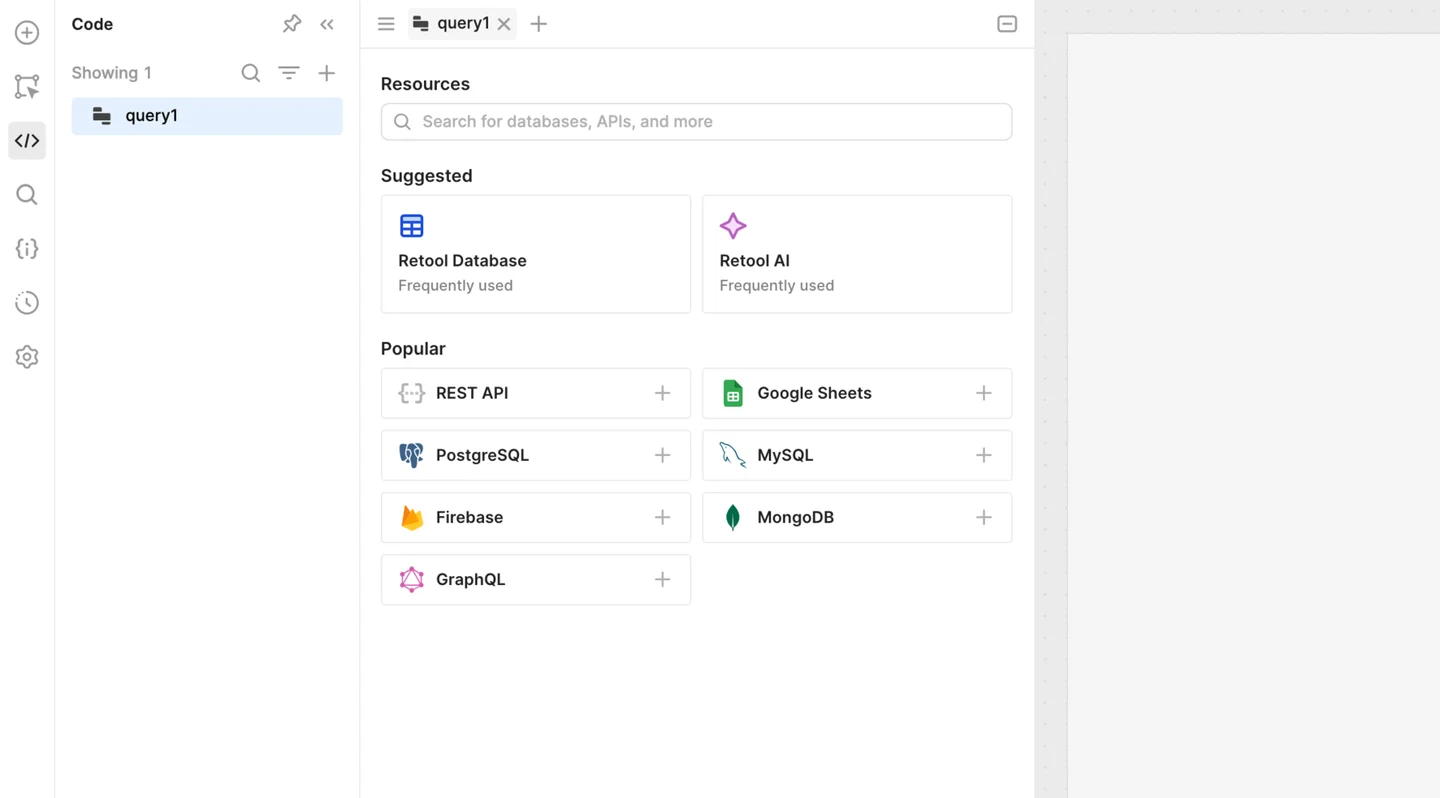
Retool can connect to Microsoft SQL Server and bind queries and writes to components in an internal app. It is useful for teams that need an operational interface around existing tables and procedures and want developers to control the data operations directly.
The resource identity and app permissions shape the access model. Parameterized query behavior and safe write handling matter as interfaces become more flexible. The current connector version, prepared statement settings and network path should be tested for the queries and writes the app needs.
Use the supported SQL Server integration in the deployed Retool version and choose which users can trigger the server-side query. Verify that placeholders bind the approved values to SQL.
Run the two-editor exercise and check the response from the write query. A stale form should prompt the user to reload, and audit evidence should reflect only the first accepted write.
- Compatibility
- Current Retool Microsoft SQL Server resource and supported deployment with database access.
- License and trial
- Commercial Retool options and applicable hosting or user terms.
Microsoft Power Apps
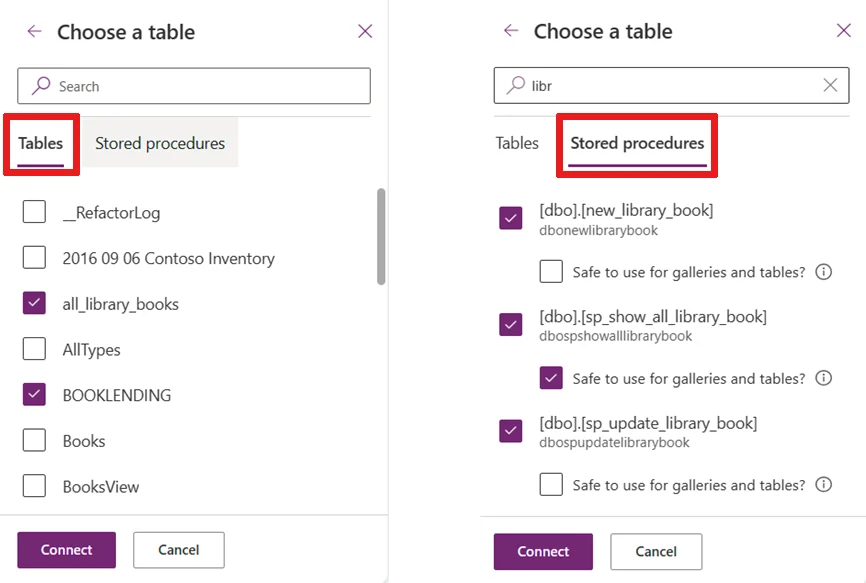
Power Apps can use the Microsoft SQL Server connector as a data source for a canvas app. It is useful when an organization already manages Microsoft identity, environments and deployment rules and needs business users to work through controlled forms.
The kind of SQL Server connection determines whose credentials are used and what the app can delegate to SQL Server. Filtering, permissions and connector limitations matter with large tables. On-premises deployments may also need an appropriately configured gateway.
Use the actual SQL Server connector and gateway or connection mode required for the environment. Check whether the app's reads delegate to SQL Server and what identity its writes use.
Implement the approved save through the supported connector or backend procedure. Verify the returned conflict outcome and how Power Apps refreshes the form after a rejected edit.
- Compatibility
- Power Apps with a supported SQL Server connector, credentials and gateway where applicable.
- License and trial
- Microsoft Power Platform licensing and connector entitlements.
Appsmith
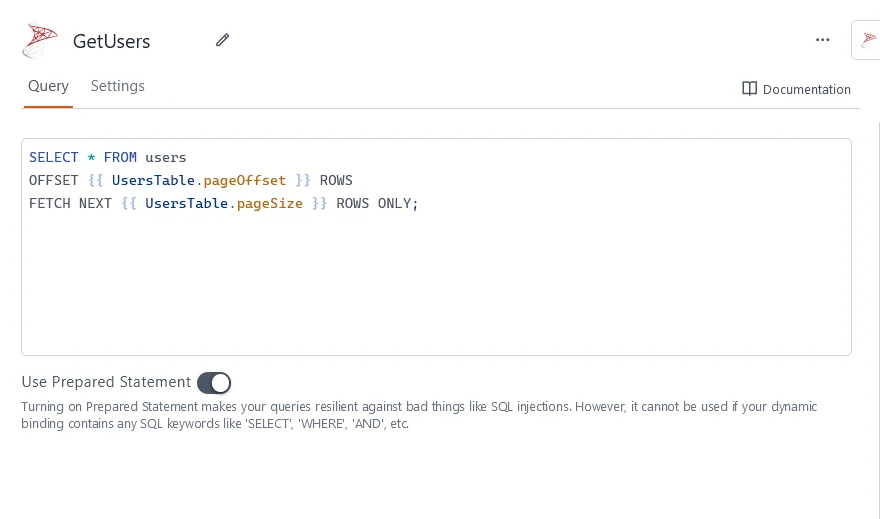
Appsmith allows an internal web application to query Microsoft SQL Server and bind the results to application widgets. It is useful for teams that want to build a data-heavy business interface around explicit queries and may want to host the builder on their own infrastructure.
Its fit depends on the datasource and pages or queries each user can reach. Application access and SQL Server object permissions need separate configuration. The developer decides which values are parameters and how errors are shown when an operation changes data.
Configure the documented Microsoft SQL Server datasource and bind the action through prepared queries where supported. Record which identity and app role the datasource uses.
Open the same fixture row in two test views and submit both. Verify the first change reaches SQL Server and the stale action reports the intended response.
- Compatibility
- Supported Appsmith deployment with SQL Server access and configured datasource.
- License and trial
- Open-source and commercial Appsmith options.
Budibase
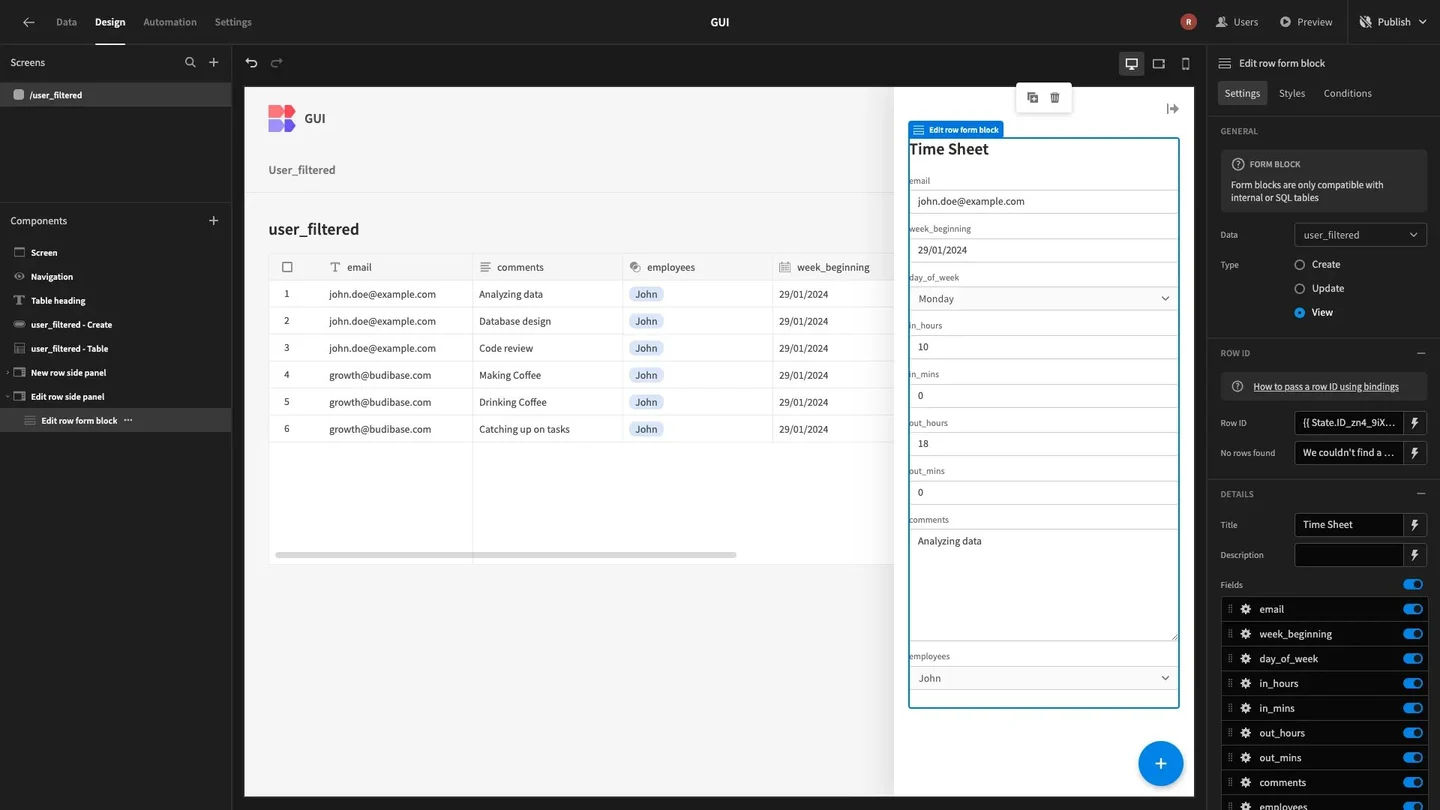
Budibase can connect to SQL Server and represent external tables and queries in its application builder. It is useful when an organization needs internal CRUD apps around existing database records and wants forms and access roles maintained in one low-code environment.
The external data source still owns its constraints and SQL Server permissions. Table relationships, write behavior and user roles in the app determine how much can be handled through the builder. A complex business transaction can benefit from a stored procedure or explicit server-side action.
Check the external SQL Server datasource and the screen and query access policy. Choose whether the write flows directly to the datastore or through a scoped custom query.
Compare app response, exact changed row and subsequent read. Verify the configured flow can display a stale-edit outcome rather than changing the newer value.
- Compatibility
- Budibase with compatible SQL Server source and database credentials.
- License and trial
- Community and commercial Budibase plans.
ToolJet
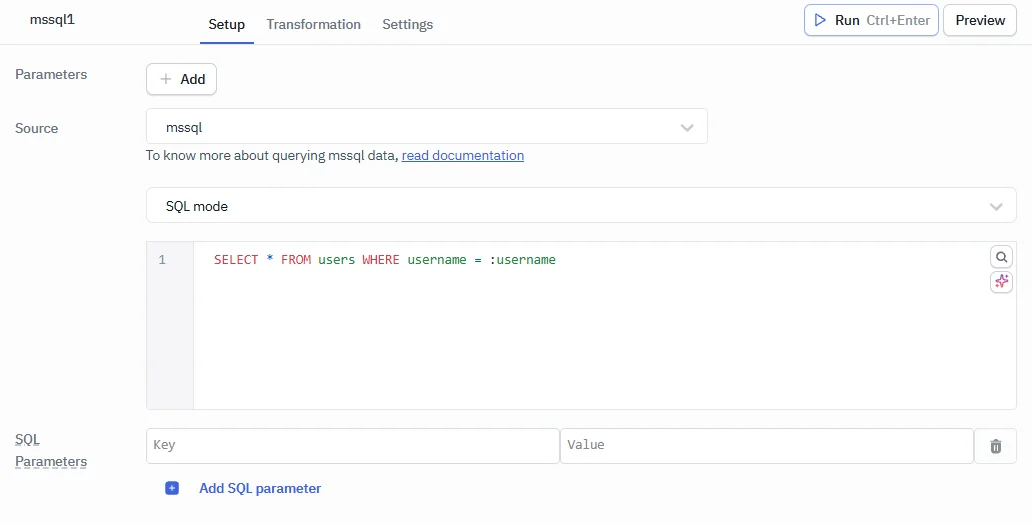
ToolJet offers a Microsoft SQL Server and Azure SQL data source for queries bound to widgets and application actions. It is useful for teams building internal admin interfaces that need to display data and perform selected database or procedure calls.
The application configuration controls when queries execute and which inputs reach them. The connection account and permissions still determine what the backend can do. A pilot should exercise a restricted user and the actual transaction or error behavior of a failed write.
Configure the documented SQL Server or Azure SQL datasource and record the app-side user and database credential model. Verify how the query parameter values are bound.
Use two test users and exact record versions in the write request. Compare changed rows and what the UI renders for the rejected save.
- Compatibility
- Supported ToolJet environment and SQL Server or Azure SQL datasource.
- License and trial
- Community and commercial ToolJet options and deployment terms.
DronaHQ
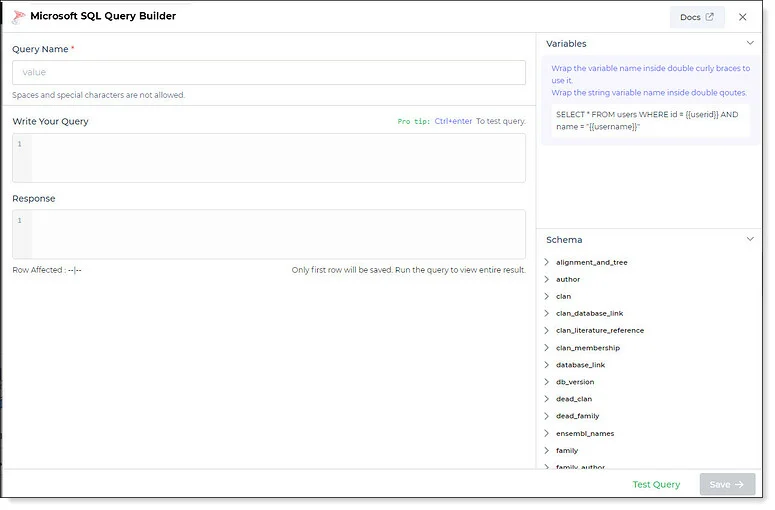
DronaHQ offers a Microsoft SQL Server connector and can map connector queries into applications. It is useful when an operations team needs an internal dashboard or form and wants the actions maintained through a shared application-building environment.
Its strength is connecting widgets, logic and connector actions. SQL Server rights and input mapping still need design, especially when the app exposes updates for multiple user groups. Private network access, deployment and audit settings affect its production use.
Check the connector settings and the app policy for who can read and submit changes. Use a test action with explicit record ID, version and proposed amount parameters.
Compare the actual SQL response with the app's feedback. Verify that stale attempts and successful edits are distinguishable by the roles responsible for support.
- Compatibility
- DronaHQ with compatible SQL Server connectivity and an approved network path.
- License and trial
- Commercial DronaHQ plans.
UI Bakery
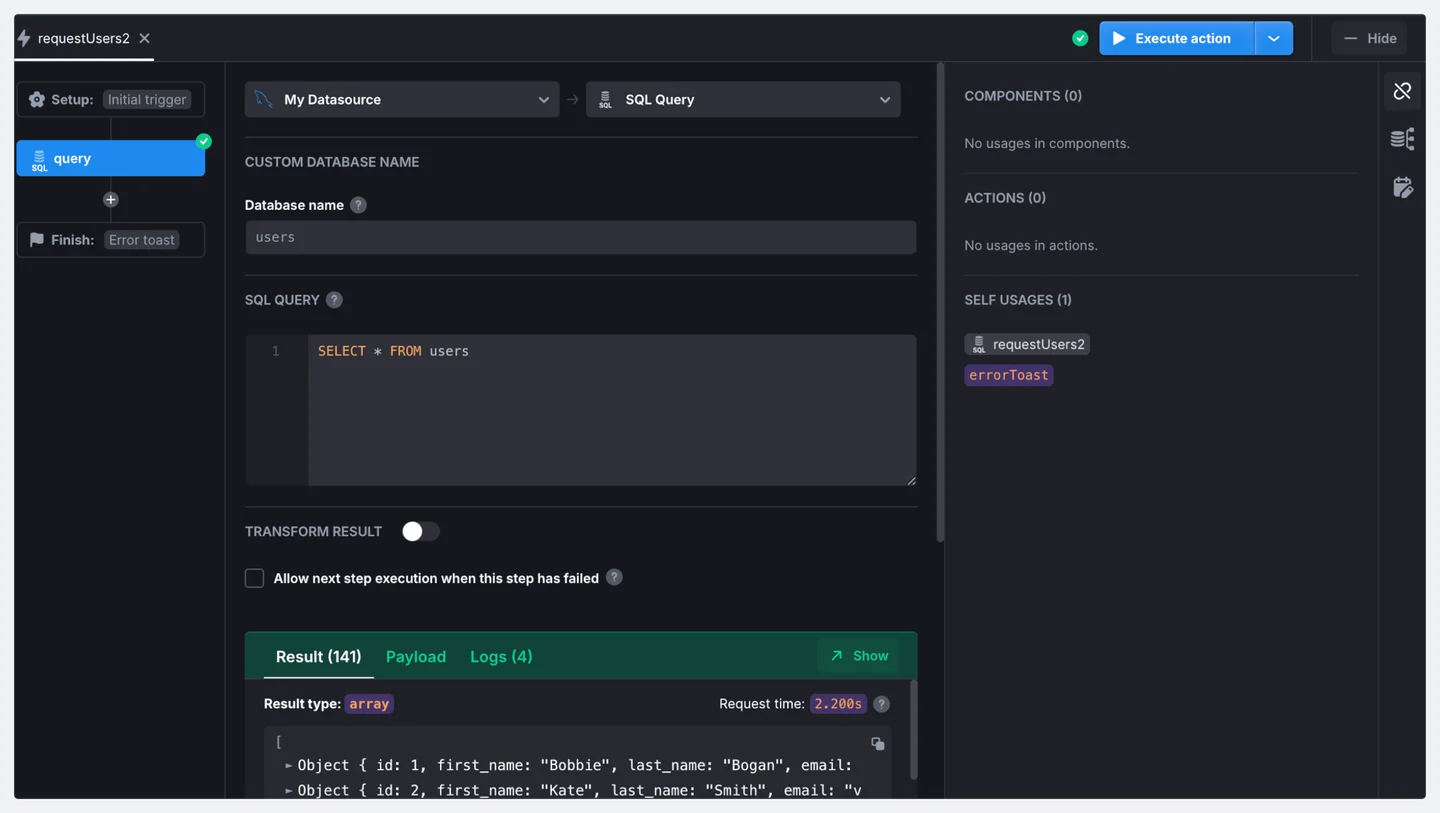
UI Bakery documents a SQL Server data source and SQL actions for building internal interfaces. It is useful when a team wants an application that can call existing queries or stored procedures and expose them through controls chosen for the workflow.
Binding a UI control to a query helps development, while backend input and write authorization still determine what users can change. Resource access and app roles need deliberate configuration. The hosting and connection model matter when SQL Server is on a private network.
Use the supported SQL Server datasource and define a narrow server-side write action. Record app roles, data identity and the query parameter behavior.
Try the agreed concurrent save and report the first affected row and later conflict. Check access to the same data and action from the intended deployment.
- Compatibility
- UI Bakery with a supported SQL Server data source and deployment.
- License and trial
- Commercial UI Bakery licensing.
Jet Admin
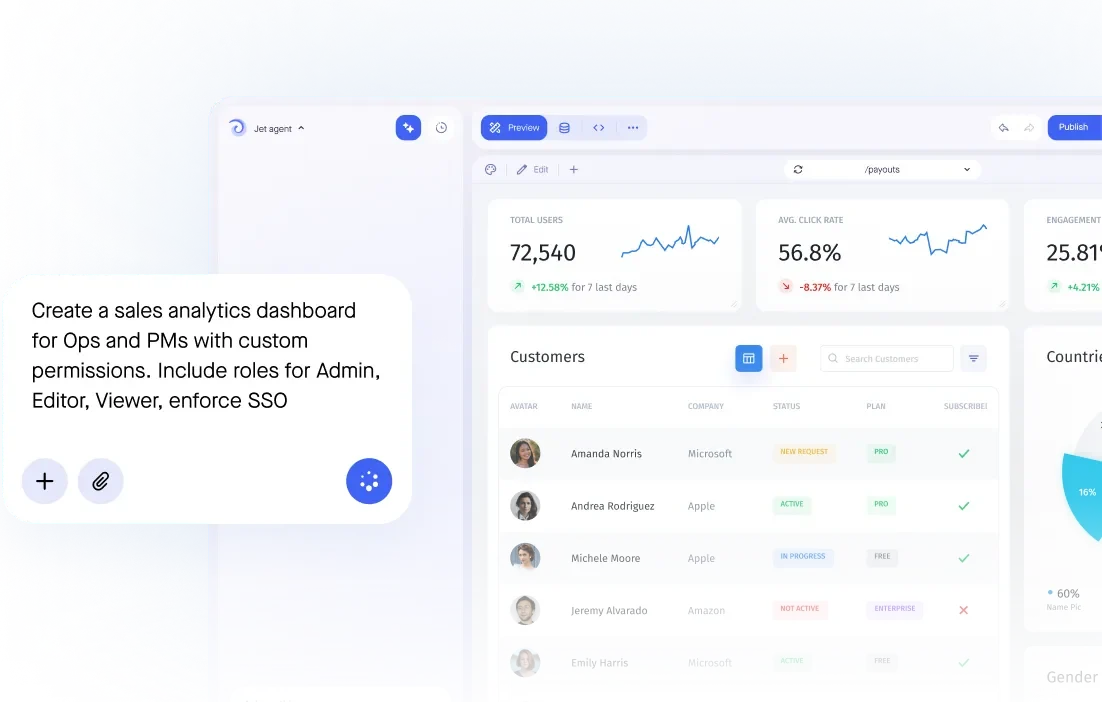
Jet Admin provides a Microsoft SQL integration and an application builder for internal interfaces. It is useful for teams that want to turn selected SQL Server tables or queries into operational views without building an application stack for every request.
The fit depends on the live connection, supported actions and how the application applies access decisions. SQL Server constraints and stored procedures can still own complex write rules. The team needs to validate the identity and data scopes used by its internal users.
Confirm the supported Microsoft SQL integration and plan options for app roles and database connectivity. Save the exact action and authorization scope used in the trial.
Use the same predicted version conflict and compare actual SQL changes. Check whether the app can handle a write rejected by a narrowed database permission or validation rule.
- Compatibility
- Jet Admin with supported Microsoft SQL integration and database access.
- License and trial
- Commercial Jet Admin terms.
Mendix
Mendix’s External Database Connector can use supported SQL Server connections from a low-code application. It is useful when the organization needs a fuller application model and workflow around existing SQL Server data, with queries and actions that can be maintained within the Mendix project.
Its advantage is combining application orchestration with defined external database access. Environment credentials, parameter mapping and the selected connector determine what runs on SQL Server. Roles and data rules still need explicit design across Mendix and the database.
Verify the External Database Connector and the app flow used to call it. Set up approved SQL credentials and include the intended record version in the action.
Check the application flow's handling of affected rows or backend validation. Verify that the user sees a meaningful conflict result and that current data remains correct.
- Compatibility
- Supported Mendix runtime and External Database Connector with SQL Server access.
- License and trial
- Commercial Mendix terms and applicable hosting costs.
Which builder should you try first?
| What you need | Tools to shortlist | What to verify |
|---|---|---|
| Build tables and forms around your own SQL | Check parameter binding, write permissions and how the form handles a rejected update. | |
| Build an app around an existing platform or connector workflow | Verify private connectivity, which SQL credentials run the write and how much app licensing the work requires. | |
| Turn an existing data source into an operations screen | Check that the form can call a guarded save operation and keep the editor’s original version until submission. |
Check the SQL connection, app role and write contract
Record which SQL identity executes each flow and which app users can trigger it. Use narrow database privileges and parameterized actions. Verify server-side filtering for larger lists, including delegation behavior when a tool uses it.
Forms can read an old version while another operator saves. Use a version check in the database write so both users cannot overwrite the same previous state. Decide what the UI tells the second user and what the app records as a successful write.
It reads from large operational tables
Check server-side filtering and identity
Verify delegated or server queries and actual permissions.
Several staff edit data independently
Check an atomic version-aware save
Require clear conflict feedback for the losing submission.
A workflow changes a sensitive field
Use a narrow and attributable backend action
Verify the role, accepted request and actual SQL outcome.
Verify two form saves that start with the same version
Use the disposable LowCodeEditTrial database. Setup creates record 1 with amount 25 and version 1. Open it in two test clients. Save amount 30 from the first at version 1. Save a different amount from the second with the same expected version.
The first update should affect one row and move version to 2. The second should affect zero rows and leave amount 30. The SQL sample models an atomic check. Use the equivalent supported app action with normalized parameter binding and clear user feedback.
| Action | Expected SQL result | Expected app behavior |
|---|---|---|
| Two reads | Both see amount 25, version 1 | Each form records its observed version |
| First save | One row updated to amount 30, version 2 | Shows successful save |
| Second stale save | Zero rows updated | Shows conflict and prompts reload |
| Final read | Amount 30 and version 2 | Matches the successful edit |
How to compare these tools
Build one list and one update form. Test viewer and editor roles, then submit the same update twice and check what actually changes in SQL Server. Sources checked .
Test a form with two editors and one reader
Use an empty disposable LowCodeEditTrial database. Run Setup once. View version 1 from both lab clients and run Save twice with the same expected version. Change the proposed amount to 35 for the second request to make preservation of the first update obvious.
Test an atomic version-aware edit for a low-code SQL Server app
T-SQL · 29 lines
- Configure the intended SQL Server datasource and role. Check which database identity runs the action, then open the same synthetic row from two clients.
- Submit the saves with the same expected version. Verify the first update, second rejection and current data. Check the actual UI outcome and audit records.
- Test a denied role and an intentionally invalid input in the lab. Verify the app and SQL respond as expected and leave the current record correct.
Conclusion
Prove the save and permission behavior before building the rest of the app. Price the plan with the users, query permissions and connectivity that passed the pilot. The useful demo is one where two editors can work without losing a change and a reader can do their job without write access.
Frequently asked questions
Which low-code app builders connect directly to SQL Server?
Retool, Microsoft Power Apps, Appsmith, Budibase, ToolJet, DronaHQ, UI Bakery, Jet Admin and Mendix document SQL Server connections. Check the supported version, authentication and network route for your deployment.
How do I stop a low-code form from overwriting a newer SQL Server edit?
Keep the version the editor originally loaded. Pass it with the record ID and new values to a parameterized write. Have SQL Server update only the matching version and report a conflict if no row matches.
Can Power Apps connect to an on-premises SQL Server database?
The premium SQL Server connector supports on-premises connections through a data gateway. Verify the chosen authentication, operation and gateway limitations with the connector documentation and a published app test.
How can I give readers access to a SQL Server app without allowing edits?
Authorize the read and write actions separately. Where the builder uses shared credentials, scope its connection and app permissions. Use a SQL view for reads and a procedure or approved API for writes, then test the operation as a reader.
What should I price before choosing an internal app builder?
Price the expected builders and app users, hosting or gateway, authentication, role controls and support. Verify the proposed plan includes the features the pilot uses.
Can a low-code app rely on a disabled Save button to protect a SQL row?
Use appropriate server-side authorization and a database write condition. A stale or unauthorized request can still arrive independently of how the UI is displayed.
Why check which Power Apps queries delegate to SQL Server?
Delegation determines where a particular operation runs. Check that the app returns the intended records on representative data and test any documented limitations for its queries.
Related guides
- Compare Metabase and Tableau Server for SQL Server reporting
- Compare Metabase and Tableau Server for SQL Server reporting
- Compare Metabase and Tableau Server for SQL Server reporting
- Compare low-code app builders for SQL Server
- Compare SQL Server database deployment tools
- Compare self-hosted BI dashboards for SQL Server