

An SSIS add-on is useful when it saves package code or covers an operation that the built-in tasks handle poorly. REST components can turn a paginated response into rows and keep authentication in a connection manager. SQL Server adapters focus on how rows enter or leave a database. Other components give an existing package a faster way to reach storage or validate its input.
KingswaySoft, COZYROC and ZappySys are useful starting points for API work. CData and Devart offer adapters for particular endpoints, while Task Factory makes sense in an installation that already uses its components. Microsoft’s Azure Feature Pack addresses Azure resources, and Melissa adds data quality operations. What works in the designer still has to work under the package’s deployed identity, with the same connection settings and supported SSIS runtime.
SSIS connectors at a glance
Test the chosen component with the exact Visual Studio extension, SSIS target and execution host. Ask the vendor to include non-production and recovery workers in the quote when you use them.
| Connector | Best starting point | What to test | Installation and license |
|---|---|---|---|
| KingswaySoft SSIS Integration Toolkit | HTTP Requester, JSON Source and app-specific connections | Refresh credentials and step through a paginated response | Match the selected pack to the designer, worker and runtime entitlement |
| COZYROC SSIS+ | Reusable REST definitions for several packages | Version a custom definition and repeat an authenticated run | Check SSIS+ build and license for the actual execution environment |
| ZappySys SSIS PowerPack | JSON APIs with pagination and nested response arrays | Confirm stop condition, 429 handling and row mapping | Match the PowerPack edition, build and activation to the worker |
| SolarWinds Task Factory | Existing Task Factory packages or REST connection reuse | Run after a worker change and inspect the deployed component output | Task Factory 2026.2 lists SSIS 2016–2022 |
| CData SSIS Components | A named application or REST endpoint with a tabular driver | Compare query results and field types against the same endpoint | Check build, runtime and license for the specific driver |
| Devart SSIS Data Flow Components | SQL Server source, destination or lookup in the data flow | Test provider auth, duplicate keys and transaction boundaries | Install the required component and provider on the worker |
| Microsoft Azure Feature Pack | Azure Storage inside an existing SSIS flow | Retry a permitted upload and confirm which object is ingested | Use the corresponding SQL Server release package |
| Melissa Data Quality Components | Address or contact verification | Save result codes and inspect questionable rows | Check selected component, service access and usage terms |
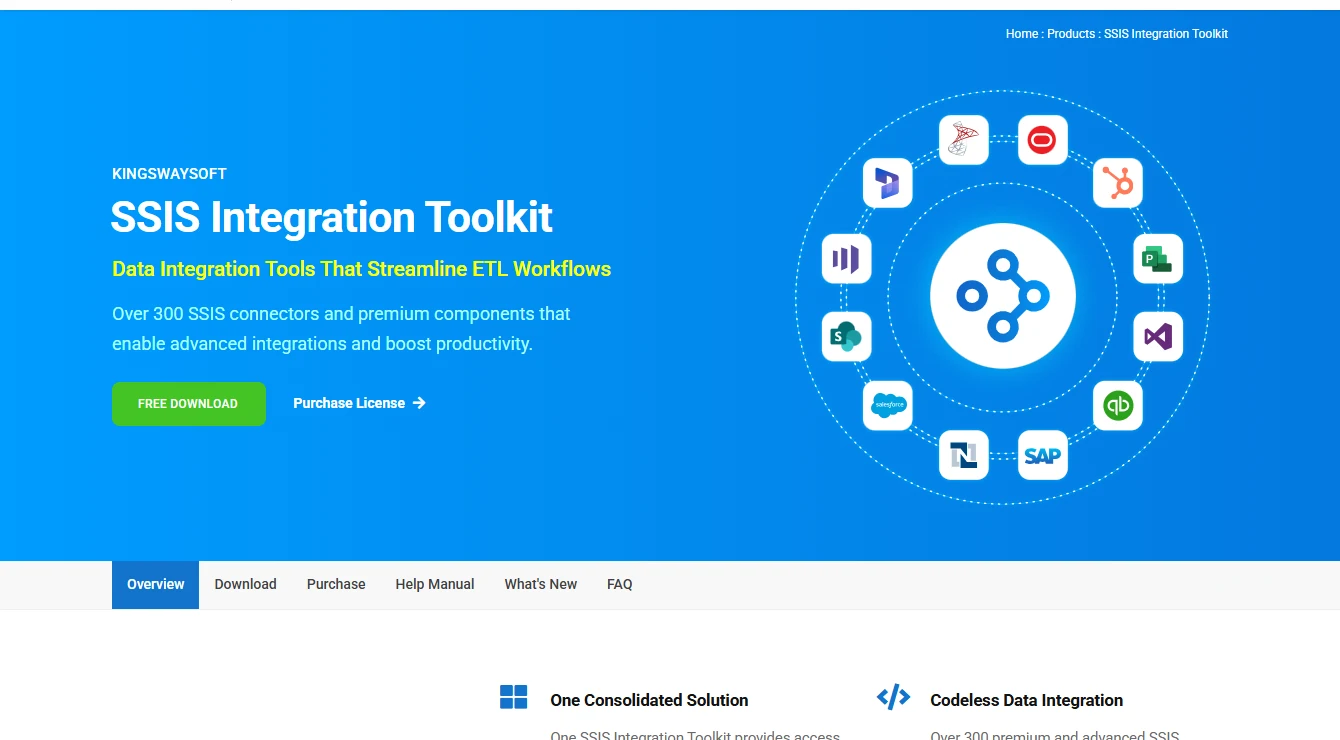
KingswaySoft SSIS Integration Toolkit
KingswaySoft packages its Productivity Pack components in the SSIS Integration Toolkit. The HTTP and JSON tools are useful when a package needs to turn API responses into a tabular flow without making custom code responsible for every step. It is a practical fit when the same team maintains several third-party connections.
The meaningful comparison is how each component represents the API’s workflow. Pagination rules and connection parameters can determine whether a scheduled package finishes cleanly after a rerun. A package that previews successfully in Visual Studio still needs the appropriate component and connectivity where it executes.
The Productivity Pack separates making the HTTP request from extracting fields from JSON. With a general-purpose API, run the request with the production-style token and map the returned records and continuation field before adding the destination. For a named app, compare this design with the dedicated toolkit components for that service.
Put the token in a protected parameter and keep the request mapping alongside the package. When a response changes from an array to a nested object or adds an optional field, run it through the extractor before redeploying. Ask which licensed pack supplies each component the finished package references.
- Compatibility
- Publisher requirements cover specific SSIS runtimes and designer versions. Connection and source support depend on the component.
- License and trial
- Commercial Integration Toolkit. Runtime activation and deployment terms depend on the license.
COZYROC SSIS+
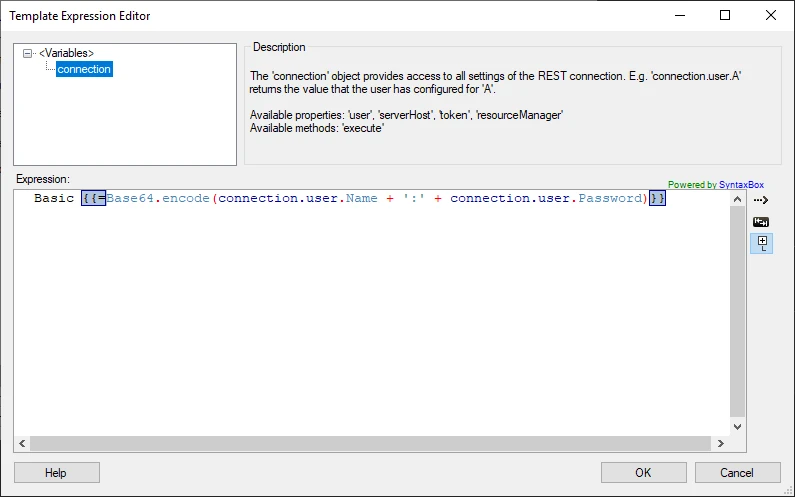
COZYROC SSIS+ supports REST integration using reusable configuration files, including ways to handle tokens. A configuration can give a package a repeatable connection to an endpoint that needs authentication and several requests to collect a complete result.
This fits teams that want API behavior defined beside the package configuration. The flexibility also leaves more for the team to own when a third-party API changes. Token storage and runtime access are practical dependencies, especially when development and production execute under different accounts.
The REST framework accepts XML connection definitions, with JavaScript available for API-specific behavior. A versioned definition lets teams reuse a connector in several packages. Updating it also affects several consumers, so keep a fixture response and provision the same definition wherever those packages execute.
Build the trial around the token refresh and next-page expressions in the connection definition. Capture which page was last accepted, send a controlled error on the next request, then replay from the saved cursor or the beginning according to the package design. Compare the final staged business keys after both runs.
- Compatibility
- COZYROC documents REST configuration, token storage and version-specific SSIS+ support.
- License and trial
- Commercial. Applicable runtime licensing depends on the installation and execution environments.
ZappySys SSIS PowerPack
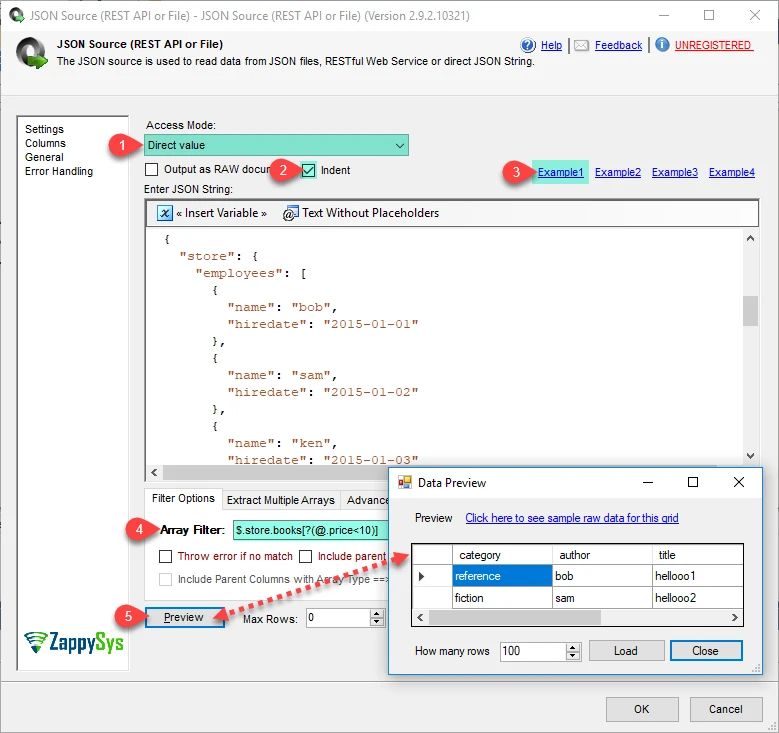
ZappySys SSIS PowerPack provides a REST API Source for turning API data into SSIS rows. It is particularly useful when a response is paginated. The component can model an API that returns a next-page reference or another supported continuation, so a package can consume the response in stages.
The value is in representing the real API contract without writing a separate script for it. An empty final page and an intermittent rate limit are different cases. The component’s handling and the package’s retry rules together determine whether the receiving SQL table gets a complete set or duplicate rows.
The REST API Source can read JSON from a URL, file or variable and use JSONPath to expose records inside a nested response. Test the extraction first against a saved body from the relevant endpoint. Then watch how the same mapping behaves when the final page has an empty array or the records omit an optional field.
Set up request logging for the page token and response status while masking credentials. Capture the actual 429 behavior of the configured component and add a bounded package-level retry if appropriate. Use a unique source key in the SQL staging contract so a replay after a partial write has a clear outcome.
- Compatibility
- ZappySys documents REST API Source pagination and publishes installation requirements by build.
- License and trial
- Commercial suite. The selected edition and activation terms apply to the package worker.
SolarWinds Task Factory
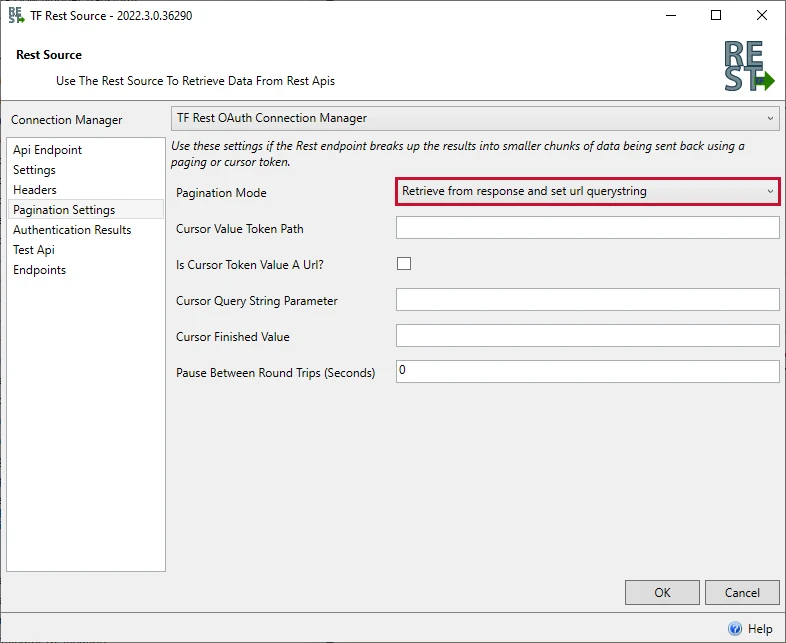
SolarWinds Task Factory adds SSIS components for data flow and connections, including documented REST components. Its strongest case is a shop already running packages built around the suite. Keeping a known component can avoid reimplementing transformations while moving a package to another supported worker.
Runtime support deserves particular attention during an SSIS upgrade. The Task Factory 2026.2 requirements list execution runtimes through SSIS 2022. A SQL Server endpoint may stay exactly where it is while the worker must move to another runtime. The package’s individual components and their error behavior are what need coverage there.
Start a worker upgrade by listing packages that reference Task Factory components and distinguishing them from ordinary OLE DB destinations. Use the REST Connection Manager documentation to record the authentication and request setup for the package under test. Build and redeploy it against the planned worker before retiring the old host.
Test a package that reads a representative endpoint through the deployed connection manager with the worker's network and account settings. A connection test in the designer confirms the developer configuration. The worker run should leave a catalog execution record and an output row or file the operator can reconcile.
- Compatibility
- Task Factory 2026.2 lists SSIS 2016, 2017, 2019 and 2022. Requirements are version-specific.
- License and trial
- Commercial. Licensing and support follow the selected Task Factory release.
CData SSIS Components
CData provides SSIS component drivers for specific sources, with documentation for connections such as REST. That makes the adapter choice concrete. A project that needs only one endpoint can evaluate that connector’s supported properties and schema handling without choosing a broad transformation suite first.
Its value depends on the individual API or service. Source field types, optional values and authentication can behave differently across drivers. Configuration also matters after rollout because a service account should be able to rotate credentials without saving them directly into a package.
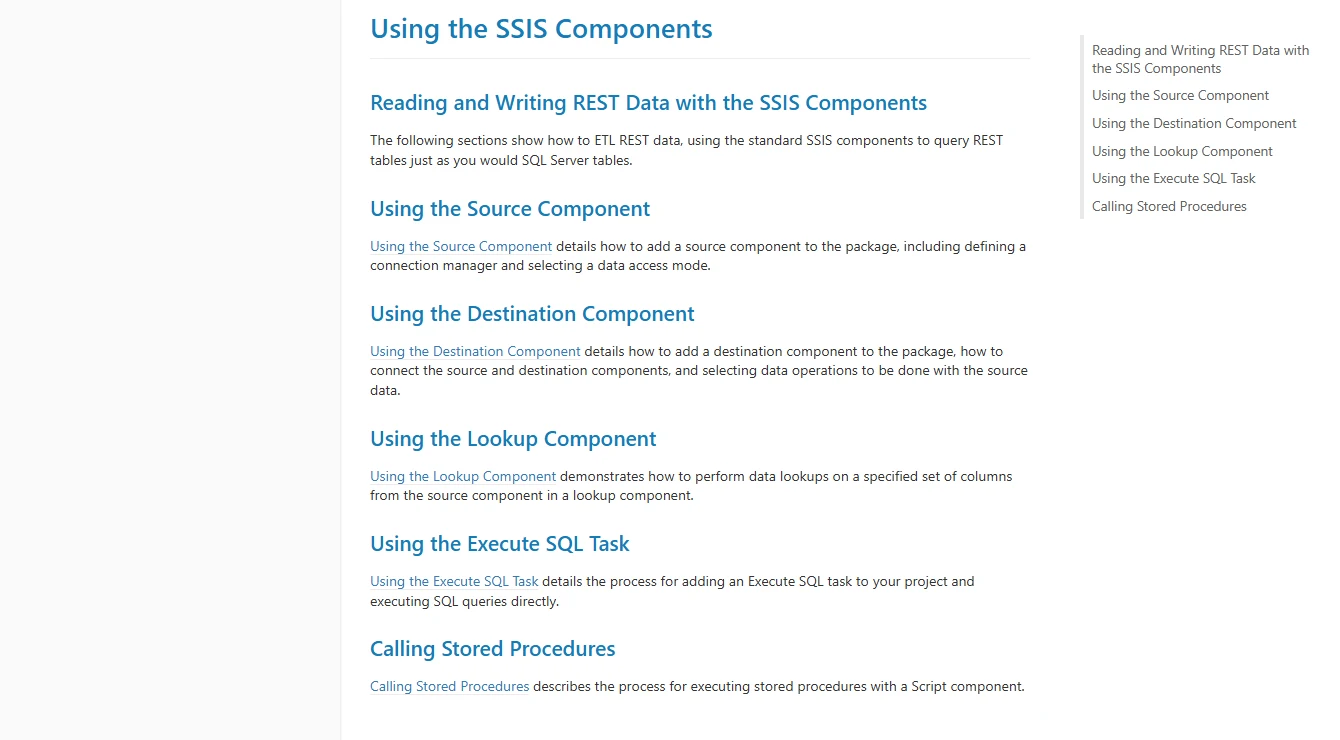
CData's documented REST components can expose an endpoint through a source and provide a separate lookup and destination where the adapter supports the operations. A source-side column mapping can simplify the package. Compare the output to a raw example to catch values that turn into nulls or arrive with an unexpected type.
Pin the exact driver and build used for the test. An authentication setting validated with the REST driver can differ from the one required for another CData connector. Confirm the execution account can reach the service after a credential rotation and use the build's own documentation for required properties.
- Compatibility
- CData documents drivers by data source, with driver-specific connection and runtime requirements.
- License and trial
- Commercial. Adapter and execution-host terms depend on the products purchased.
Devart SSIS Data Flow Components
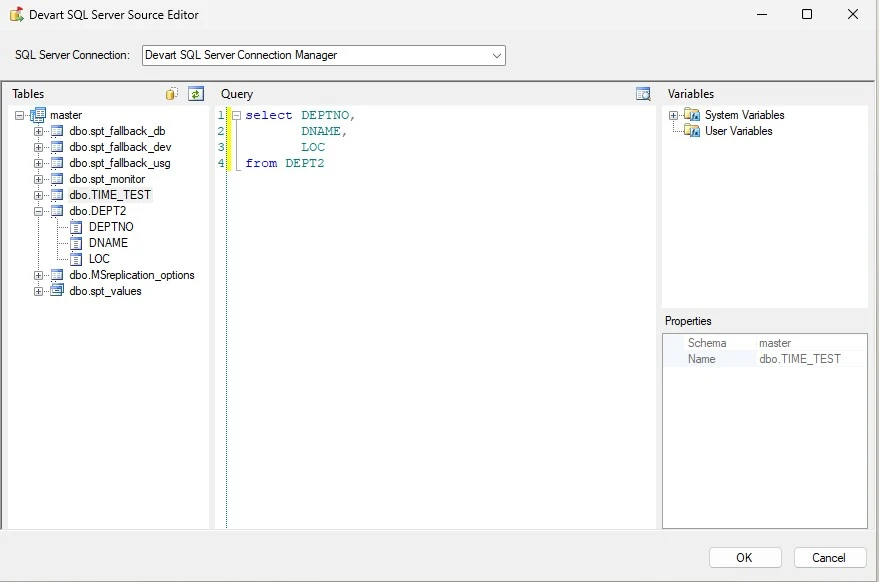
Devart SSIS Data Flow Components provide source, destination and lookup components for supported data sources, including a SQL Server adapter. A package can use those components where it needs a particular connection strategy or a choice of operations for loading rows.
It is useful when runtime coverage and the details of the SQL connection are the main decision. Duplicate keys and conversion failures can expose whether earlier rows were committed before an error. Worker-side driver, encryption and authentication settings can also affect a connection that was fine in the designer.
The installer supports unattended activation, which is useful when a deployment team needs the same components on several Windows workers. Check requirements for the particular provider as well as the package target. Some adapters bring their own prerequisite, and release support varies by component.
For a SQL Server destination, try an insert with a duplicate key after a batch containing valid rows. Compare the existing row, committed rows and rows reported as errors before choosing a load size and failure policy. Repeat under the real service account to confirm access to the provider and to the destination database.
- Compatibility
- Devart’s installation requirements list SSIS through 2025. Individual adapters and connection managers can have exceptions.
- License and trial
- Commercial. Licensed connectors and supported runtime hosts depend on the plan.
Microsoft Azure Feature Pack for SSIS
Microsoft’s Azure Feature Pack adds SSIS components for reaching supported Azure services. It suits a package that already has a SQL Server pipeline and needs an Azure storage stage. A file-based workload can use the supplied Azure integration without introducing a second integration platform.
The advantage is a focused extension to an existing SSIS job. The pack is released for specific SQL Server versions, and authentication depends on the component. File transfer and ingestion also need separate handling if the package should recover from a failed move without loading the same file twice.
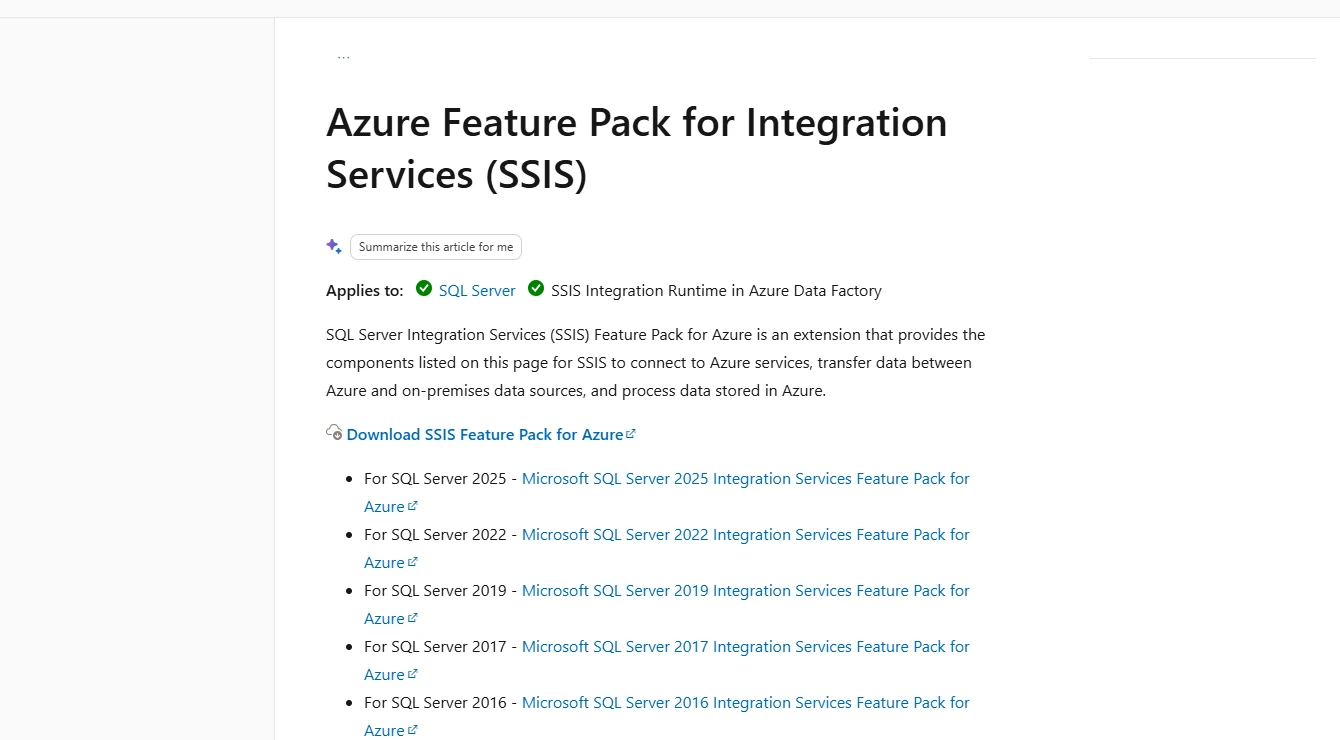
Microsoft publishes separate Feature Pack downloads for SQL Server releases, including 2025. Choose the Azure component for the storage service in the package and check which authentication method it supports. A storage task can be tested independently with the same account and destination used in the real job.
Use an immutable file name, version or manifest entry as the load key when an Azure file feeds a SQL table. The operator should be able to distinguish the storage operation completing from the import committing. Try rerunning with the same file already present and compare both the storage contents and the row count.
- Compatibility
- Microsoft publishes separate release packages and documents Azure-SSIS Integration Runtime use.
- License and trial
- Microsoft-provided extension. Existing SSIS licensing and Azure consumption still apply.
Melissa Data Quality Components for SSIS
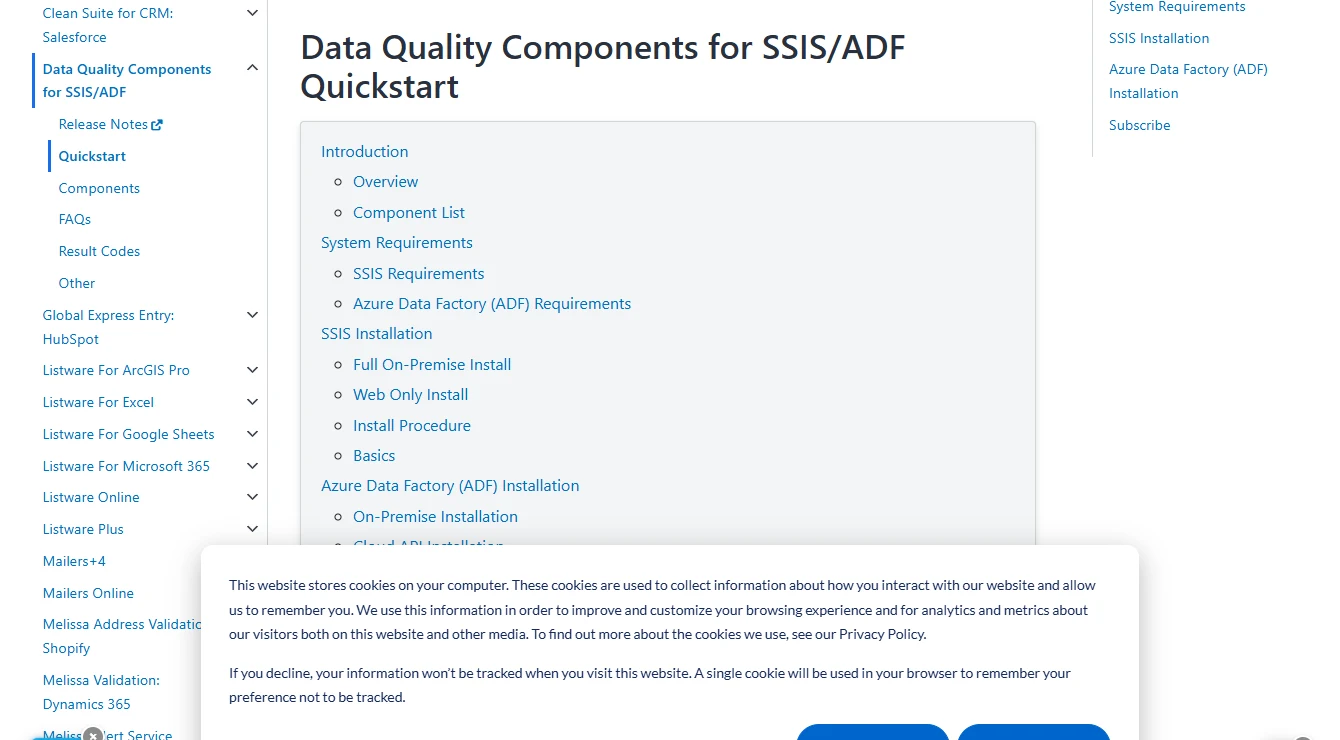
Melissa’s Data Quality Components add operations such as address verification to SSIS. The result includes codes that can accompany the corrected data in a SQL Server destination. That gives an operator something more useful than a cleaned address alone when deciding whether a row needs review.
It fits a package where accepting a plausible but incomplete value would cause a downstream problem. The verification outcome is part of the data contract and different codes may belong in different branches. The specific component also determines connectivity needs and whether submitted values go to an external service.
For address verification, add the component result codes and normalized fields to a review table. Use the code list for that exact component to define what the business accepts, rejects or queues for review. Include a deliverable address, a corrected address and an incomplete address in the pilot.
Review which fields leave the execution host and what the selected service receives. Test what the pipeline records when the service is unavailable, as well as what it records when verification returns an uncertain result. Compare usage and licensing with the planned daily volume.
- Compatibility
- Melissa documents SSIS and ADF components, installation requirements and result codes by function.
- License and trial
- Commercial. Entitlement and verification usage depend on the selected component and service.
SSIS connector and add-on shortlist by workload
| What you need | Tools to shortlist | What to verify |
|---|---|---|
| Reusable REST and JSON components | Reproduce the API’s authentication, pagination and rate-limit response in the deployed package. | |
| Extend an existing SSIS component suite | Check the documented SSIS runtime, then run the package with the selected source and database destination. | |
| Use a specific service or database adapter | Test the exact adapter, data type mappings and runtime license with the required authentication. | |
| Load from an Azure storage workflow | Install the matching package runtime extension and test a repeated file load. | |
| Validate addresses before the SQL Server load | Inspect the result codes and route rejected rows to a controlled exception table. |
Choose the component by the package's missing step
Begin with the operation inside the package. A successful connection to an API is one check. Getting readable rows, saving failed records and recovering from the last incomplete page are separate checks.
Read a paginated JSON endpoint
Trial an API source
Use the endpoint's real authentication method, page token and throttling behavior.
Read or write a supported database or application
Compare the exact provider
Test the fields, load semantics and supported operations you need from that adapter.
Move files or verify contact data
Use a focused extension
Evaluate Azure Feature Pack storage tasks or a data quality component against that specific job.
Verify the designer, package target and execution host
The SQL Server database used as a destination can run a different version from the SSIS execution host. Record the designer extension, package TargetServerVersion, component build, runtime architecture where applicable and host license. Use the deployed catalog run to check the path the scheduled job will take.
On Azure-SSIS, Microsoft documents a custom setup path for installing extra components on the runtime nodes. Check that the vendor supports that deployment and the node changes in your environment. Compare a cleanly provisioned worker with the original pilot.
| Layer | Record | Pass condition |
|---|---|---|
| Design workstation | Visual Studio and SSIS extension, component version, package target | Package opens and builds with the planned target |
| Build and deploy | Project artifact and referenced assemblies, drivers and connection definitions | Deployed artifact maps to the same project and component builds |
| Execution host | Runtime version, bitness when relevant, install or custom setup, entitlement | Catalog run on the planned worker loads the component |
| Scheduled identity | Network routes, protected parameters, proxy or service identity | Scheduled execution reads the endpoint and writes under least privilege |
| Restart test | First successful page, last cursor and persisted destination key | Rerun completes without duplicate business keys |
Track failed requests separately from rejected rows
An HTTP 429 belongs to the request. A valid JSON response with a malformed amount is a row-level data issue. Record the request outcome and cursor separately. Where the component offers an error output, use the disposition for the specific transformation and preserve the source key for investigation.
| Check | Injected condition | Expected evidence |
|---|---|---|
| Rate limit | Second page returns 429 once | Capture the response and cursor, then see a successful retry or a clean failure and replay |
| Row rejection | One amount is text that cannot become a decimal | One source item lands in the review path without a written amount |
| Replay after partial load | First page is delivered again to the SQL staging process | Three distinct accepted keys, total 41.35 and one distinct invalid key |
| Catalog run | Package runs under the planned job identity | Record execution ID, package status and accepted and rejected counts |
How to compare these tools
Run the same package in the designer and the deployed runtime. Test authentication refresh, pagination and a failed row. Record the SQL Server target, driver, SSIS version and license used on the worker. Sources checked .
Rehearse a failed page and a retried load
Simulate two API pages in a non-production package, with a 429 on the second request and one invalid amount after it succeeds. The session-local SQL fixture models the rows that reach staging after the page is replayed. It gives you a reference result for the package test.
Model deduplicated SQL staging after a page retry
T-SQL · 33 lines
- Use mock responses with page 1 keys 201 and 202 and page 2 keys 203 and 204. Use 429 for the first request to page 2. Record whether the connector or the package owns the retry.
- Capture the raw response, the last successful page token and the rejected row. Force a rerun that delivers page 1 a second time.
- Run the SQL fixture in one database session to check the expected unique-key and amount results. Compare those results with the actual scheduled worker output.
Conclusion
Choose the component you can deploy and operate on the real worker. A successful design-time preview is useful when it leads to a reconciled test in the deployed catalog. Retain the instructions for authentication, runtime installation, activation and retry so the package can move with the rest of the application.
Frequently asked questions
Do SSIS connectors have to be installed on the execution server?
Third-party components must be available in the environment where the package runs. Check the vendor’s instructions for the execution host or Azure-SSIS Integration Runtime, then verify the deployed package under its execution account.
How can I call a REST API from SSIS?
Choose a component or package design that supports the API’s authentication, pagination, response format and errors. Use an isolated test endpoint and verify the SQL Server staging rows across a failed request and a retry.
Does SQL Server 2025 support every SSIS add-on?
Component support depends on the vendor, version and execution runtime. Check the published support matrix for the selected add-on, the designer’s target version and the server or managed runtime where the package runs.
What is the difference between design-time and runtime licensing?
A connector can have separate requirements for a workstation used to design packages and the servers or workers that execute them. Confirm activation, failover and disaster-recovery terms for each environment in the proposed license.
How can I avoid duplicate rows when retrying an SSIS package?
Use stable source keys and an explicit staging or checkpoint design. Test the boundary between the source response and the target commit, then reconcile the affected rows after rerunning the deployed package.
Can I use third-party connectors on Azure-SSIS Integration Runtime?
Microsoft provides custom setups that can install third-party components on Azure-SSIS runtime nodes. Check the specific connector's Azure-SSIS installation and activation steps, then validate a scheduled run on a freshly provisioned node.