

Just-in-time SQL Server access can be granted by making a group membership active, allowing a temporary connection through a broker, or issuing a leased SQL login. Those approaches expire different things. A group approval gives a person time-limited membership, a gateway can control the path to the database, and a lease controls a credential created for a role.
The database still has to grant the intended permissions. An expired request also needs an enforceable result. Tokens, an established connection or a checked-out password can have their own lifetimes. The useful comparison is whether the tool can show who requested access, what they received, when it expired and what happened to an active session.
SQL Server just-in-time access tools at a glance
Identify the mechanism that expires before comparing approval screens. Verify how it affects new SQL connections and sessions already open when the window closes.
| Tool | What is granted or released | SQL Server boundary | Expiry test |
|---|---|---|---|
| Microsoft Entra PIM for Groups | Temporary group membership | SQL resource must recognize the supported Entra group path | Reauthenticate and test old sessions separately |
| Apono | Approval-driven SQL access through a connector | Connector can administer defined SQL resources | Review grant and revoke events; check effective access |
| StrongDM | Time-limited access to a proxied resource | Resource auth varies by type; standard Microsoft SQL Server source uses SQL auth | Check gateway policy, direct paths and live session behavior |
| Teleport Database Access | Brokered database role or access request | Use the documented enrollment path for platform and authentication | Check certificate, role and connection behavior after expiry |
| CyberArk Secure Infrastructure Access | Policy-mediated database access | Supported database workspace and credential policy | Verify broker access and full SQL audit correlation |
| HashiCorp Vault | Leased dynamic SQL credential | MSSQL plugin issues credentials using configured SQL statements | Confirm SQL revocation actually succeeded |
| BeyondTrust Password Safe | Approved release or brokered use of a managed credential | Supported SQL Server platform and access policy | Check release, session and rotation policy independently |
| Delinea Secret Server | Approved timed access to a managed secret | Managed secret and SQL credential or connection workflow | Check cached secret behavior and check-in or rotation |
Microsoft Entra PIM for Groups
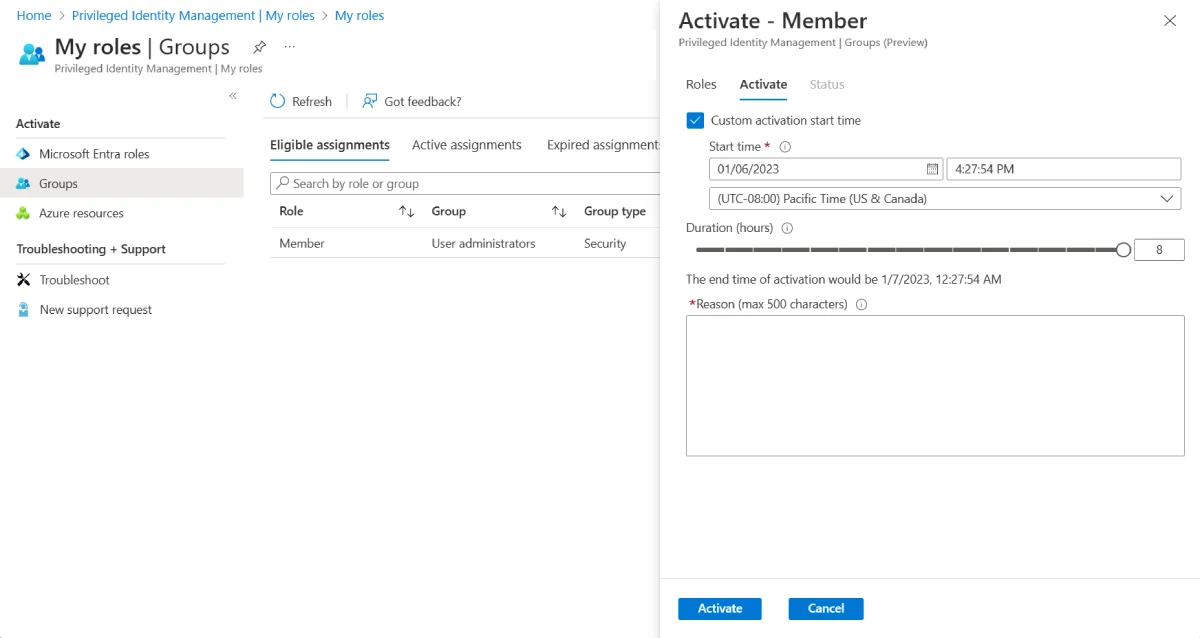
Microsoft Entra PIM for Groups lets eligible users activate group membership for a limited time. If the group is recognized as a principal by the SQL deployment and is mapped to suitable database permissions, this is useful for organizations that already manage SQL access through Entra groups.
It fits a native identity workflow with approvals or activation controls. SQL Server support for Entra principals depends on deployment and configuration. Group membership and database tokens can take time to propagate, and an existing connection must be evaluated separately from a new login.
Use the group only through a documented Entra-authenticated SQL Server path. Check Azure resource support, database group mappings and role membership before testing access. Entra activation alone does not grant database permission.
Record the approval, activation and expiry timestamps and compare them with the identity observed on a new SQL connection. Test with fresh credentials and a checked client pool, then document how an existing connection behaves.
- Compatibility
- Microsoft Entra PIM and a supported SQL Server or Azure SQL Entra authentication configuration.
- License and trial
- Eligible Microsoft Entra ID Governance or other applicable PIM licensing.
Apono
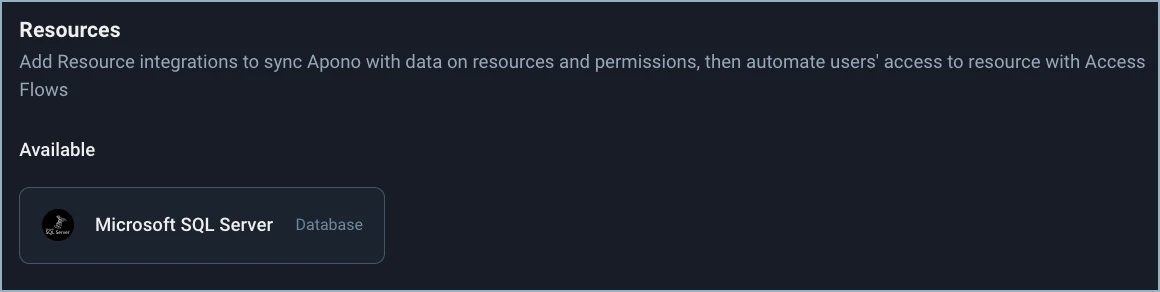
Apono can provision temporary Microsoft SQL Server access through its database integration and apply requests to resources according to an access policy. This is useful when a team wants its SQL Server grants to fit the same workflows used for other privileged resources.
Its advantage is automating SQL-side provisioning and cleanup from a shared policy. The connector account has elevated permissions in the vendor’s documented configuration, making its scope part of the design. The team also needs to verify the privileges granted on the target and when access is removed.
Inspect the integration permissions carefully. Apono's documented Microsoft SQL Server setup uses a connector with powerful server roles. Keep the connector separate from requesters and verify its scope in the exact edition and integration mode.
Compare grant and revoke events with SQL-side role or login state on one authorized instance. Include a lab revoke failure and establish who gets the alert if a timed grant remains effective beyond its approved period.
- Compatibility
- Supported Apono integration, SQL Server connectivity and a connector identity with the documented privileges.
- License and trial
- Commercial access management license.
StrongDM
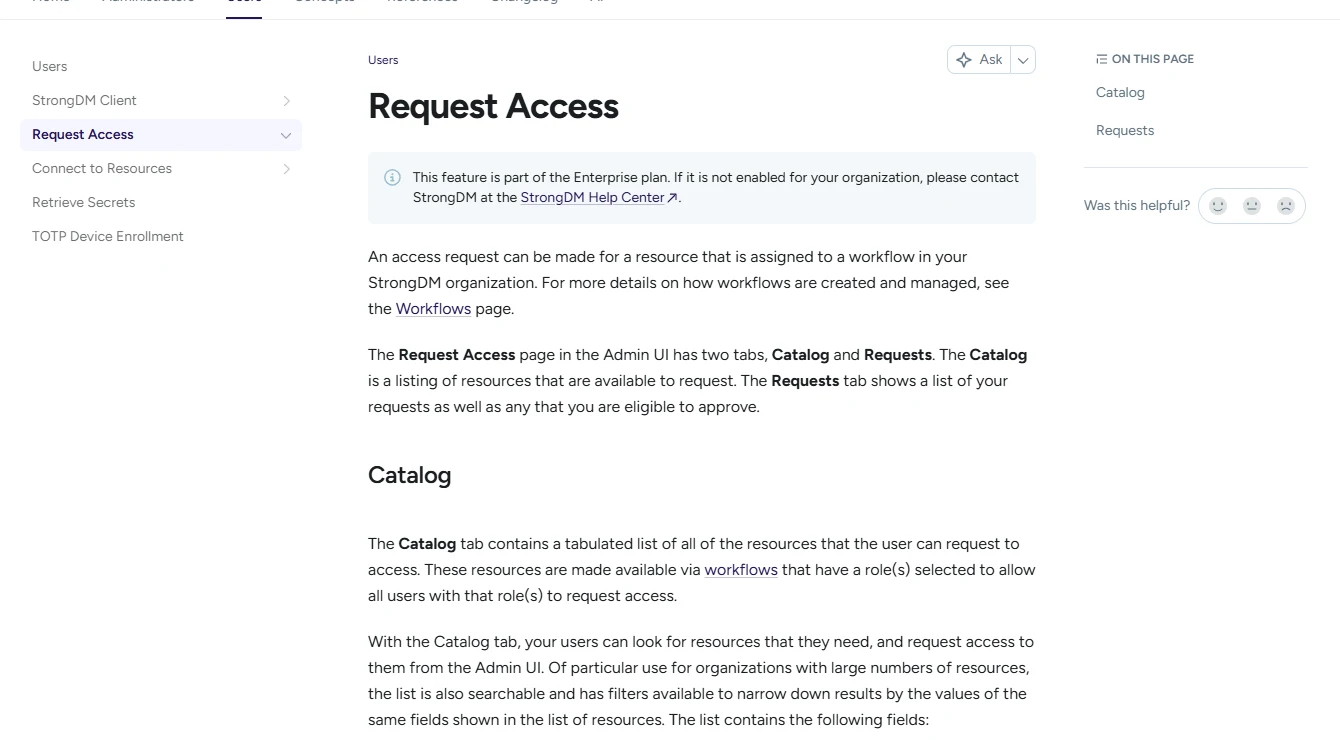
StrongDM can route SQL Server clients through a gateway or relay and apply access assignments to the registered datasource. Time-limited grants or access requests are useful when a team wants people to use its normal clients through a centrally managed connection path.
Its main value is separating the user’s access decision from the database credential stored or used by the broker. Query permissions are still tied to the configured SQL identity and resource. Direct network routes and the behavior of open sessions at expiry matter when evaluating the control.
The standard Microsoft SQL Server resource type in the StrongDM documentation uses SQL authentication. Check the actual resource type and network gateway route, especially if the estate also requires a domain or Entra authentication path.
Record portal requester and SQL session identity separately. Test whether an open connection continues after the broker lease ends, and check that only an approved alternative path can reach the target directly.
- Compatibility
- StrongDM nodes with supported SQL Server connectivity and an applicable authentication path.
- License and trial
- Commercial StrongDM plan.
Teleport Database Access
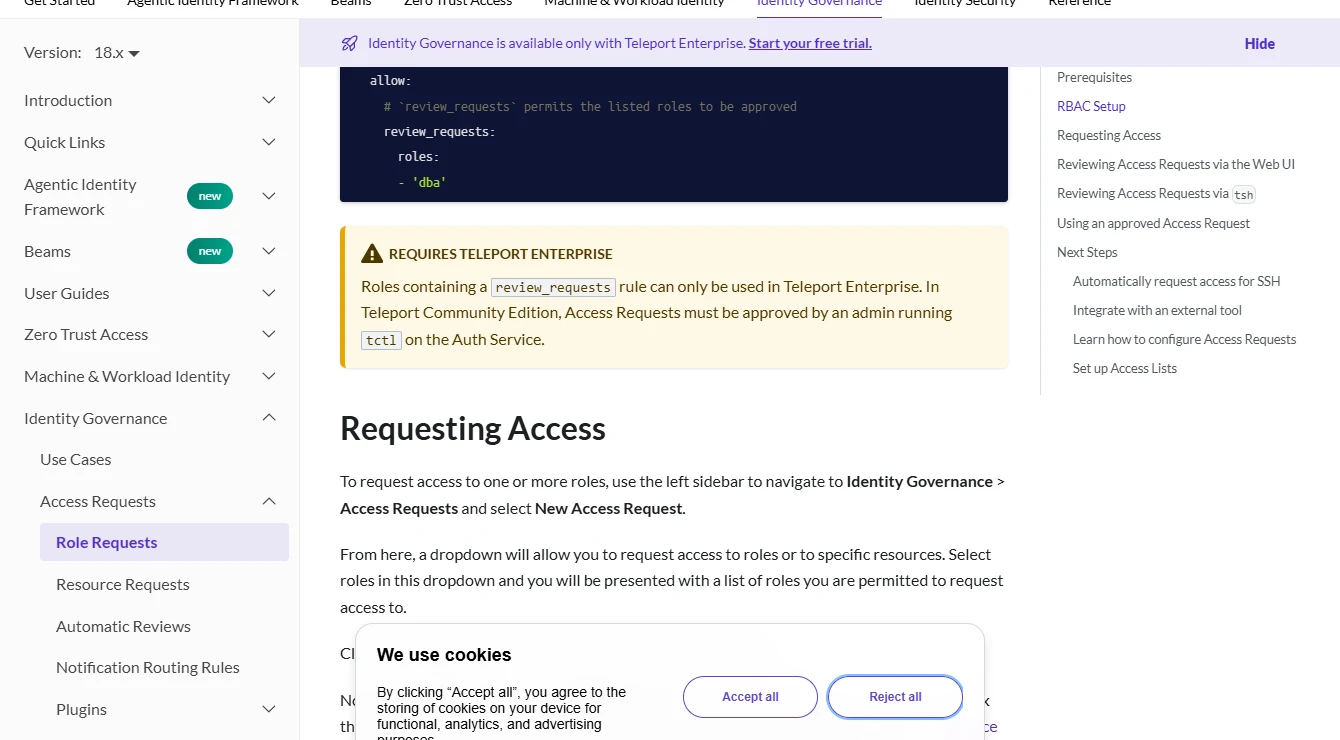
Teleport Database Access can broker supported SQL Server connections and use access requests to control which database resources a person can reach. It is useful when a team wants the same identity and access workflow around infrastructure and supported SQL Server deployments.
The authentication path matters because SQL Server deployments use different credentials and directory relationships. The broker and roles determine who reaches the connection path, while database privileges still determine what operations the user can execute. Session expiry and audit behavior should be assessed on the actual SQL target.
Choose the documented Teleport enrollment route for the precise SQL Server target. For example, the RDS SQL Server guide covers an Active Directory setup. Treat the broker's database identity and SQL Server's effective permissions as separate checks.
Open two test clients with the same approved role and try a new session after the request expires. Record what the prior session can still do and which log ties it to the approval.
- Compatibility
- Supported Teleport Database Service and SQL Server authentication integration.
- License and trial
- Applicable commercial or self-managed Teleport terms. Governance features depend on the plan.
CyberArk Secure Infrastructure Access
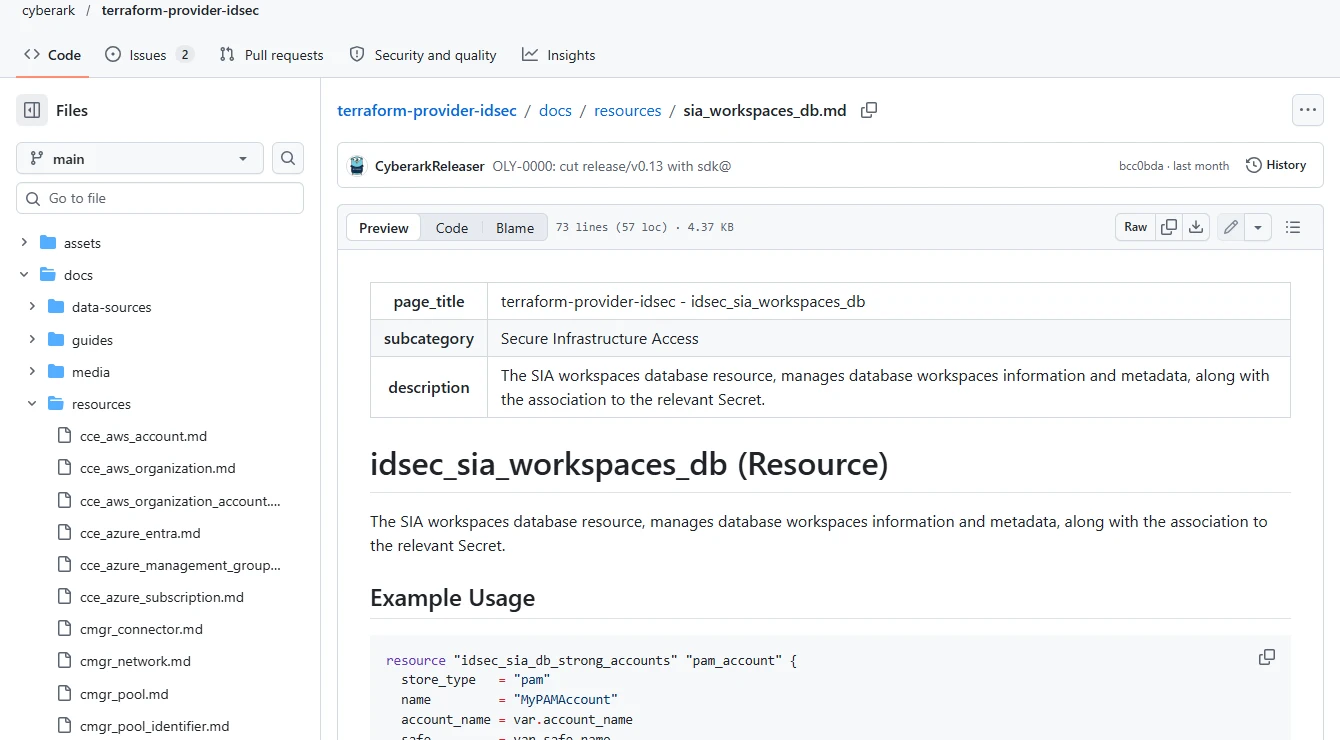
CyberArk Secure Infrastructure Access supports database workspaces and policy configuration for supported database access scenarios. It is useful when an organization already governs privileged access through CyberArk and wants SQL Server activity to follow a time-limited access policy.
Its useful workflow depends on the selected policy, target type and database identity. Zero standing privilege requires attention to the access remaining on the target and to paths that bypass the service. The supported client, account model and activity record are parts of the deployment decision.
Use a database workspace supported for the runtime and authentication in the pilot. Document how the connection, time-bound access policy and individual SQL permissions combine before granting a broader role.
Correlate the requester, resource and time window in the broker evidence with a SQL Audit record from the disposable database. Run separate revocation checks for a fresh connection and a retained session.
- Compatibility
- CyberArk Secure Infrastructure Access with a supported SQL Server database workspace and identity setup.
- License and trial
- Commercial CyberArk licensing.
HashiCorp Vault
HashiCorp Vault can create a SQL Server credential from a configured role and return it with a lease. The SQL statements attached to the role define how the credential is created or removed. This is useful for tools or workflows that can obtain a fresh credential for a particular task.
Its strongest case is a client that can request and discard credentials as tasks start and end. The Vault lease and SQL-side permission state need to agree. Revocation, connection pooling and the identity allowed to create or remove users determine when access actually ends.
Check the MSSQL plugin's configured creation and revocation statements using a role limited to the test database. Compare the lease record with the SQL login, mapped user and actual privilege when permission is issued.
Test normal expiry and an explicitly revoked lab lease. Inspect revocation errors and check which SQL objects remain. Confirm what happens to previously authenticated connections and existing sessions when the login changes.

- Compatibility
- Vault database secrets engine with a compatible MSSQL database configuration.
- License and trial
- Vault deployment and license vary by features and operating model.
BeyondTrust Password Safe
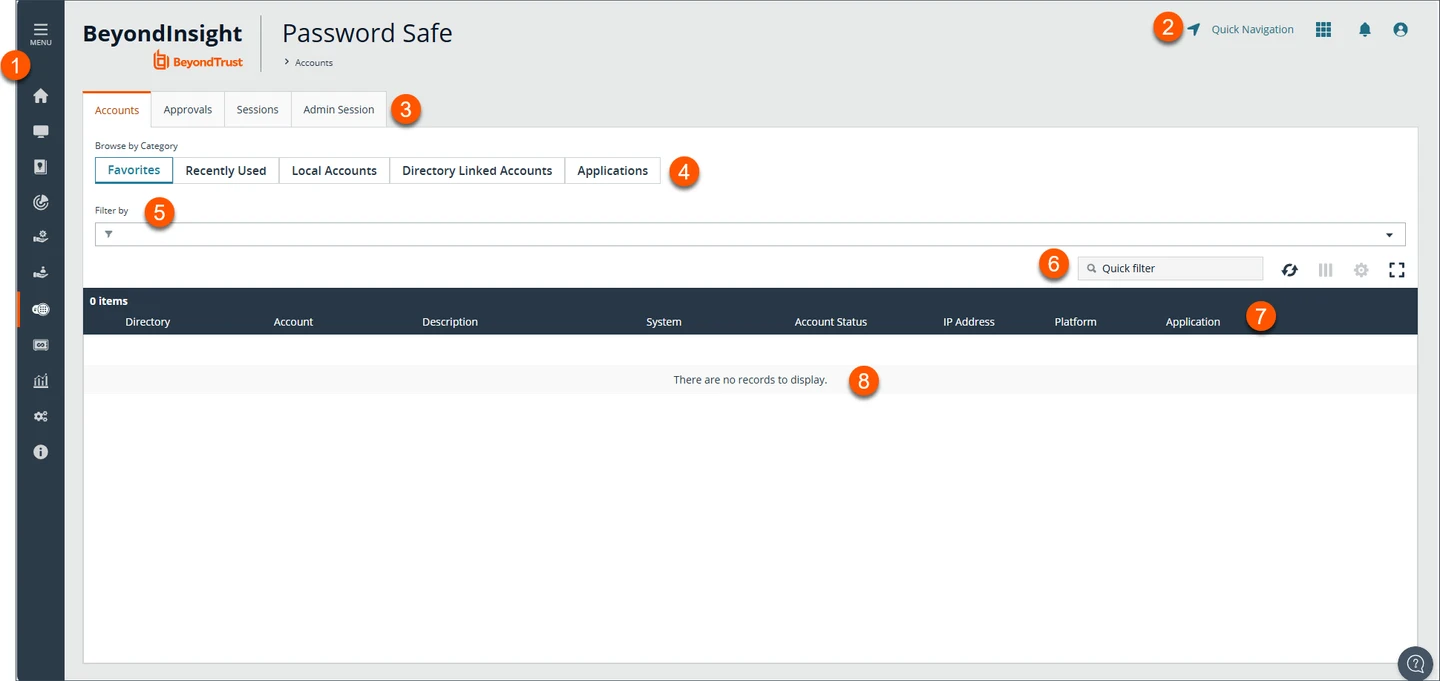
BeyondTrust Password Safe manages supported SQL Server accounts and can put credential access behind approval and time controls. It is useful when an organization already governs privileged database accounts through its password management platform and wants an auditable request before access begins.
It fits workflows based on an existing managed credential. The request window, password-change policy and SQL Server session lifetime are separate controls. Whether users receive a credential or access a session through a managed path affects how the account can be used after approval.
Configure a dedicated managed SQL credential and request policy for the test. Record whether the requester receives a password, opens a brokered connection, or uses both paths supported by the lab configuration.
Check the managed credential after expiry and validate the applicable rotation or check-in policy. Include an existing connection in the trial so password changes and session termination can be evaluated independently.
- Compatibility
- Password Safe with a supported SQL Server managed database and workflow configuration.
- License and trial
- Commercial BeyondTrust license.
Delinea Secret Server
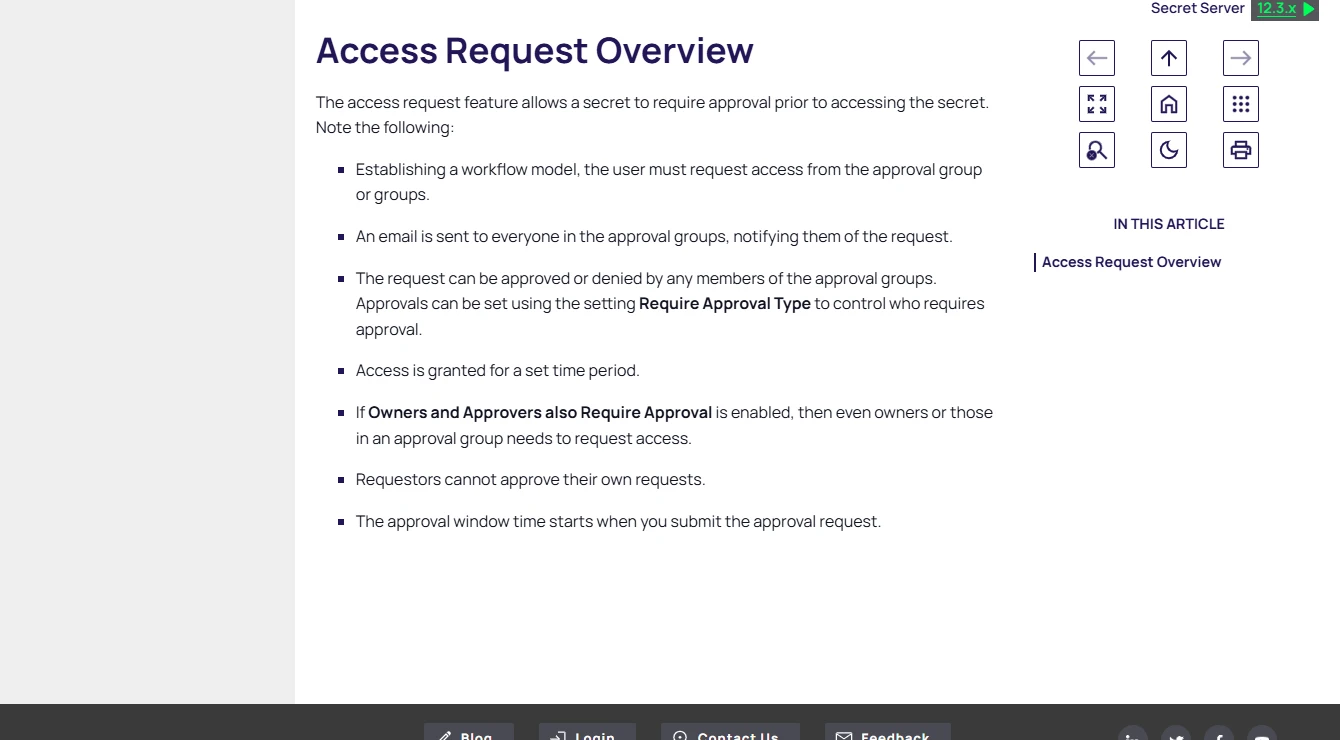
Delinea Secret Server can require access requests or checkouts for managed SQL Server secrets. It can also support SQL Server password changing through its remote password changer. This is useful where DBAs need approval before using an established administrative account.
It fits teams whose operating model already relies on managed secrets and approval records. Checkout expiry controls the Secret Server workflow. Changing the underlying credential or terminating an established SQL session is a separate outcome that depends on the configured policy and connection path.
Use Secret Server's access-request workflow on a test secret and record who is allowed to reveal or use it. Confirm the SQL login's rights separately because the stored credential may have access beyond the approved task.
Test what happens after the request window ends with a previously copied password and an open connection. Read the access and password-change records together to determine when old credentials actually cease to work.
- Compatibility
- Secret Server with supported SQL Server secret templates and remote password changing where needed.
- License and trial
- Commercial Delinea licensing.
Choose how the operator should receive temporary access
| What you need | Tools to shortlist | What to verify |
|---|---|---|
| Grant temporary access through an identity or permission workflow | Verify the binding to a SQL role, token refresh, approval expiry and the database operations available to the login. | |
| Broker a database session from an approved client | Check the supported target and authentication mode. Open two lab sessions and check the effects of expiry and explicit revocation. | |
| Issue or release a password for a limited window | Confirm whether the password or SQL account changes after expiry. Check the credential’s behavior from a fresh connection and record the existing session outcome. |
Find the boundary where SQL Server access expires
A directory group, broker grant, ephemeral SQL login and checked-out password are different controls. Map the user request to the mechanism that reaches SQL Server, then record the database role and which system enforces expiry. Test a network path outside the broker only in your approved lab.
Record the requester and the authenticated SQL identity. A shared managed account may appear as only the same SQL login in the engine log. Use date, session ID and allowed audit context to tie that activity to the individual request.
SQL Server already authorizes users through supported Entra groups
Trial time-bound activation of a mapped group
Check role mapping, token refresh and fresh versus existing connections.
Clients must use a controlled database connection path
Trial a database access broker
Verify proxy identity, direct network access and session expiry.
A workload needs unique short-lived credentials
Trial SQL credential issuance
Check create and revoke privileges, connection pools and cleanup failures.
Record access before approval, during the grant and after expiry
Use an existing disposable database named JitAccessTrial. Put a synthetic marker in dbo.JitAccessTrialRows with columns RowId and Marker. Keep the baseline identity able to connect where the mechanism permits and grant SELECT on this table through the approved temporary role. Some products may deny the connection itself before the grant.
Set up a very short test window. Close the client or use a fresh isolated process for the post-expiry new-session check so a pooled SQL connection cannot be mistaken for a new login. Keep a separate open session on purpose to test the live-session policy. Record native SQL identity, request IDs and UTC time.
| Case | Expected trial evidence | Record |
|---|---|---|
| Before approval | A new connection or marker read is denied | Observed denial layer and timestamp |
| Active grant | Test requester can read the marker with the intended role | Request, effective SQL identity and result |
| After expiry, fresh client | New connection or marker read is denied by the configured policy | Expiry time, actual enforcement time and error |
| After expiry, retained session | Behavior matches the documented open-session policy | Session ID, last successful statement and disconnect or denial if observed |
How to compare these tools
Approve access for a test user, connect with the supported client and let the approval expire. Verify what happens to new connections and to the SQL session that is already open. Sources checked .
Test the temporary grant before, during and after expiry
Copy these read-only checks into a client for the dedicated test role. Set up the synthetic table beforehand as described above. Execute before approval, during approval, and after expiry from both a fresh process and the previously opened connection. If the login itself is denied, save the connection error.
Read the effective identity and test the scoped JIT permission
T-SQL · 12 lines
- Confirm the nominated role grants only the intended lab access. Record the requester, SQL identity and approval window, then reproduce the approved read and one baseline denial.
- Keep the active connection open while the grant expires. Open a separate client process and compare the new attempt with the retained session. Record permission errors and connection errors distinctly.
- Verify the broker, group or secret engine's revocation record against what SQL Server allows. Review the actual session policy, role and audit trail before expanding the trial.
Conclusion
Pick the tool that fits the way your DBA connects and gives you a predictable end to the grant. Verify which SQL role is effective, how identity is recorded, and what happens to an active session. Keep the approved scope and the observed expiry result with the access record.
Frequently asked questions
What is just-in-time access for SQL Server?
It grants a specific account or operator access for a defined period. Implementations can use group or role membership, a leased login, a proxy grant or an approved checkout of a managed credential.
Does an expired SQL Server grant end an existing session?
The outcome depends on the broker, SQL login or role mechanism and client session. Try the read again in the already-open session and test a fresh connection after the grant expires.
Can a SQL Server proxy identify the person who ran a query?
The proxy can record the individual access request and session. SQL Server may see a shared service login. Compare the records from both sides and test how you match them for an incident.
How can I check whether a temporary SQL role actually grants SELECT?
Run a read against a known lab object and check HAS_PERMS_BY_NAME. A result of 1 indicates effective permission. A 0 or NULL should lead you to inspect the actual read result and object visibility.
Can I use Entra PIM with Azure SQL Database?
Yes. Use a supported group for Azure SQL data-plane authorization, grant it the needed database permission and use PIM for Groups to activate membership. Test a fresh token and session around expiry.
Does expiring SQL Server credentials end existing sessions?
The result depends on the access control and session path. Test existing sessions directly alongside a genuinely new login. A removed group grant, password change and broker disconnect are separate actions.
Why check SQL Server's effective permission during a JIT access trial?
An approved request shows a workflow outcome. The SQL connection and marker read show whether the approved identity actually received the intended database access.