

DataGrip and SQL Server Management Studio overlap in writing queries, editing data and inspecting plans. They serve different parts of the job once a team uses more than one database engine or needs to administer SQL Server itself. DataGrip organizes sources, consoles and schemas inside a cross-platform IDE. SSMS makes instance-level work visible in the same place as the editor, including jobs, backup and restore.
The useful split is how often the developer leaves the query window. A developer working on application SQL can get most of the day’s work done in DataGrip or another multi-database client. Someone responding to a failed job or recovering a database needs the permissions, views and operators’ workflow to go with it. The plan view also matters. Estimated operations and actual runtime information have different value during a production investigation.
DataGrip vs SSMS at a glance
The installed client, connection driver and selected authentication method matter before either tool can show plans or inspect metadata.
| Client | Best use | Connection or host | What to check |
|---|---|---|---|
| JetBrains DataGrip | SQL across databases, source navigation and reviewed schema diffs | Supported Windows, macOS and Linux plus SQL Server JDBC | Commercial or non-commercial license, TLS trust, actual plan and admin workflow |
| SQL Server Management Studio | Native SQL Server administration and query investigation | Supported Windows workstation and SQL Server or Azure target | Agent, Query Store, backup and restore, actual plans and chosen sign-in |
| Microsoft MSSQL for VS Code | SQL Server development alongside application code | VS Code on supported platforms | Connection and SQL Database Projects workflow for the branch |
| DBeaver | JDBC work across several databases | Edition-dependent cross-platform client | SQL Server driver, authentication and needed administration feature |
| dbForge Studio for SQL Server | SQL Server development with documented edition features | Windows and supported SQL Server targets | Profiler, data editing or schema workflow in the purchased edition |
| Navicat for SQL Server | Visual database development and data movement | Documented SQL Server endpoints and edition matrix | Actual platform, deployment diff and any administration feature required |
| DbVisualizer | Multi-database database browsing and SQL | Cross-platform client with SQL Server support | Verify JDBC drivers and plan or export features in the selected edition |
| Aqua Data Studio | Multi-engine SQL editing and query investigation | Supported platform and drivers | Compare plan and editing functions for the target SQL Server version |
JetBrains DataGrip
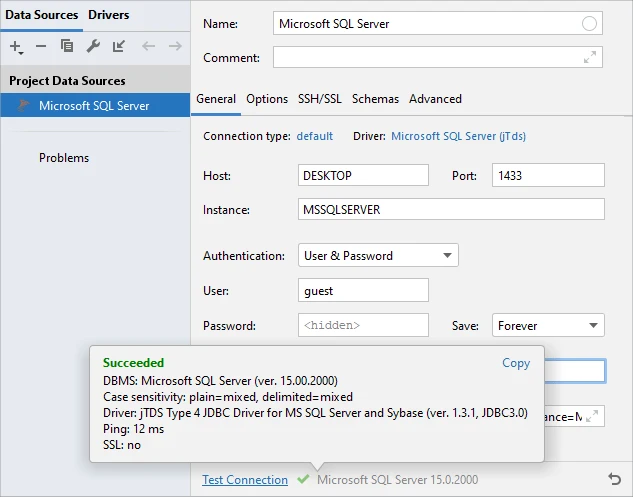
DataGrip brings SQL Server into JetBrains’ multi-database IDE. It can keep SQL Server and other data sources in the same project, resolve SQL against the configured schema and show plans with the engine’s available explain support. This is useful for developers who move between SQL files and several database engines.
The strongest case is day-to-day SQL development, especially on a team with Windows, macOS and Linux. Authentication remains a JDBC and platform concern. Windows integrated authentication or Kerberos adds its own setup. Teams can pair the plan view with SSMS for Agent and recovery work.
Test the Microsoft SQL Server data source with the intended driver and authenticated user. JetBrains documents setup for integrated authentication and Kerberos across platforms. Confirm that the workstation has the needed driver libraries or tickets and can validate the TLS certificate.
Repeat a schema diff using a disposable destination. Save the reviewable SQL and confirm its direction. Test the documented plan views against a SQL Server query with the same account as SSMS. Keep administrative work that depends on SQL Server-specific UI in the relevant tool.
- Compatibility
- Cross-platform IDE. SQL Server connectivity and authentication depend on JetBrains’ documented driver setup.
- License and trial
- Free for qualifying non-commercial use. Commercial work requires an eligible license.
SQL Server Management Studio
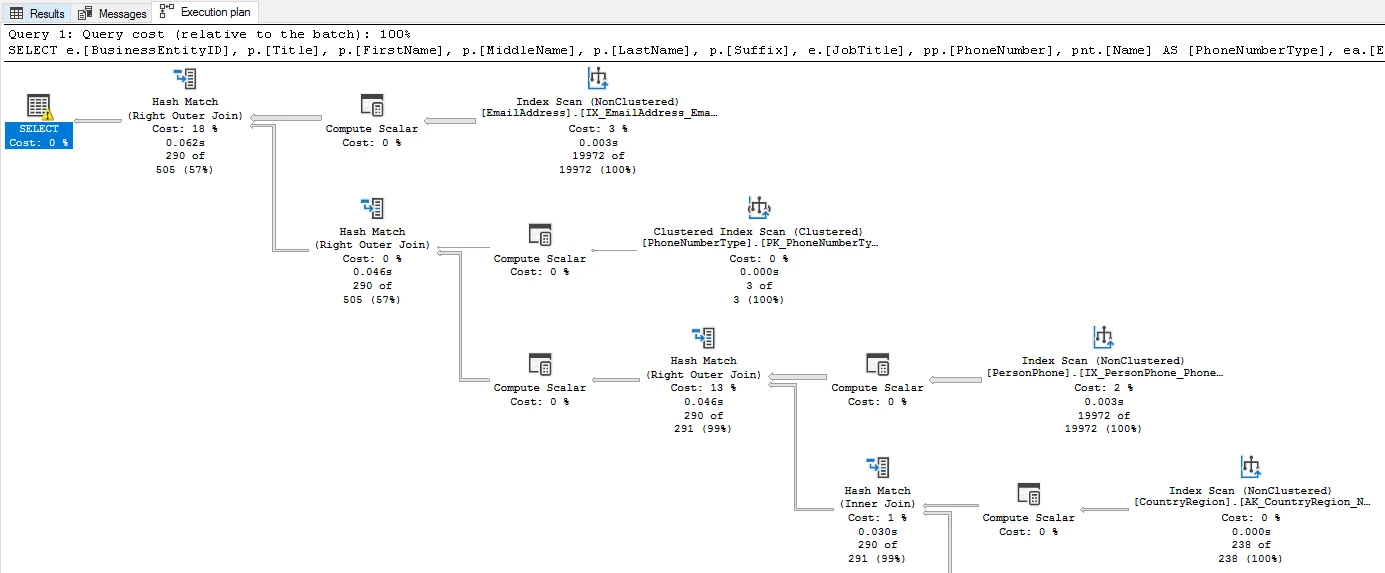
SSMS is Microsoft’s Windows client for administering SQL Server. It exposes the SQL Server Agent tree, backup and restore, native scripting and graphical actual execution plans. During an investigation a DBA can inspect the statement plan and move straight to the related database or scheduled job.
It fits work where SQL Server is the operating environment as well as the query target. Actual plan collection requires the statement to run and the applicable permissions. Agent functionality also varies by SQL Server platform and edition, which matters if a team moves from a full instance to a managed service.
Use the documented SSMS sign-in options for the target. Record the selected database, principal and encryption settings before comparing performance. Open the actual plan only on a representative query whose execution is authorized and capture the artifact with its parameters.
Use Agent and Query Store for the SQL Server-specific checks in the pilot. Confirm the login has the required permissions and the target supports each workload. Exercise a separate backup restore job on an isolated SQL Server if recovery is one of the team's operating responsibilities.
- Compatibility
- Windows SSMS. Supported SQL Server and Azure services expose different administrative features.
- License and trial
- Free Microsoft client.
Microsoft MSSQL extension for VS Code
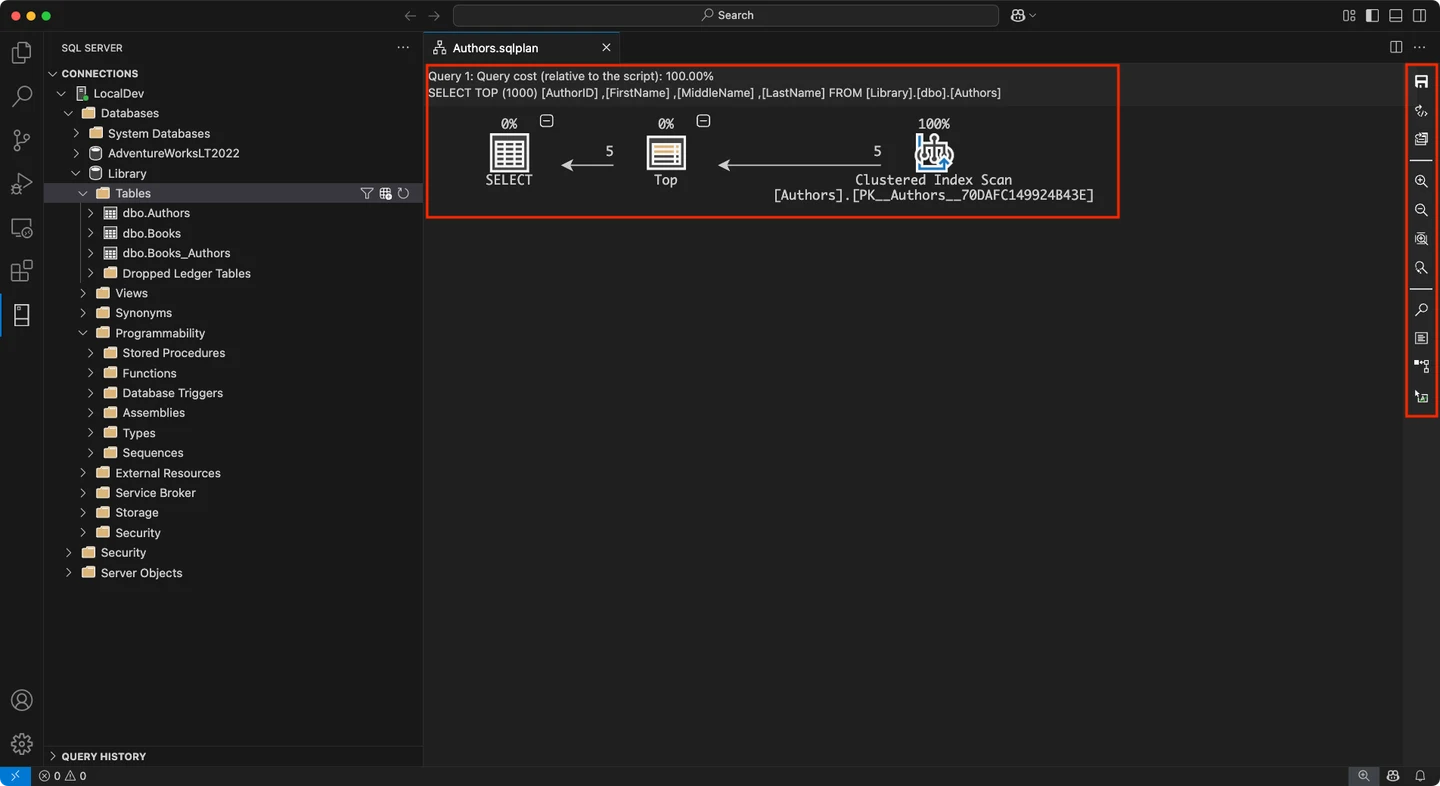
Microsoft’s MSSQL extension brings connections, schema browsing, query editing and results to VS Code. The SQL Database Projects tooling can build a database project from source and support DACPAC-based workflows. This is useful when application and database edits need to travel through the same repository and review.
It is a sensible choice for cross-platform development when the team prefers a lightweight editor. An application developer can keep the project nearby while still using SSMS on Windows for administration. SQL project authoring and the connected production troubleshooting workflow have different permissions and requirements.
Use Microsoft's extension on the same database and with the same identity when comparing authoring. The SQL Database Projects integration can be relevant when development starts with versioned definitions. Confirm whether the project build runs on the actual CI host.
Keep a small signed-in connection and query trial separate from any instance administration. Verify that another developer can open the same SQL file under their own account. Use the database-operations tool that covers the administrative steps in your checklist.
- Compatibility
- VS Code on supported Windows, macOS and Linux hosts. SQL Database Projects is an additional extension or toolchain.
- License and trial
- Free Microsoft extension. Database deployment and infrastructure terms are separate.
DBeaver
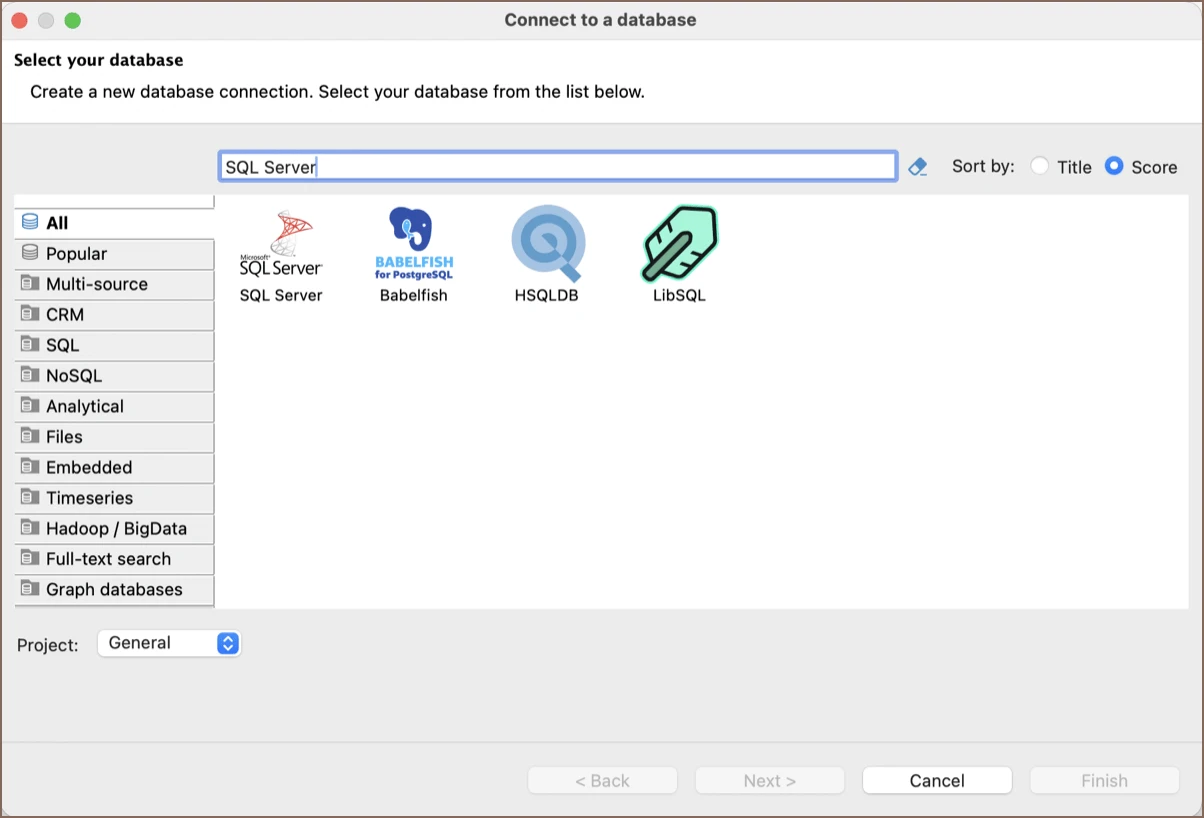
DBeaver is a multi-database client with SQL Server connections, metadata navigation, a SQL editor and a query-plan view. It is useful for analysts and developers who run everyday queries on several engines and prefer one way to navigate connections and result grids.
Its advantage is a broad client workflow based on database drivers. SQL Server authentication, plan behavior and advanced tools depend on the edition and connection. Someone replacing an SSMS workflow should distinguish daily query work from native instance operations and review which tasks will still be performed elsewhere.
Install the Microsoft SQL Server driver version approved for your workstation and test the intended authentication method. If the tool has several SQL Server connection modes, record the one used and how the driver validates the server certificate.
Try the same schema, a parameterized query and any output export needed in daily work. Confirm the community or paid edition runs the required workflow. Compare saved connection details and team settings independently of database object permissions.
- Compatibility
- Windows, macOS and Linux desktop client with a supported SQL Server driver and connection.
- License and trial
- Free Community and commercial editions. Some advanced tools are edition-specific.
dbForge Studio for SQL Server
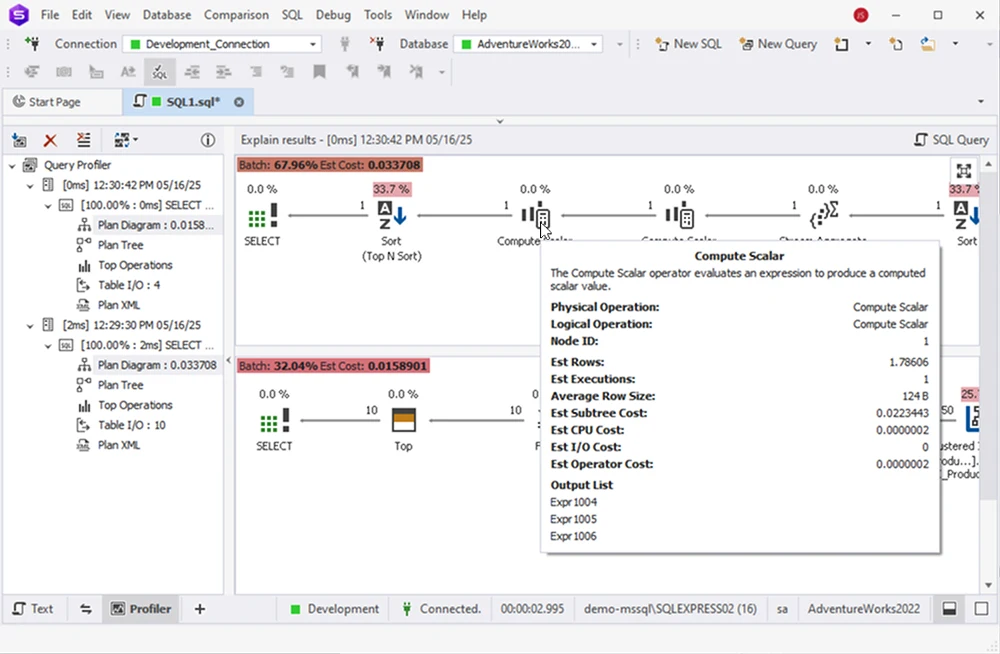
dbForge Studio for SQL Server combines a SQL Server editor with schema and data tools. Its Query Profiler can show execution plans and workload details such as CPU time and logical reads. That makes it relevant for a SQL Server developer who wants to compare a change and inspect its effect from one workstation.
Its strengths are specific to SQL Server and depend on the chosen edition. Devart documents CrossOver for macOS and Linux, which is different from the native cross-platform IDE experience DataGrip offers. The query profiler also depends on what can be executed and collected on the target.
Start with the exact Windows and SQL Server releases listed for the edition. Run a small query with the product's documented profiler. Confirm what statistics and plan details are available and which measurements require actually executing the statement.
Trial the schema workflow on an isolated development and test pair. Keep the generated DDL and check the direction, unchanged objects and dependencies. Gather the licensing terms for the edition that supplies the features you exercised.
- Compatibility
- Windows product. Vendor documentation describes CrossOver for macOS and Linux.
- License and trial
- Commercial editions. Comparison and profiling capabilities vary by edition.
Navicat for SQL Server
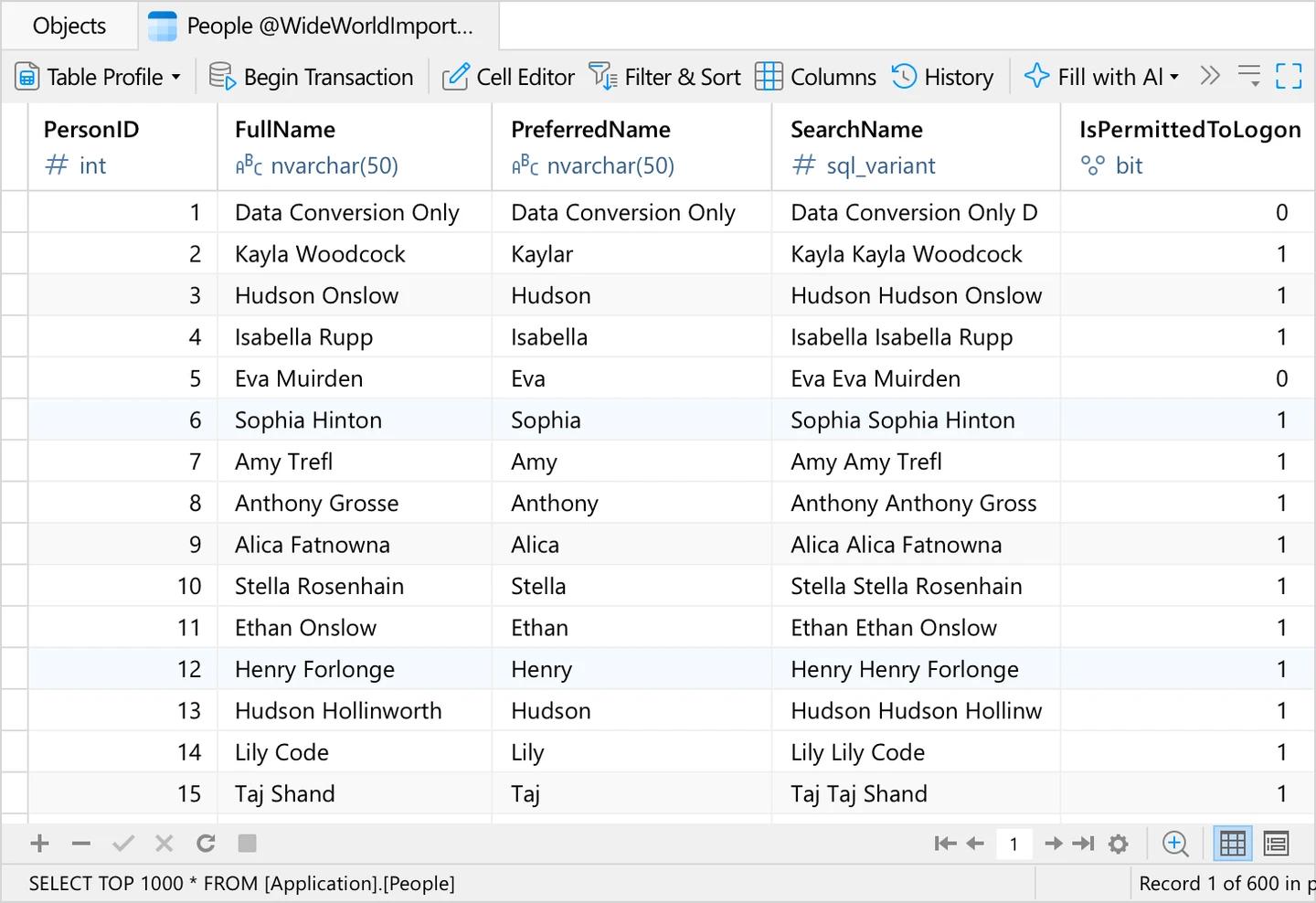
Navicat for SQL Server combines a query editor, schema tools and a visual query builder in a SQL Server-specific client. Its published capabilities include viewing execution plans and working with data visually. It is useful when a developer or analyst expects to do table and result work from a graphical workspace.
It is a candidate where a team wants a focused SQL Server client on more than one operating system. The edition matrix matters if synchronization and administration are part of the purchase. The exact plan action and connection setup also determine what its visual tools can show on the target.
Check the product feature matrix for the SQL Server edition and workstation you expect to use. A visual connection and successful query are useful first checks. Also verify the supported comparison, import or administrative feature that drives your purchase.
Use the same query and schema as the two main clients. Review any generated SQL before applying it and check whether a repeat run shows the intended schema state. Store the product and connection settings with the trial results.
- Compatibility
- SQL Server client on supported desktop platforms. Features vary by edition and platform.
- License and trial
- Commercial. The edition matrix distinguishes the available features.
DbVisualizer
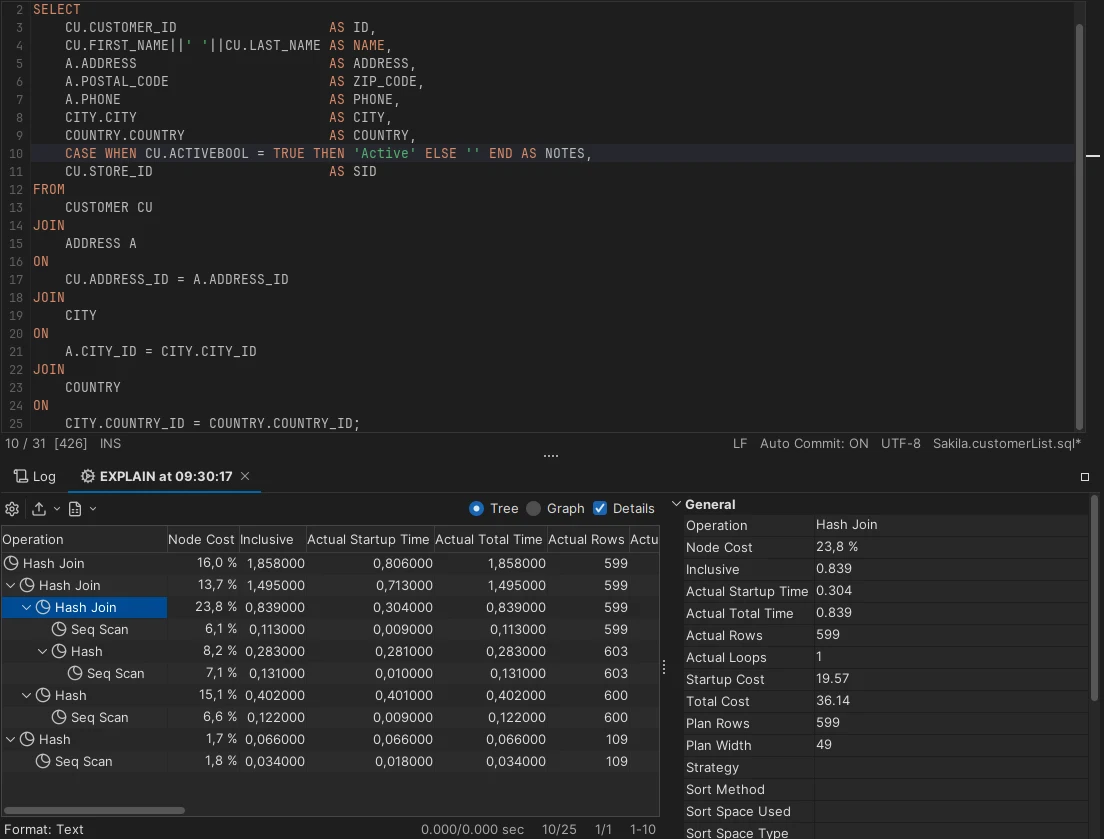
DbVisualizer is a JDBC-based desktop client that supports SQL Server alongside other databases. It offers object browsing, SQL editing and, in Pro, query plan analysis. That makes it useful for developers and analysts who want the same way to inspect objects and queries on several engines.
It fits a mixed estate where visual query inspection matters and the team can manage drivers and credentials. Its explain-plan workflow follows the connected database, so a graphical view alone says little about collection of actual query statistics. The Pro boundary matters if analysis is the main reason for adopting it.
Verify the SQL Server JDBC connection and configured encryption on the workstation. Try browsing a schema with selective permissions to see whether the visible object scope matches the user's role. Check driver differences before attributing a behavior to the tool.
Use the exact edition to test exporting results or opening the plan format you need. Run the representative query using the same parameters as other clients. Record what operators need to do in a separate SQL Server administration tool.
- Compatibility
- Cross-platform client with a supported SQL Server JDBC connection.
- License and trial
- Free and Pro editions. The documented plan analysis is a Pro feature.
Aqua Data Studio
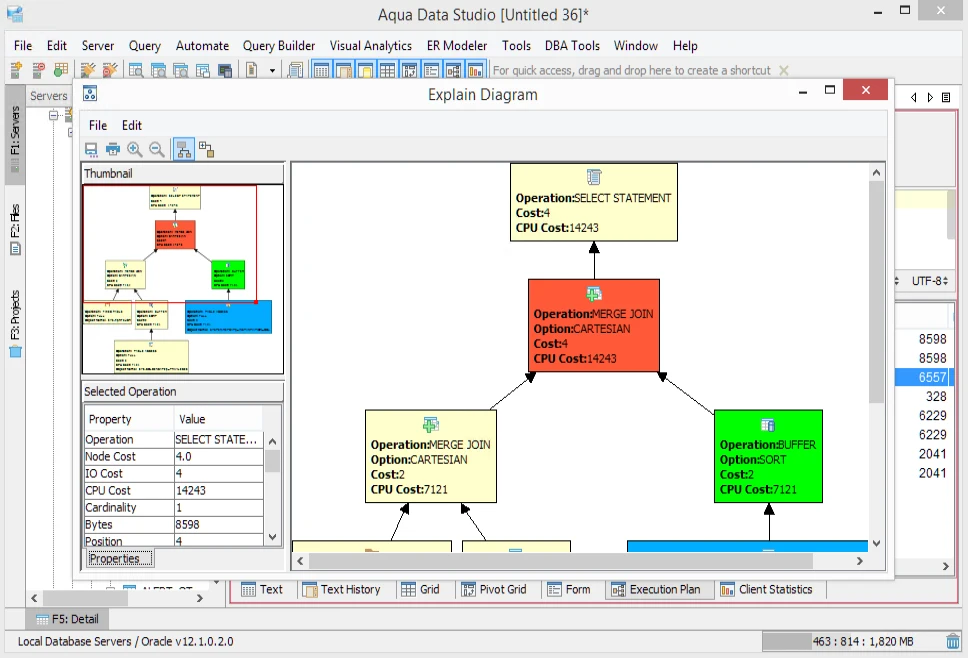
Aqua Data Studio provides SQL Server object navigation, query analysis and schema comparison within a multi-database desktop client. Its comparison tool can identify differences in object definitions between schemas. That is useful when a developer regularly needs to examine staging and production definitions across more than one database platform.
It fits a group that values comparison and SQL execution in the same workspace. A schema report helps explain what differs, while applying a migration still needs deployment review and the appropriate permissions. Plan details and supported objects depend on the connected engine.
Compare the SQL Server dialect and driver setup with the data sources the team uses every day. Inspect the query-analysis view for the representative statement. Record what belongs to estimated plan output versus an executed query.
Run a read-only query, examine its result and review an export in the intended edition. Confirm the handoff format if colleagues use a different client. Keep database operations and approvals in the same runbook regardless of authoring client.
- Compatibility
- Desktop client with SQL Server and other supported database connections.
- License and trial
- Commercial. Feature access follows the applicable Aqua Data Studio license.
DataGrip and SSMS feature comparison
| Feature | JetBrains DataGrip | SQL Server Management Studio |
|---|---|---|
| Workstation and licensing | Windows, macOS and Linux on supported systems. Free non-commercial license and paid commercial use. | Free Microsoft download for supported Windows systems. Microsoft lists SQL Server 2014 and later for SSMS 22. |
| Connecting to SQL Server | The Microsoft JDBC data source has driver-specific TLS and authentication settings. JetBrains documents integrated authentication and Kerberos setup. | The connection dialog provides SQL Server, Windows and supported Microsoft Entra sign-in choices. Check the authentication and encryption settings for your target. |
| Day-to-day development | Introspect the selected schemas, navigate definitions, use code completion and generate a schema migration diff for review. | Write and run T-SQL in the query editor and browse or script SQL Server objects. A documented SQLCMD mode can handle supported directives. |
| Query plans | JetBrains documents Explain Plan tree and raw views. Check which runtime fields and export actions your SQL Server connection exposes. | Use the estimated plan for a plan without executing or Include Actual Execution Plan for runtime counters after the statement runs. |
| Instance administration | Use authorized T-SQL for server-side operations. Hand off administration that depends on a platform-specific wizard to the tools your team uses. | Open the native SQL Server Agent management interface on a supported server. Review job steps, schedules and history under the correct role. |
SQL Server clients by development and administration task
| What you need | Tools to shortlist | What to verify |
|---|---|---|
| Work on SQL Server from macOS or Linux | Test the company login and host certificate from the actual workstation. | |
| Investigate SQL Server runtime plans or Agent jobs | Compare runtime counts where available. Use the SSMS Agent interface for the job-history and edit checks. | |
| Use schema comparison or object designers | Review the generated changes around a default constraint and a renamed object before applying the script. | |
| Browse and query several databases in one client | Pin the target database for each tab and verify transaction mode before editing rows. |
Choose DataGrip or SSMS for the work you do
Confirm whether the job is SQL authoring, SQL Server administration, or both. Many SQL Server operations can be expressed in T-SQL. Native management views and workflows can still affect whether a team can repeat the operation efficiently.
Cross-platform SQL development across a few engines
Trial DataGrip with the actual SQL Server driver
Check authentication and TLS, navigation, schema diff and execution plan for the same database.
Native Agent, Query Store or backup recovery
Use the SSMS administration workflow
Verify operator roles and the supported SQL Server and Windows versions.
Development and instance operation are separate duties
Use each client for the supported tasks
Record a repeatable handoff from a reviewed script or plan to supported administration.
- JetBrains Microsoft SQL Server data source
- JetBrains SQL Server authentication and Kerberos setup
- JetBrains DataGrip licensing
- Microsoft SSMS installation and supported targets
- Microsoft SSMS connection options
- Microsoft SQL Server Agent Job Activity Monitor
- Microsoft SQL Server Query Store management
- Microsoft restore a SQL Server database using SSMS
Verify the SQL Server workflows you will use
Record the installed host and driver builds and the exact authentication method. For JDBC, Microsoft documents how encrypt and trustServerCertificate interact. A connection that succeeds when certificate validation is bypassed gives different evidence from one that verifies the intended server identity.
Use the same principal, target schema and input values in both clients. Compare result rows and plan features first. Review schema or Agent changes in a lab using a role that was explicitly granted those permissions.
| Task | DataGrip | SSMS |
|---|---|---|
| Host and payments | Supported Windows, macOS and Linux; use a license for the applicable use | Supported Windows; free download |
| Sign in and validate TLS | Microsoft SQL Server JDBC source; check the supported auth method, dependencies and trust | Native dialog with target-appropriate SQL Server, Windows or Entra authentication options |
| Plan | Open documented plan views and verify output for SQL Server or use authorized T-SQL | Use estimated plans or Include Actual Execution Plan for executed statements |
| Schema changes | Compare supported sources and review generated migration SQL | Script the object and run reviewed SQL; use an approved comparison workflow if needed |
| Query Store and Agent | Use authorized T-SQL or hand off to a native operation | Native Query Store reports and Agent views on applicable targets |
| Database restore | Execute approved T-SQL with permissions or use a supported tool | Use the native restore dialog or reviewed T-SQL on a supported SQL Server target |
- Microsoft JDBC encrypted connections
- JetBrains DataGrip execution plan features
- JetBrains DataGrip schema comparison and migration
- Microsoft SQL Server actual plan settings
- Microsoft SQL Server Query Store management
- Microsoft SQL Server Agent Job Activity Monitor
- Microsoft restore a SQL Server database using SSMS
How to compare these tools
Connect both clients with the same restricted SQL Server login. Compare script execution, plan detail and Agent access. Check which actions depend on the client, the edition and database permissions. Sources checked .
Run one SQL Server development workflow in both clients
Run the setup section once in an empty, disposable database named SqlClientTrial. Run the query section separately in both clients under the same login to compare results and plan access. No formatter or client behavior is assumed from the SQL result.
Compare connection context and a stable SQL Server query
T-SQL · 25 lines
- Use the intended connections and trust settings for the same target. Record authentication scheme and database. Run the setup only once from an authorized lab connection.
- Run the final SELECT in both clients. It should return 35.50 for customer 10 and 5.00 for customer 20. Capture how each client represents the plan and whether it includes actual execution statistics.
- Check Query Store, Agent history or restore in SSMS if those are job requirements. In DataGrip, compare two disposable schema versions and save the approved diff. Record which workflows you plan to use in each editor.
Conclusion
If your daily work is writing SQL across operating systems or database engines, start with DataGrip. Keep SSMS available when the team depends on native Agent administration or the Windows plan and deployment tooling. Buy or standardize a client after it passes your login, script and plan checks.
Frequently asked questions
Is DataGrip better than SSMS for SQL Server?
DataGrip fits development on multiple operating systems or database engines. SSMS fits SQL Server administration on Windows and has native tools for Agent and actual plans. Decide using the work you need to run on your normal account.
Can DataGrip replace SSMS?
DataGrip supports common SQL development, object inspection and schema comparison. Keep an SSMS workflow for tasks that depend on its Agent, wizards or other SQL Server administration features.
Is DataGrip free for work?
JetBrains offers DataGrip free for non-commercial use and a commercial subscription for commercial work. Microsoft offers SSMS as a free download. Verify licensing for your intended use.
Can I connect to SQL Server from macOS with DataGrip?
Yes. Use a supported DataGrip build and the SQL Server JDBC data source. Verify your required authentication, network route and TLS trust settings from the macOS workstation.
Can DataGrip show SQL Server execution plans?
DataGrip supports query plan viewing, including tree and raw plan workflows. Check your driver and permissions, and verify that the view exposes the runtime fields your analysis needs. SSMS explicitly supports estimated and actual SQL Server plans.
Why do DataGrip and SSMS give different SQL Server connection results?
Check client driver version, login choice, target and certificate settings. The development client may use JDBC while SSMS uses its own connection path. Verify both with the supported authentication setup and a trusted server certificate.